Cowboy Who?
Shared posts
28 Feb 19:36
Click here to go see the bonus panel!
Today's News:
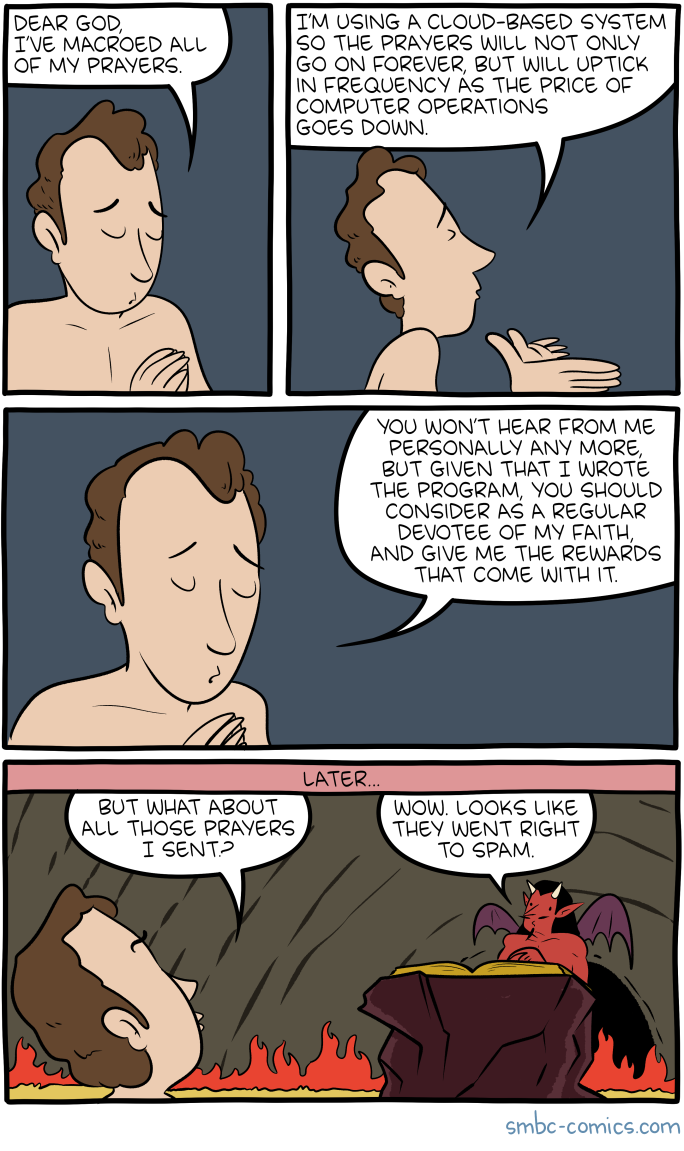
Saturday Morning Breakfast Cereal - Macro
by tech@thehiveworks.com
Click here to go see the bonus panel!
Hovertext:
Now, if your macro had been accomplished by paying people to pray on your behalf...
Today's News:
Al Navarro, Alex and 2 others like this
28 Feb 14:49
Bodacious Documents!
by Mary Kelly

Bodacious Borders
Armstrong
1992
Are you looking to make your reports more bodacious? Look no further! You can jazz up your reports with a variety of borders. With a copy machine, and some rubber cement, transform your documents into something special.
Prior to the widespread use of programs such as Photoshop and word processing, combining graphics and text was difficult. It also wasn’t practical for most people. (Those of us of a certain age might remember the dittos, which predates all of this. Raise your hand if you remember inhaling that new ditto smell.)
So, for that next report, think about making your next document a bit more bodacious with this helpful book.
If you need me, I will be busy un-jamming a printer.
Mary
P.S. About the time I found this book, I actually had a patron try and do something similar with the copy machine. Once I showed her some computer options, she was thrilled. Libraries FTW.


The post Bodacious Documents! appeared first on Awful Library Books.
BillyHoya likes this
28 Feb 14:46
Let’s Meet!
by Mary Kelly

When You Preside
Sutherland
1969
Another book about holding a meeting. This one is directed at the leaders of meetings and talks about organization and how to formalize the process. Fine. Although the old standby of Robert’s Rules of Order will work too.
This book adds a nice section on the type of personalities that inhabit meetings. It’s supposed to be clever, but the cartoon illustrations are not that great. Having attended meetings my entire adult life, I don’t think any book will fix meetings. I know that library meetings are a special kind of hell and seem to be a significant time suck.
I had a manager once, in my time before librarianship that believed the best meetings had no chairs, no food or drinks and only lasted 30 minutes. I think this is an excellent idea.
In a meeting,
Mary


The post Let’s Meet! appeared first on Awful Library Books.
BillyHoya likes this
28 Feb 12:55
I earn more than my peers, and they’re not happy
by Ask a Manager
A reader writes:
Five years ago, I was hired in an entry-level role. During the initial employment offer, the company offered their base salary for a starting amount. Since I did my homework on the average salary of the role in this area, I countered with a number closer to the average. The company agreed and I began my job.
After four promotions in five years, I’ve grown in my roles and compensation. Between high turnover and firm growth, my coworkers have similarly risen through the ranks as I have — we all started within a year of each other. Two are now managers, one two levels above me.
Then The Bomb went off — a manager printed a budget document and forget to collect it before others noticed. This form contained salary info on my department peers and clearly showed I’m now the highest paid member of the team. Working backwards, it’s likely that as fresh grads my coworkers never negotiated their starting salary — and after half a decade of collective career advancement, what was a few thousand dollars difference five years ago has now magnified.
There’s a perceptible social distance between us all now, what with me taking home $10,000 per year more than the next highest paid coworker in the department ( who’s a manager two layers above me!). Obviously I’m not responsible for the pay scales and compensation policy of my employer, but short of taking a $10,000 pay cut I’m not sure how I can repair the sudden social distance this new information created. Before this revelation, we were a tight functional team.
I don’t wish to make an obviously sensitive topic worse by appearing patronizing, entitled, or insensitive. Viewing it from their perspective, I can understand why they’d see it as profoundly unfair they’re doing more work than me for far less money. How do I repair this social rift?
You’re right that you’re not to blame for this; your employer is. Your colleagues’ ire should be directed there, not at you.
But it’s human nature for people in your colleagues’ shoes to look at you, getting paid $10,000 more and with less responsibility, and think, “What exactly is so great about that person that they deserve $10,000 more than me?” And that can pretty easily turn into resentment, even if intellectually they know it’s not your fault.
What you can do is look for ways to be your coworkers’ ally and their advocate. Tell them you were as taken aback as they were, tell them you think (based on your own experience) there’s room for them to negotiate more, tell them you think this stems from negotiation that you did at hire, and tell them specifically what you negotiated and how. Share as much info as you can about your salary history at this company — starting salary, raises, all of it. That will arm them with context around the pay disparity and with insight about what works at your company so they can construct the strongest possible cases for their own raises. And if you’re willing, tell them they can reference that information when talking with their managers about their own pay. (If this would be a big political misstep at your company, you might not be up for that — but give them as much permission as you’re willing to.)
If you’re worried your company wouldn’t want you sharing salary info, know that the National Labor Relations Act protects your right to “engage in concerted activities,” which includes the right to discuss your wages and working conditions with coworkers. Employers aren’t allowed to prohibit you from discussing your salary, and any attempts to do so violates the NLRA (although it’s incredibly common for employers to have policies that run afoul of the law). However, it’s important to know this protection only applies to non-supervisory employees, so it may not cover you — although there’s advice here about how to push back on that if you need to.
If you’re a man and the coworkers earning less than you are women, you should also tell your coworkers about the Equal Pay Act if they don’t already know about it and tell them you’ll support them in pushing the company to follow it. (By the way, in case you’re worried about your own pay getting lowered in the name of salary equity, know that the Equal Pay Act specifically says employers cannot lower one employee’s wages to make them equal with another’s.)
Beyond that, ask how else you can support them. It’s a lot harder for people to resent you if you’re actively offering help … in addition to that just being the right thing to do.
You may also like:
I earn more than my peers, and they’re not happy was originally published by Alison Green on Ask a Manager.
BillyHoya likes this
28 Feb 12:46
Click here to go see the bonus panel!
Today's News:
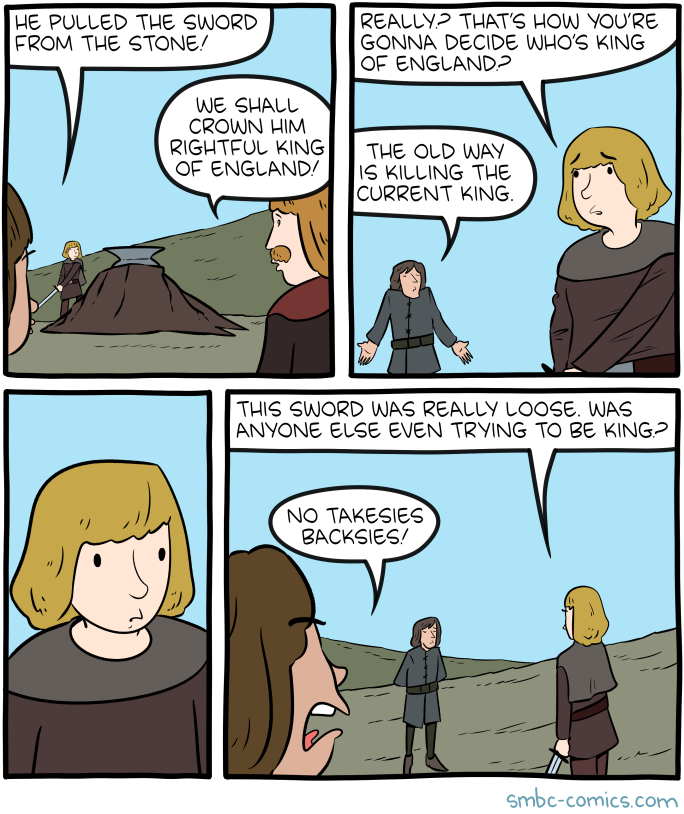
Saturday Morning Breakfast Cereal - Sword
by tech@thehiveworks.com
Click here to go see the bonus panel!
Hovertext:
I wonder if this sort of thing seems way more plausible when the nature of monarchy is already based on magic.
Today's News:
Hey! Here's my and Bryan interviewing each other about the new book!
BillyHoya likes this
28 Feb 12:44
The Dork Web
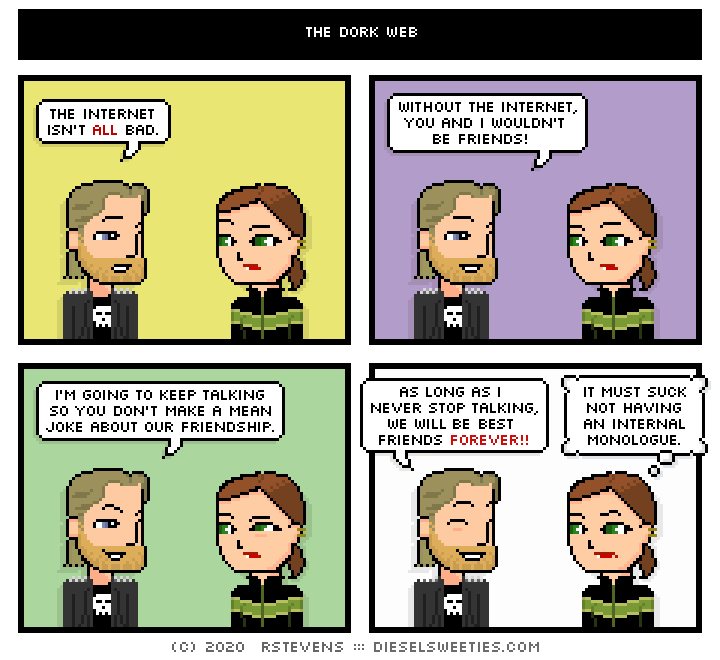
The internet isn't all bad, I guess.
Welp, that's 5,000 comics. (I'm not counting syndicated or extra-curricular strips.)
I'm going to take a little break and run "best of" comics for a bit - I'm interested in finding new things to write or collaborate on for a bit, if anyone out there has ideas.
28 Feb 12:42

Permalink | Comments | Email This Story
No, Google Isn't Hiding Elizabeth Warren's Emails To Promote Mayor Pete
by Mike Masnick
Content moderation at scale is impossible. This time, it's email content moderation. This week a new publication called The Markup launched. It's a super smart group of folks who are doing deep data-driven investigative reporting of companies in and around the tech space -- and I'm very excited to see what they do. I was going to write about the project overall and its goals, but instead I'm going to write about one of its first stories, done in partnership with the Guardian, entitled Swinging the Vote?, and which looks at Gmail's filtering system, specifically as it regards political emails from Presidential candidates.
A few years back, Google added the "Promotions" tab to Gmail, as a way of hopefully, automagically sorting not-quite-spam emails, but general promotional emails that you probably don't want cluttering up your inbox. Personally, I don't use it, as I use a different filtering setup entirely that overrides Gmail's defaults. However, for many people it's proven to be quite useful. The reporters at The Markup conducted a worthwhile experiment:
The Markup set up a new Gmail account to find out how the company filters political email from candidates, think tanks, advocacy groups, and nonprofits.
We found that few of the emails we’d signed up to receive —11 percent—made it to the primary inbox, the first one a user sees when opening Gmail and the one the company says is “for the mail you really, really want.”
Half of all emails landed in a tab called “promotions,” which Gmail says is for “deals, offers, and other marketing emails.” Gmail sent another 40 percent to spam.
Very interesting! What was perhaps even more interesting was the chart -- which quickly rocketed around social media -- showing that some candidates had their emails go into the Primary Inbox at a much, much higher rate than others:
You'll notice a few standouts. 63% of Pete Buttigieg's emails made it to the Inbox, as did 47% of Andrew Yang's. Everyone else was much closer to 0% with quite a few -- including both Elizabeth Warren and Joe Biden -- at 0%.
The reporters at The Markup also published a companion piece that gives the details of how they went about doing this research and (yes!) they even provide the data and the code on Github. This is a fantastic and transparent way of doing such journalism -- and I applaud them for that.
However, the very framing of the original story itself... is problematic. It's one thing to be open about how you conducted the research. But starting with a title like "Swinging the vote" and highlighting the chart above almost immediately resulted in lots of people on Twitter assuming (or suggesting) that Google was doing this deliberately, and that they were purposely making the decision to tilt the playing field towards Buttigieg. This includes vocal big tech critic Roger McNamee, who declared this was evidence that "Gmail has its thumb in the scale." Another Google critic, who is fond of misleading conspiracy theories about the company, called it "election meddling" and claims that Google was giving certain candidates "special treatment."
Except... that's almost certainly not the case. No one at Google on the Gmail spam team is thinking about promoting one Presidential candidate over another. Instead, this is just yet another example of Masnick's Impossibility Theorem, but applied to email moderation, rather than social media. Content moderation at scale is impossible to do well and will always piss off some people.
Indeed, looking over the data, the most obvious and most likely solution is simply this: Buttigieg and Yang hired competent email marketers who know how to craft emails that are (1) less likely to trigger the algorithm, and (2) less likely to be clicked on as spam by users (an important signal that feeds back into the algorithm). The rest of the candidates... did not. And thus, their emails went to the promotions and spam folder because they had characteristics that are more closely associated with promotions and spam. And, yet, The Markup story doesn't bother to get into any of that -- and thus leaves the speculation wide open, allowing plenty of folks to leap in.
Again, I'm super excited about The Markup as a project and believe it will put out plenty of important and impactful journalism in the days, weeks, months and years to come. I recommend people read over The President's Letter from the site's President Nabiha Syed (a past podcast guest) and Editor's Letter from Julia Angwin -- both of which present a compelling vision of what The Markup will be.
But this story shows how important context is in presenting a story. This is a data driven story -- which is great. But if the necessary context is not provided, especially on a topic so fraught with speculation, people are going to rush in and jump to conclusions. The Markup itself did not directly say that Google was doing this deliberately, but its total failure to suggest why this might be happening, along with a cringe-worthy headline, opened the door for others to jump in and assume as much -- and that's a shame.
Permalink | Comments | Email This Story
BillyHoya likes this
26 Feb 15:39
Laws and Sausages - Lesson Twenty: Part 5
by tech@thehiveworks.com

BillyHoya likes this
26 Feb 15:33
Laws and Sausages - Lesson Twenty: Part 1
by tech@thehiveworks.com

BillyHoya, Stephanie.hammell likes this
26 Feb 15:32
Laws and Sausages - Lesson Nineteen: Part 1
by tech@thehiveworks.com

BillyHoya, Stephanie.hammell likes this
26 Feb 15:06
Laws and Sausages - Lesson Eighteen: Part 6
by tech@thehiveworks.com

BillyHoya likes this
26 Feb 15:06
Laws and Sausages - Lesson Eighteen: Part 4
by tech@thehiveworks.com

BillyHoya likes this
26 Feb 15:06
Laws and Sausages - Lesson Eighteen: Part 3
by tech@thehiveworks.com

BillyHoya likes this
26 Feb 12:51
Internet After Hours
by Mary Kelly

Internet After Hours
Your Guide to Finding Games, Entertainment, and Just Plain Weirdness on the Internet
Eddy
1994
Sounds like this newfangled Internet is a bit sketchy. This is still the infancy of the Internet for the general user. This book is highlighting the entertaining and/or weird parts of the Internet. (Note the interest in vending machines at certain universities around the world.) This is another one of those quaint books on the early days of the Internet. In 2020, I doubt one has to work that hard at finding weird stuff on the Internet.
Mary


The post Internet After Hours appeared first on Awful Library Books.
BillyHoya likes this
26 Feb 05:30
Dial It Up, Dial It In, Let Me Begin
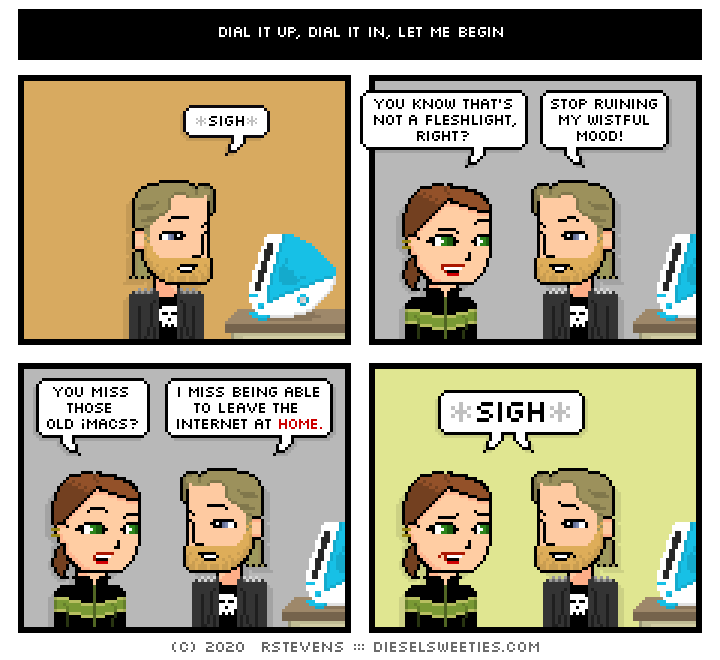
I'm probably taking a little break after I hit comic 5000 on Friday and running "best of" older strips.
Are there any you remember and can't find? Characters you miss? dieselsweeties@mac.com
Alfonso P, personal responsibility and one other like this
26 Feb 02:48
Click here to go see the bonus panel!
Today's News:
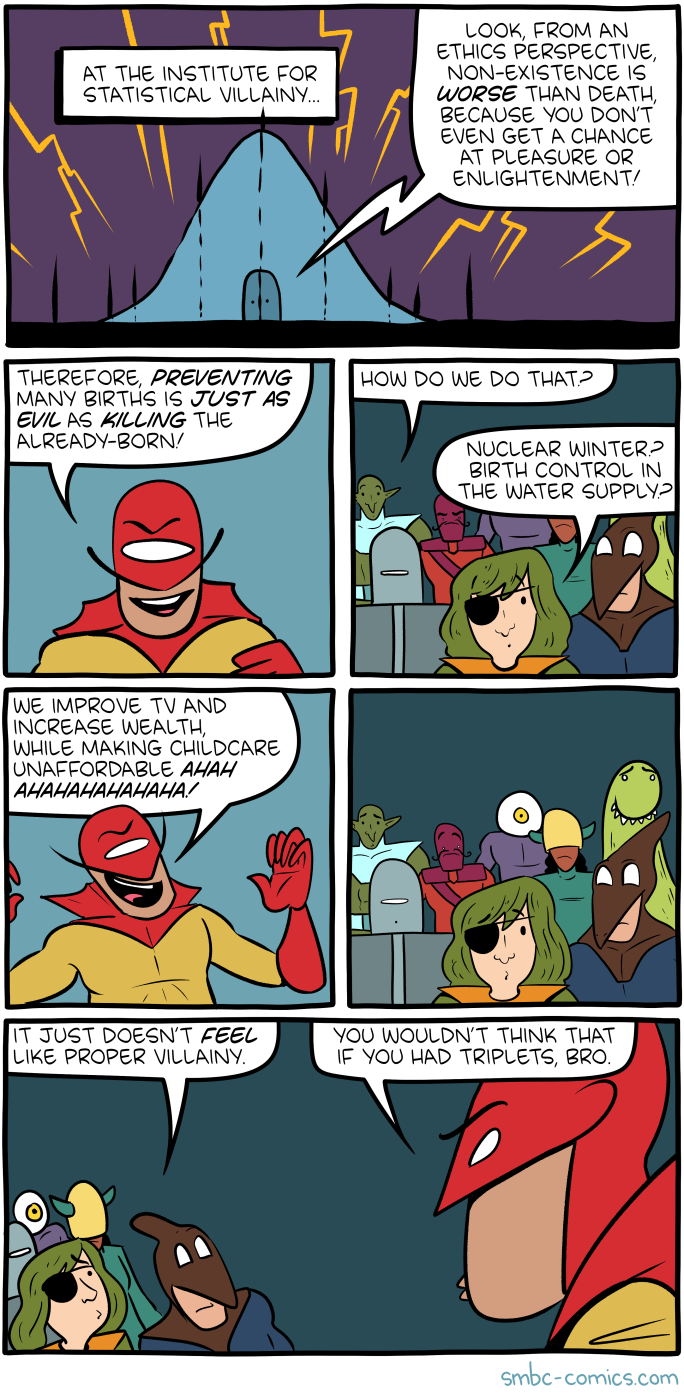
Saturday Morning Breakfast Cereal - Villainy Theory
by tech@thehiveworks.com
Click here to go see the bonus panel!
Hovertext:
I need to do a BAHFest spin-off for efficient villainy.
Today's News:
BAH tickets are selling out fast!

Lucas Vigroux, BillyHoya likes this

25 Feb 12:33

Click here to go see the bonus panel!
Today's News:
Saturday Morning Breakfast Cereal - Mercator
by tech@thehiveworks.com
Click here to go see the bonus panel!
Hovertext:
It just now occurs to me that I left out a step where we use some rubbery polymer to bind together the skin of Earth. This'd be great for the polymer industry.
Today's News:
Lucas Vigroux, BillyHoya likes this
25 Feb 12:29
Click here to go see the bonus panel!
Today's News:
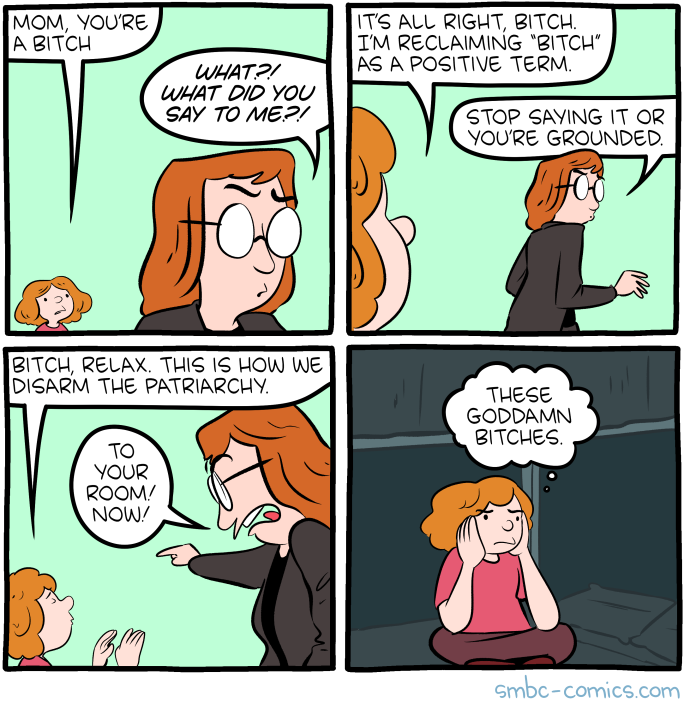
Saturday Morning Breakfast Cereal - Bitch
by tech@thehiveworks.com
Click here to go see the bonus panel!
Hovertext:
One day we'll reclaim 'cartoonist' as a positive term.
Today's News:
Lucas Vigroux, BillyHoya and 2 others like this
25 Feb 12:28
Any Quart in a Storm
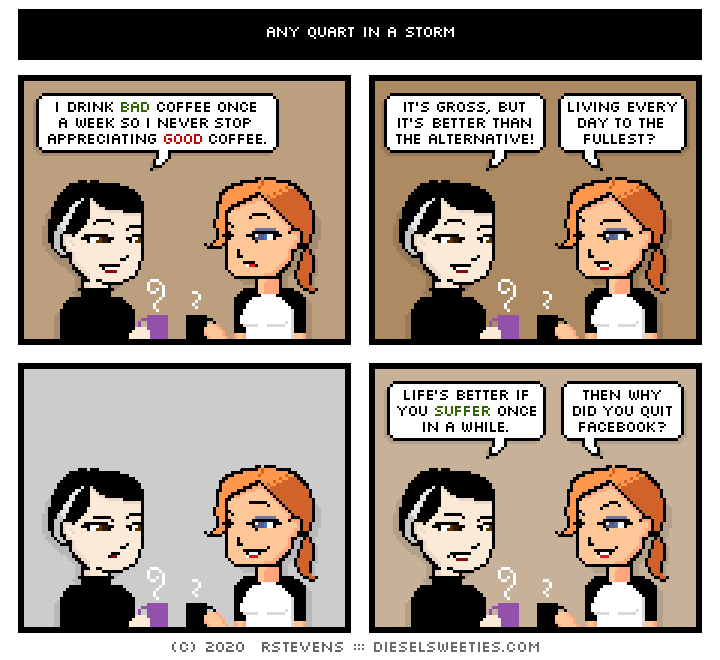
Tonight's comic drinks really bad coffee once a week.
Alfonso P, personal responsibility and one other like this

24 Feb 18:31
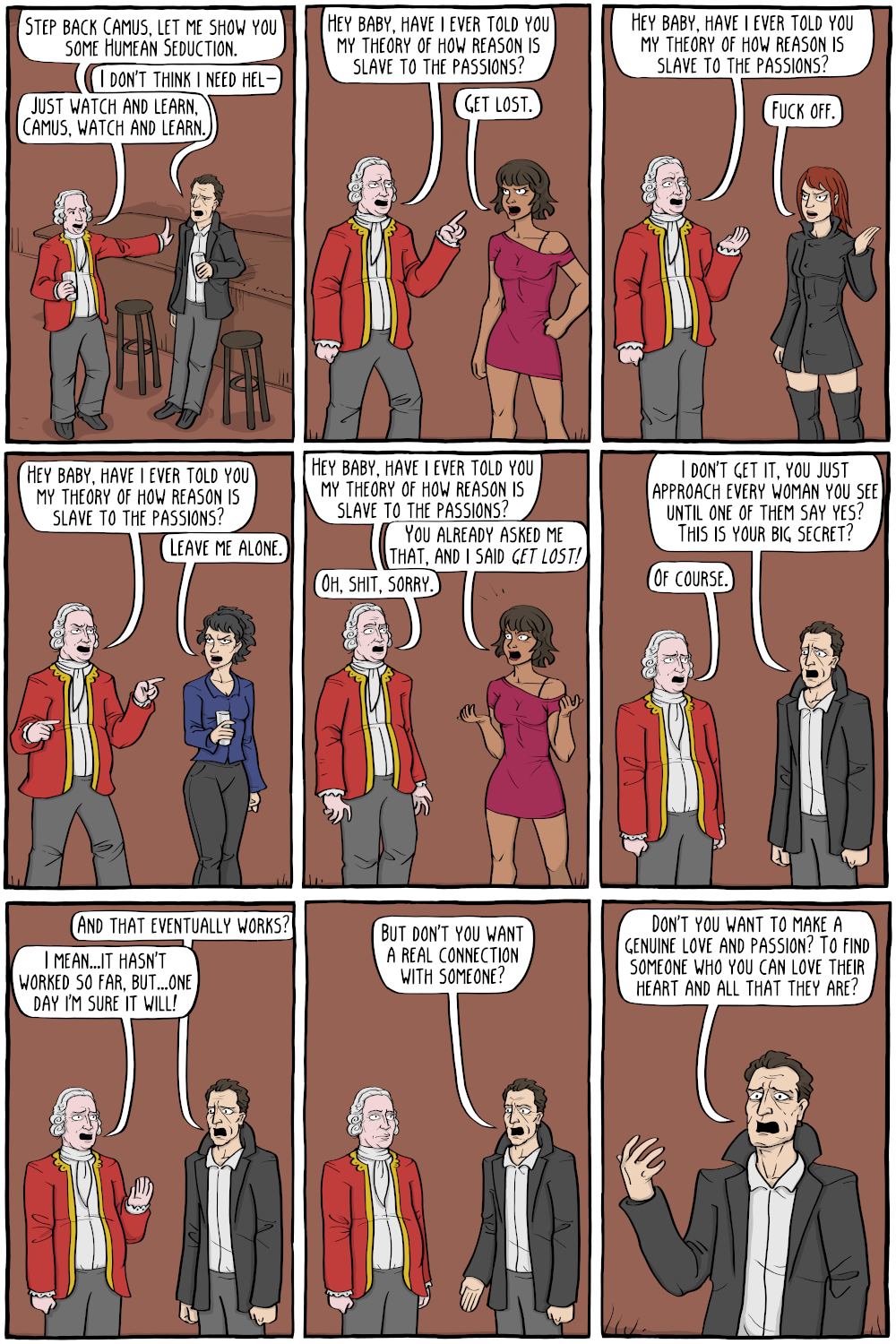
Rubbed
by Nicholas Gurewitch
The post Rubbed appeared first on The Perry Bible Fellowship.
BillyHoya and -1 others like this

23 Feb 15:03
Click here to go see the bonus panel!
Today's News:
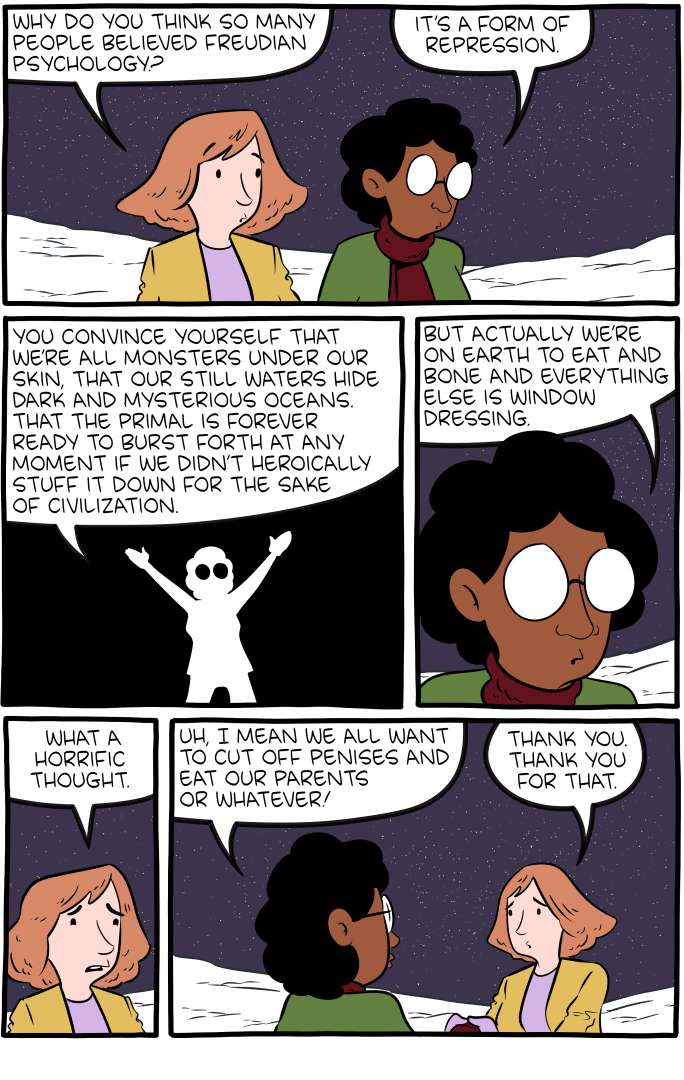
Saturday Morning Breakfast Cereal - Freudian
by tech@thehiveworks.com
Click here to go see the bonus panel!
Hovertext:
Just wait till I do them shambling on walkers in old age.
Today's News:
BillyHoya likes this
21 Feb 05:00
Best Friends Foreveryone
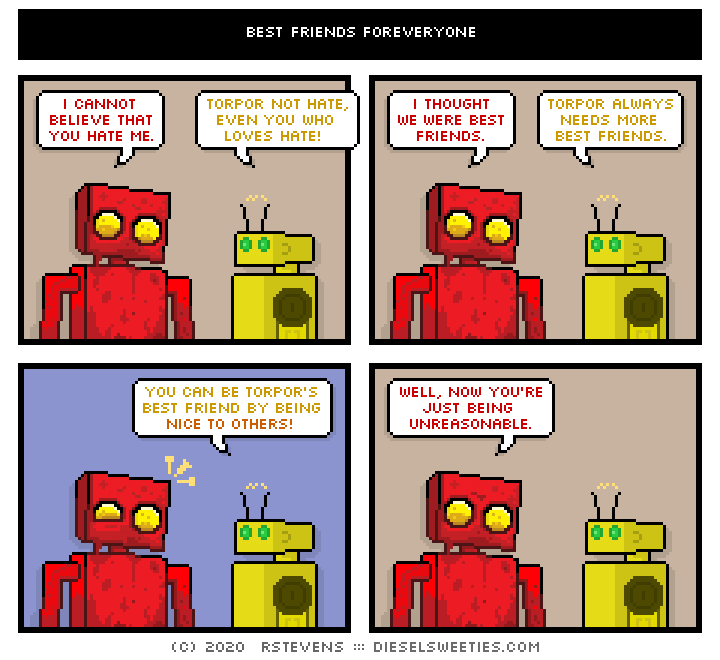
There's only one requirement to be Torpor's best friend.
BillyHoya likes this
20 Feb 23:21

Hot Tip: You Can Access Free Tutorials on Coding, AutoCAD, Graphic Design and More Through LinkedIn Learning with a Public Library Card
by Allison Fonder
On my daily Twitter morning scroll, I came across an interesting tweet by designer Amelie Lamont in response to a valid design education question for 2020: as more students come to class already knowing the basics of Adobe programs, what are good online resources for in-depth tutorials so teachers can direct students to learn those basics on their own and focus their class time on teaching more advanced lessons?
Lamont's response to question led me to an exciting discovery: anyone with a New York Public Library card can gain free access to Lynda.com, known in the present day as LinkedIn Learning.
The typical cost for LinkedIn Learning can range from $19.99-$29.99 a month, and their vast library ranges from HTML training, AutoCAD, Photoshop fundamentals, project management foundations, algorithms and more. It's a great resource for students and professionals alike to broaden their skillset, all for free.
 Examples of tutorials at LinkedIn Learning
Access to this database is granted with both New York and Brooklyn Public Library cards, but there are plenty of other libraries around the US that offer free access. Curious if your public library has a partnership with Lynda? Simply Google the name of your public library and "Lynda".
In order to get the deal, simply visit the login page for Lynda's website > Sign in with your organization portal > put your library's URL in, like "nypl.org" > then enter your library card information. And boom! You're in.
This is information that has been available for several years, so for those in the know, yes this is old news. But for those like myself with public library cards completely oblivious to this treasure trove, please enjoy!

