Shared posts

12 Nov 07:21

Microsoft Flight Simulator 40th Anniversary Edition Released (Sim Update 11)

by Calum Martin

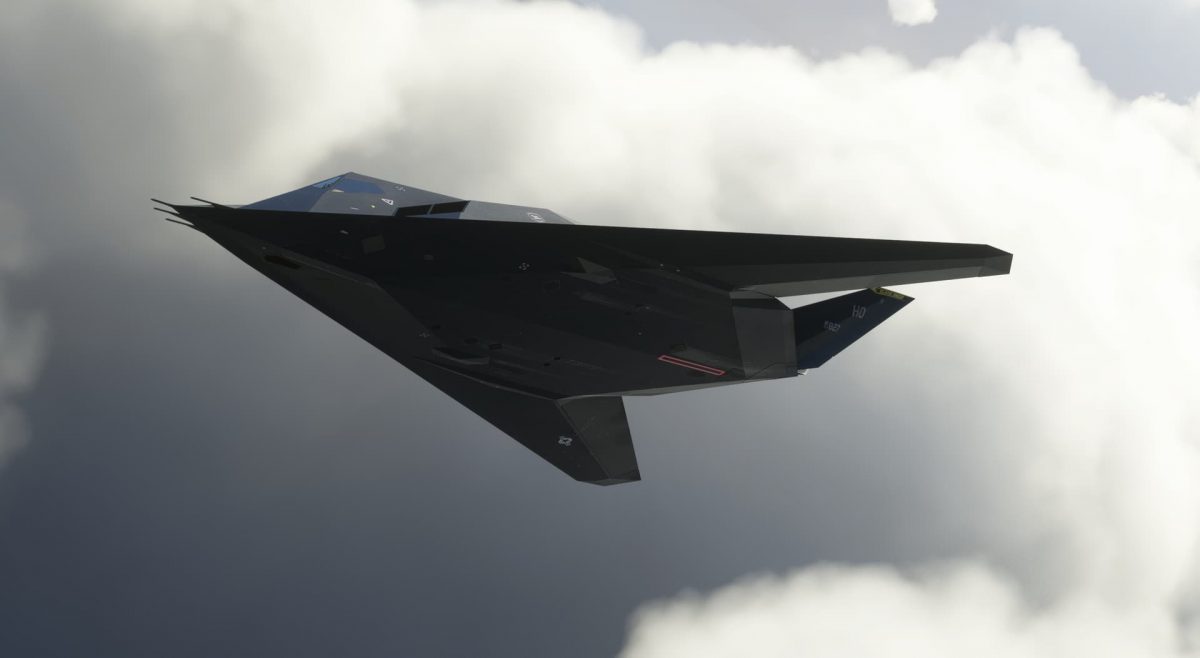
Microsoft Flight Simulator has just received its 27th update since it was released back in August 2020. The new update (Sim Update) is a celebration of the last 40 years of Microsoft’s longest-running franchise.

You can download the update now. Whilst it is downloading, why not check out our first look impressions from the event we attended this week.

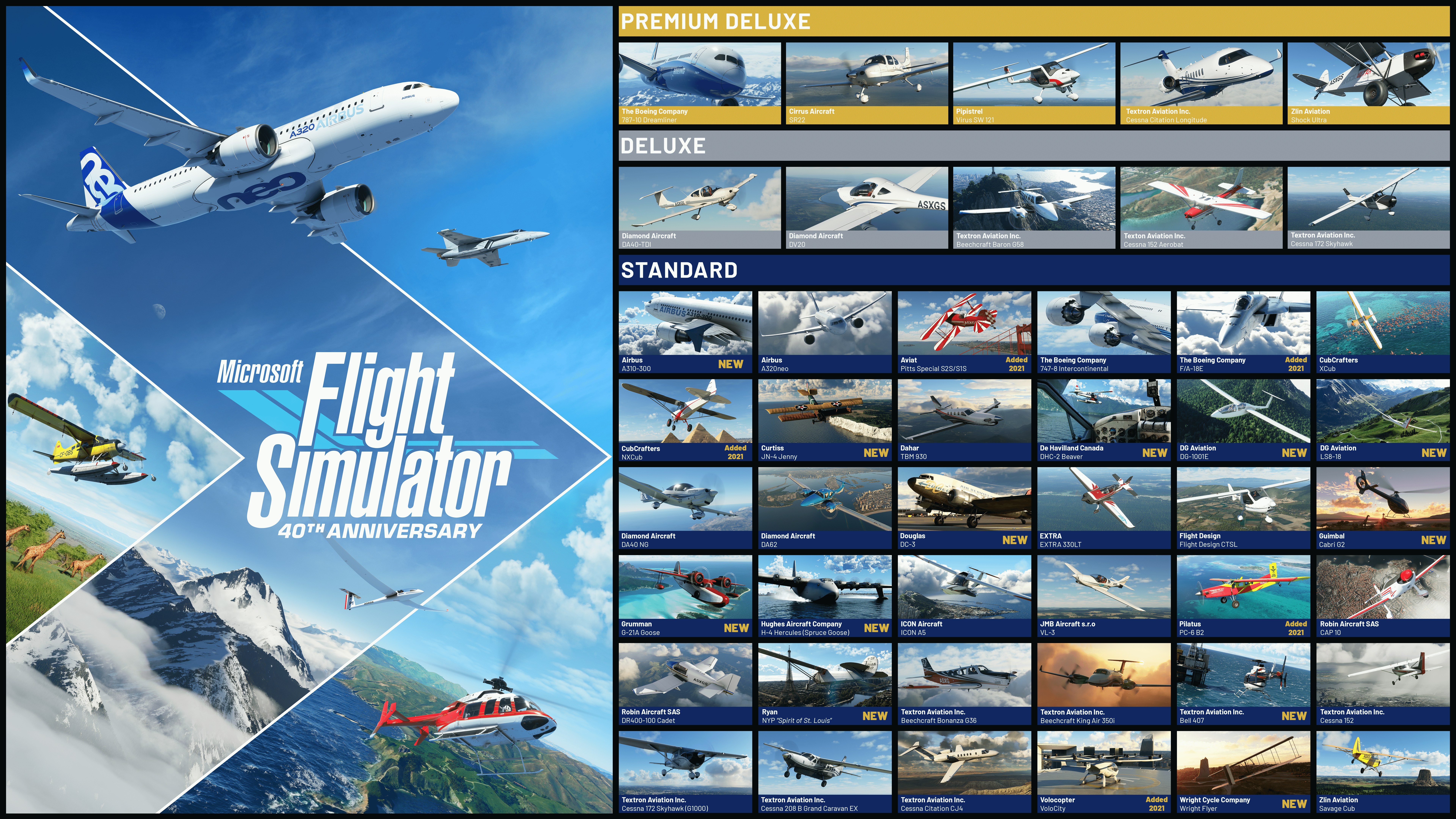
Some of the biggest highlights of the update are to do with aircraft. For the first time, in an official capacity, there is now full helicopter support. There are two helicopters included: Bell 407 and the Guimbal Cabri G2. In addition, there are now gliders, complete with AI aircraft tow and winches. The two gliders included are the LG8-18 and the electric DG1001E Neo. Of course, there is also the big airliner release too: the A310 by iniBuilds.

In the update, there’s a range of historical aircraft to experience. Included are the 1903 Wright Flyer, the 1915 Curtiss JN-4 Jenny, the 1927 Ryan NYP Spirit of St. Louis, the 1935 Douglas DC-3, the beautiful 1937 Grumman G-21 Goose, the 1947 Havilland DHC-2 Beaver, and the famous 1947 Hughes H-4 Hercules “Spruce Goose,” the largest seaplane and wooden aircraft ever built. What is cool is that various developers such as Blackbird Simulations and Aeroplane Heaven were involved in the development of some of these new aircraft.

Beyond aircraft, there are also four new hand-crafted airports. These include classics such as Meigs Field, Kai Tak and Saint Marteen. There’s also World First Airport modelled to a high level of degree.
Microsoft Flight Simulator 40th Anniversary Edition Released (Sim Update 11)

In summary, here’s what is in the update:

  • 1 true-to-life Airbus A310 airliner
  • 2 helicopters and 14 heliports
  • 2 gliders and 15 glider airports
  • 7 famous historical aircraft including the Hughes H-4 Hercules (also known as the Spruce Goose)
  • 4 classic commercial airports
  • 24 classic missions from the franchise’s past

Check out the Microsoft Flight Simulator 40th Anniversary Edition today, available as a free update for existing players. For new simmers, the 40th Anniversary Edition is the perfect entry point to the franchise.

Microsoft Flight Simulator 40th Anniversary Edition is available for Xbox Series X|S and PC with Xbox Game Pass, PC Game Pass, Windows, and Steam, and on Xbox One and supported mobile phones, tablets, and lower-spec PCs via Xbox Cloud Gaming.

Other Changes for v1.29.27.0

Alongside all of the new content, there’s a huge number of changes included as part of Sim Update 11.

  • 7 classic aircraft:
    • 1903 Wright Flyer
    • 1915 Curtiss JN-4 Jenny
    • 1927 Ryan NYP Spirit of St. Louis
    • 1935 Douglas DC-3
    • 1937 Grumman G-21 Goose
    • 1947 Havilland DHC-2 Beaver
    • 1947 Hughes H-4 Hercules
  •  2 helicopters:
    • Guimbal Cabri G2
    • Bell 407
  •  2 sailplanes/gliders:
    • DG Aviation LS8-18
    • DG-1001E neo
  •  1 true-to-life airliner:
    • Airbus A310-300
  • 4 iconic airports:
    • Hong Kong Kai Tak
    • Meigs Field in Chicago
    • Princess Juliana International in Sint Maarten
    • First Flight Airport, Kitty Hawk
  •  24 classic activities from previous Flight Simulator titles:
    1. First Flight at Kitty Hawk
    2. San Juan Island Run
    3. 1st US Airmail Route, 1918
    4. Aleutian Cargo Run
    5. Grand Canyon Scenic Tour
    6. Transcontinental Speed Record
    7. The Hell Stretch, 1918
    8. Charles Lindbergh, New York to Paris
    9. Hawai’ian Vacation
    10. Flying blind across the channel
    11. Meigs Field
    12. Spruce Goose
    13. Rome-Naples Airline Run
    14. Sitka Approach
    15. Monsoon
    16. Caribbean Landing
    17. Hong Kong at Dusk
    18. Waimea Canyon
    19. Mount Rushmore
    20. Miami by Moonlight
    21. San Francisco Sunset
    22. Mendenhall Glacier Tour
    23. 1950: Frontier Airlines
    24. Alaskan Floatplane Pilot
  •  7 new tutorial missions for Gliders:
    • Aerotow
    • Winch Launch Training
    • Winch Launch Training, Advanced
    • Basic Handling
    • Slipping Approach and Landing
    • Thermal Identification
    • Ridge Soaring

New features

  •  Live traffic has been updated with various quality of life fixes (details below)
  •  New memory defragmentation system has been implemented for DX12 to limit maxed out VRAM
  •  New Dpad / keyboard arrows navigation accessibility feature is enabled by default in the menus (alternative to the cursor)
  •  AMD FSR2 graphic option is now available for PC
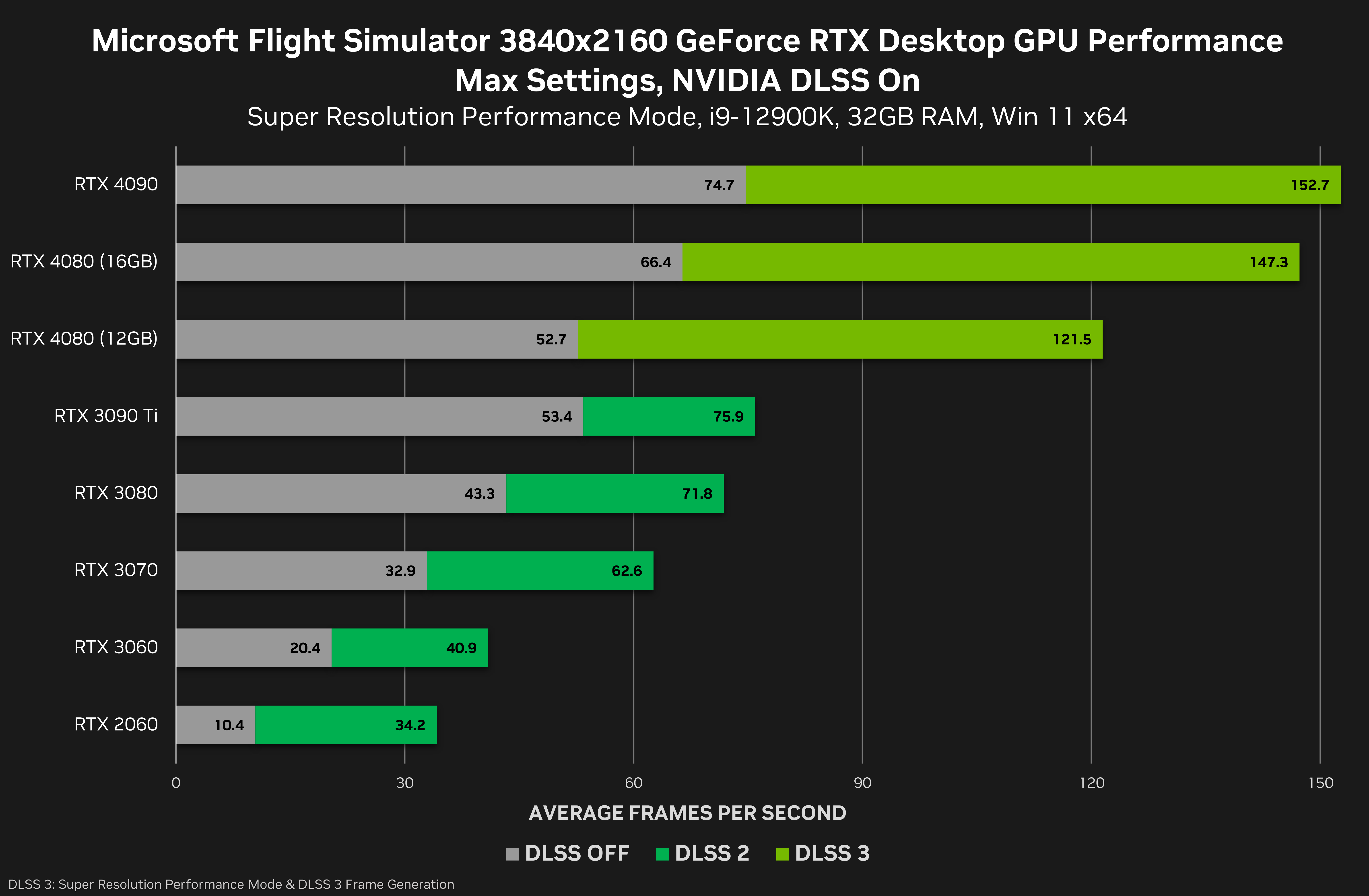
  •  Title now supports new NVIDIA technologies such as DLSS3 (including Frame Generator) and Reflex on supported NVIDIA graphics cards on PC. We also added support for 2 DLSS modes Super Resolution: Auto and DLAA
  •  Improved atmospheric simulation with a big focus on Thermals and general tweaks for the CFD
  •  We added a new CFD airflow display visualization in game for aircraft that are CFD-enabled (accessible under assistances and can be mapped to a button/key)
  •  3D thermals visualization can be toggled via the weather panel
  •  New mapping for the Back to fly feature, including height gain depending on the plane situation and current altitude (below 1000ft, 5000ft and 10 000ft), allowing to quickly adjust your flight in a variety of contexts. Very useful during glider runs if you do not wish to restart the flight after having landed

General Bug Fixes

  •  Several crashes have been fixed across the title
  •  Ongoing performance optimization work including cursor improvements in the world map
  •  Fixed graphical artefacts on cockpit screens when using DX12
  •  Fixed broken rendering of rainbows
  •  Center of Gravity (CG) is no longer shown outside of limits when there is a lateral imbalance
  •  Fixed Toggling Landing / VFR / Copilot View commands that were not functional
  •  Fixed aircraft flying erratically into the air when there are no wheels defined at all in the flight_model.cfg file
  •  Fixed an off-by-one error on fuel junction settings when loading FLT files of SimObjects
  •  Display state of combustion in engine added in debug window
  •  HDR10 is now properly applied when launching the title in fullscreen mode on PC
  •  Improved transparent UI readability on HDR screens
  •  Fixed a scenario when road traffic disappeared when multi-monitor is active
  •  Various fixes and improvements for the screen reader accessibility feature

Navigation/Traffic

  •  Copilot will no longer request push back service when it is only managing ATC communications
  •  Fixed a scenario when some ILS were misaligned ; some missing procedures are now in the sim
  •  Fixed an issue with ATC being on the wrong airport when having a VFR flight plan and landing at another airport
  •  ATC UI is now enabled with COM Radio for planes lacking Nav radios
  •  Live traffic planes no longer turn and fly over the airport at low altitude before the initial climb
  •  Added Departure procedures to Air traffic
  •  Fixed live traffic planes always using the same runway in worldmap
  •  We are now using the flightplan to interpolate position of live traffic planes
  •  Fixed live traffic cruise altitude
  •  Wind direction information is applied before selecting the runway for live traffic
  •  Fixed an issue where loading navdata packages with BGL navdata deletion flags could cause ident search and other navdata lookup failures
  •  Fixed an issue where an overriding package containing navdata loading the same facility ICAO as an earlier loaded package would be unable to change the QMID of the facility and would receive “facility in a different QMID than the ICAO index list thinks” error
  •  Fixed wrong callsign used by ATC for live traffic planes
  •  Fixed live traffic planes cruising at extreme altitude in game
  •  Fixed live traffic planes getting stuck at the center of the airports

Weather

  •  Added Metar interpolation every 10 minutes to avoid haze apparitions being too abrupt
  •  Better handling of Metars in areas where there is a lot of available Metars
  •  Proper temporal fading over 1 min when new data arrives
  •  The clear sky preset is now cleared of all clouds
  •  The sun disc is no longer visible through thick clouds (does not affect overall lighting conditions)

Activity

  •  Auto refuel at the end of the leg is no longer activated by default across all existing bush trips (can be set via RefuelOnLegStart)
  •  “Wing Commander” achievement can now be unlocked passing 1000 flight hours

Planes

GENERAL
  •  Fixed an issue that would cause Morse sound not to work properly on some planes
  •  Fixed an issue on the VNAV button that caused it to not properly sync when present on 2 glasscockpits on the same plane
  •  Fixed some scenarios where we could have camera glitch when flying under bridges
  •  Fixed a scenario where clicking and manually dragging the zoom slider does not change the zoom level in all Camera options (Cockpit, External, and Showcase)
  •  Added RotorIndex & default RTPC for Rotor sounds
  •  Unable to set NAVX_SOUND for NAV3 & NAV4
  •  Added a parameter to prevent the template ASOBO_HANDLING_RudderTrim_Template from being disabled when AP is enabled
  •  Added the PctPressurePerPump parameter to the Modular Fuelsystem’s manual pump to allow it to only provide part of the maximum amount of pressure
  •  Added Electric Engines
  •  Fixed reverse PITCH_INCREMENT on VS knob on some aircraft
  •  Added the KEY_SPOILERS_INC/KEY_SPOILERS_DEC keys that give incremental control of the spoiler lever
  •  Added  KEY_PROP_LOCK_SET/TOGGLE/ON/OFF which can be called to lock the propeller in position while it is at low speed. Matches with the simvar SIMVAR_PROP_LOCK
  •  Added keys that were present in ADF1 to ADF2
  •  Added an option to the modular FuelSystem that allows fueltank to generate their own pressure
  •  Fixed an issue that would cause the ASOBO_HANDLING_Spoilers_Template template to incorrectly interpret a value in percent as if it was in degrees
  •  Fixed a scenario where setting an aircraft’s wheel to have 0 compression or radius may cause a crash
  •  Fixed the SIMVAR_PLANE_TOUCHDOWN simvars to ensure they work for water landings
  •  Fixed the behavior of KEY_MIXTURE_SET_BEST to ensure it more accurately sets the best mixture
  •  Fuel no longer resets to 0 unless set with slider in weight & Balance
  •  Cruise Altitude can now be edited if SimConnect calls flightSave
  •  Added the keys that were present only for Nav1/2 to Nav3/4
  •  Corrected the template ASOBO_INSTRUMENT_Needle_Altimeter_SubTemplate to allow for the unit used to be overriden
  •  Added the INTERCEPT_INTERACTIONS param to the ASOBO_GT_Material_Emissive_Code template to ensure any screen can easily intercept clicks to prevent them from interacting with elements beind the screen
  •  Icing slider no longer affects aircraft body and windows when icing is deactivated from the assistance menu
  •  Filled up debug variables for cylinder friction and torque for piston engine
  •  Smoothed ground normal and ground position in CFD simulation to make ground effect smoother
  •  Thermals simulation now simulates ground slope orientation. Sun exposed slopes receive more heat
  •  Ground effect in CFD simulation now accounts for objects, helipads, rooftops…
  •  CFD simulation now support sloped ground surfaces adjusting ground effect automatically to the sloped surface
  •  New system to choose the reset mode for PIDs. Applied to pitch & roll on the Cessna 172
  •  Improved ground heat based thermals for a better balance of up and downdrafts
  •  Fixed an issue where having multiple active Bing Map graphics could cause a CTD while getting elevation data under high load
G1000 NXi
  •  Fixes GPS SimVar ‘GPS WP DISTANCE’ showing 0 when in a random Direct To
  •  Corrected label on the Departure page that said “Arrival”
  •  Fixed issue with VNAV PATH arming while ALT CAP autopilot mode is active
  •  Fixed incorrectly highlighted areas during Checklist evaluation
Cessna 172 Skyhawk G1000
  •  Added new system to choose the reset mode for PIDs. Applied to pitch & roll
  •  The stall speed was 10 kts slower than what it should have been
Darkstar
  •  Improved cockpit lighting and wear and tear
Beechcraft King Air 350i
  •  Fixed a visual issue with the behavior of the AP/Disc bar
Flight design CTLS
  •  Fixed the negative flaps settings
World
  •  Fixed an elevation hole in Spain between LEAD and LEMB
  •  Fixed car size and changed car density for low settings on parkings
Airport
  •  Fixed trees in path to Runway 10 at TFFJ
  •  AFB has old name and is now KCOF Patrick SFB
  •  Fixed terrain spikes between N47 and O03
  •  Fixed a scenario where cars go across taxiways at KMCO
  •  Fixed elevation issues on terrain around CAJ3 airport
  •  Changed ICAO for Caselnuovo Don Bosco airport to LILF
  •  Fixed terrain issues in north-west of General Santos
  •  Fixed missed buildings at MMMX
  •  Fixed beacon on runway 9TE6
  •  Fixed beacon on runway at 57D
  •  Fixed scenarios where jetway update were too slow
  •  Fixed Lod issue at KDEN
  •  Fixed building issue at LEMD
  •  Fixed terminals 2 and 5 at EGLL
  •  Removed building on taxiway at EHAM
  •  Fixed YCOP name and location
  •  Fixed some wrong airport codes in Papua New Guinea
  •  Fixed road vehicles appearing on KLAX runways

Peripherals

New supported devices:

  •  Added Turtlebeach VelocityOne Flightstick support (PC & Xbox)
  •  Added Honeycomb Alpha Flight Controls XPC support on PC & Xbox
  •  Added Honeycomb Charlie pedals support on PC
  •  Added Pro Flight Trainer Puma X support
  •  Added Thrustmaster TCA Sidestick X support (PC & Xbox)
  •  Added Thrustmaster MFD Cougar support
New presets
  •  Added dedicated Helicopter gamepad preset
  •  Added dedicated Glider gamepad preset
  •  Added a dedicated Thrustmaster T16000M helicopter preset
  •  Added a dedicated Thrustmaster TCA Flightstick X helicopter preset
  •  Added a dedicated Thrustmaster T.A320 helicopter preset
  •  Added a dedicated Thrustmaster HOTAS One helicopter preset (Xbox)
  •  Added a dedicated Turtlebeach VelocityOne Flightsitck helicopter preset (Xbox)
  •  Added a dedicated Logitech Extreme 3D Pro helicopter preset
New controls
  •  Added dedicated Helicopter inputs
  •  Added an input to trigger the Back to Fly feature
  •  Added digital inputs to increase & decrease the spoiler
  •  Added an input to toggle the water ballast
  •  Added an input to release the tow plane while in a glider
  •  Added plasma control inputs
  •  Added mac ready setting inputs
  •  Added an input to toggle the CFD
  •  Added an input to toggle the Thermals display
  •  Added an input to toggle on or off the variometer sound
  •  Added some missing ADF2 inputs
Various peripheral fixes
  •  Devmode inputs are now remappable and localized
  •  Fixed a bug where it was impossible to zoom the VFR map while using the the drone camera
  •  Fixed a bug that was toggling the landing gear while browsing fixed cameras

VR

  •  Fixed VR default panel opening position
  •  Toolbar panels opened in VR are no longer open when switching to normal mode
  •  Flight panel windows positions are now saved after closing and reopening from the toolbar
  •  Fixing rendering issues using canted displays
  •   Fixed Raycast not aligned with cursor in main menu

SDK

IMPORTANT: From SU11 onwards, we added some restriction on allowed files in an Asset Group of type SimObject (aircraft), click here for more info on what files are allowed or not.

Please note that despite what the doc is saying you don’t have to manually edit the definition files to reference extra files that you want to put in your simobject asset groups (the doc will be updated for official release).

  •  Fixed progress text in SDK installer
  •  Added support for 3D Studio Max 2023 in SDK installer
  •  Relative path fixed in the options of the multiexporter for 3dsmax
  •  Fixed crash when using the same model for two vector placements
Devmode
  •  A link to DevSupport has been added to the DevMode bar
  •  Opening “Online Documentation” using DevMode now opens “flighting” online documentation if the build is a beta one
  •  Weather Debug : New developer debug window to display and debug detailed weather data
  •  Added new “Aircraft data” debug window
  •  The editor no longer crashes when trying to add new items
Visual Effects Editor
  •  Alt+LeftClick now properly destroys a link in the effect data, not only visually until the graph is refreshed
  •  Unit dropdown menu on the SimVar node inspector is now tall enough to display unit list below the filter
  •  The BezierCurve node has a Loop parameter to wrap the sampling of the curve when the input is outside the boundaris of the points of the curve
SimConnect
  •  It is now possible to request a Vor, a Ndb or a Waypoint knowing only its ICAO. In case of conflict, the API will return a list of possibilities
  •  It is now possible to request ICAO, REGION and IS_TERMINAL_WPT while requesting waypoint
  •  It is now possible to request FIX_LLA, ARC_CENTER_FIX_LLA and ORIGIN_LLA while requesting APPROACH LEG using NavData API. It is also possible to request NEXT_LLA and PREV_LLA while requesting ROUTE
  •  It is now possible to request ICAO and REGION while requesting VOR and NDB using NavData API
SimVars
  •  AUTOPILOT AVAILABLE now returns the correct value (returned always 1)
  •  Added TURB ENG THRUST EFFICIENCY LOSS, TURB ENG FUEL EFFICIENCY LOSS, TURB ENG N1 LOSS, and TURB ENG COOLING EFFICIENCY LOSS simvars, to aid in simulating turbine engine bleed air efficiency losses and mechanical wear/failures
Scenery editor
  •  Adding a better way to edit taxisigns directly in their properties window. Check the official documentation for more information
  •  The editor no longer crashes when trying to add new items
  •  Fixed gizmo scaling value in “Gizmo” window not updating properly
  •  Added helipad start edition
  •  Improved dev camera focus on object
  •  Fixed polygons that are not refreshed when opening a project
  •  Fixed material button
  •  Fixed little shifting when resizing large rectangular aprons
  •  Fixed rectangular apron picking
  •  Show warning for vector placement with several meshes
  •  Improved polygon picking
  •  Added helpers for LightPreset “direction” and “direction2” vectors
  •  VASI/PAPI better placement on the first spawn
  •  Fixed vehicle not hidden by tunnels or exclusion polygons
  •  Now it reset display name when replacing model
  •  Added option “”Disable TIN color correction”
  •  Fixed debug OSM feature points and OSM power lines debug
  •  Fixed debug terraforming
  •  Fixed a scenario where delete nav command that remove nav data from its own package
  •  Fixed gizmo scale axis
  •  Fixed large independent proj mesh disappearing when moving them
  •  Fixed Asset selector closing immediately after opening in the material / scenery editor
Aircraft editor
  •  Fixed “Teleport on  camera” and “Save&Reload” and “Camera save” button in tab Cameras
  •  New parameters were added to the aircraft config-files
  •  Added support for negative drag on negative flaps. Tuned negative drag for CTSL
  •  Added new parameter recip_stop_min_acceleration” for minimum acceleration below which we completely stop the propeller. Default to 2.0
  •  Filled up debug variables for cylinder friction and torque
  •  Debug wheels now displays longitudinal and lateral friction forces separately
  •  Added legacy_fm_only option to allow plane makers to force the exclusive usage of the legacy flight model
  •  Required parameters are now force written
  •  Fixed bug on indexed parameters moving, duplication, adding and removing
  •  UI/UX improvement regarding float3 parameters
  •  Fixed Undo/Redo; Added min size of Indexed parameters; fixed duplicating camera GUID
  •  Fixed fuel tank and station load debug visualization
  •  Fixed parameters labels
  •  Fixed display of lift_coef_aoa_table parameter
  •  Added manifold pressure settings to engines.cfg (manifold_pressure_correction_by_rpm ; manifold_pressure_min )
  •  The correct Fuel section is now shown based on the data in the cfg in the aircraft editor
  •  Added an option to set the ICAO engine type to “None” in the aircraft editor
  •  Added support for multiple data with same name in arrays (see “options” in parameter “Junction”) in the aircraft editor
  •  Added new parameters for Helicopters and Gliders in the aircraft editor
Project editor
  •  NEW Bundle/Pack objects available in the project editor, check official documentation for more information
  •  Fixed bushtrip save behavior in case you have multiple bushtrips in the same package
  •  The Package Builder now automatically lists Airports, POIs and Missions in “ContentInfo\ContentHistory.json”
  •  Timestamps are now properly updated when removing files from previously compiled asset groups
  •  Fixed the Material Inspector message that stated “Editing material ‘M’ from library ‘L’”, It now states “Editing material ‘M’ from package ‘P’”
  •  Removed “Update Package/Group name” button, instead do the update on enter or when loosing focus
  •  Added a “Back/Next” flow for a lot of successive popups in the project editor
  •  Fix some metadata and release notes not being correctly copied during a project “Save As”
  •  Fix thumbnail not being loaded in project until drawing it in the inspector, fixing potential issues
  •  The “Export & Build” window no longer resizes each time the export mode is changed
  •  “Remove Filter” window is now properly resized on first opening
  •  The input ints to change release notes version no longer loose focus each time a character change
  •  Adding a new release note version now selects it
  •  Using undo/redo while changing release notes versions now keeps the current version selected
  •  Input ints in release notes tab now prevents user from entering irrelevant values
  •  Fixed “Build & Export” duplicating or adding files from packages that are not selected to the .zip archive
  •  Fixed sources paths for BGL, Mission and Visual Effects asset groups that could result in a bug when adding several packages/asset groups of the same type in a project
  •  Post Build/Export user agreement windows are now properly resized on first appearance
  •  Added “Heliport” section to “World” category for Marketplace
  •  Import item Feature to import an existing package or bundle/pack to the current project. Check official documentation for more information
  •  Fixed crash upon cleaning a package that has some files being used in the package editor
  •  Fixed crash when cleaning a package that has just been renamed in the project editor
  •  Option added in bushtrips to enable/disable auto refuel at the beginning of a leg
Package Tool
  •  Fixed compilation error for models with more than 9 model attachments
  •  glTF compilation now fails in case of duplicate animations in the source file
  •  Improvements on Package order tool
  •  Submodel merging now also fails when there are duplicate animations in the base model
  •  Misleading timestamp error message has been removed when compiling an empty Material Library through the Package Builder
WASM
  •  SimConnect_AISetAircraftFlightPlan and SimConnect_AICreateEnrouteATCAircraft used in a wasm environment, are now linked to the work folder
  •  It is now possible to make HTTPS requests through Wasm. See documentation for more information
  •  Set 2D custom LLA now uses geoid reference
  •  Optimization of Wasm module is now forced by default while compiling in Release Mode through Visual Studio
  •  Compilation time performance improvements, translating to faster loading times the first time an aircraft is loaded
  •  Fixed potential memory corruption issue when using gauge_calculator_code_precompile and execute_calculator_code from WASM
12 Nov 07:16

SamScene3D Announced Vancouver Times for MSFS

by Calum Martin

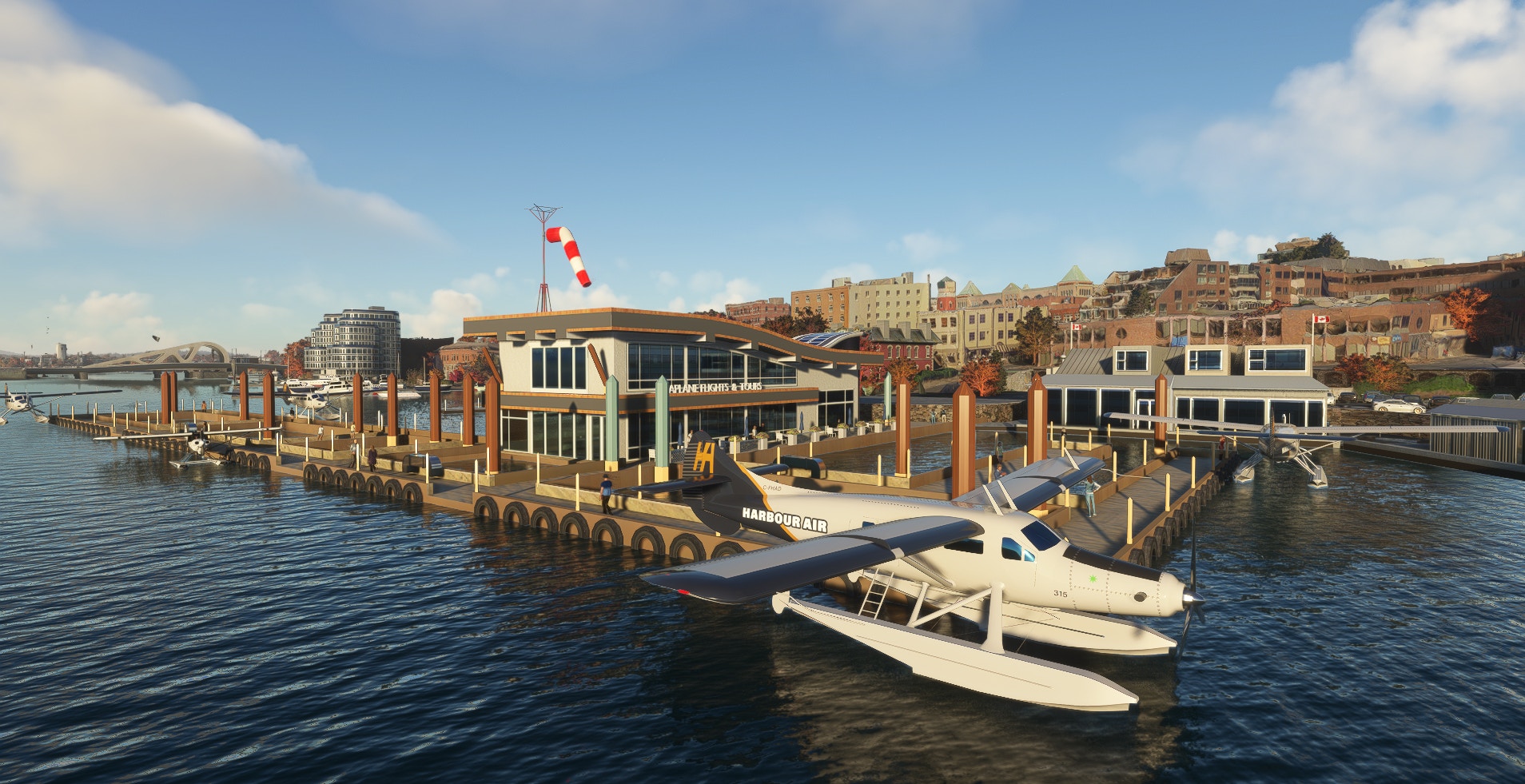
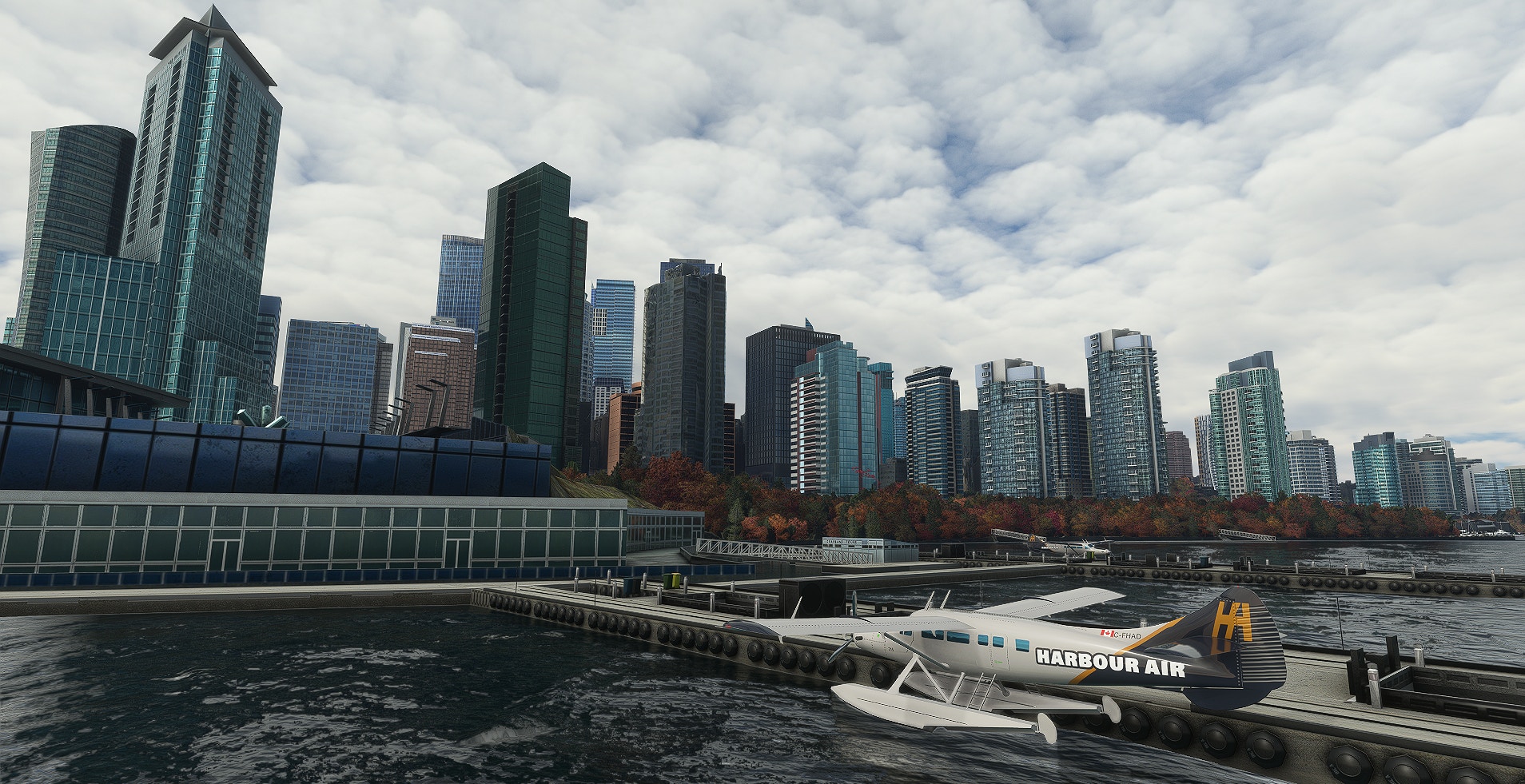
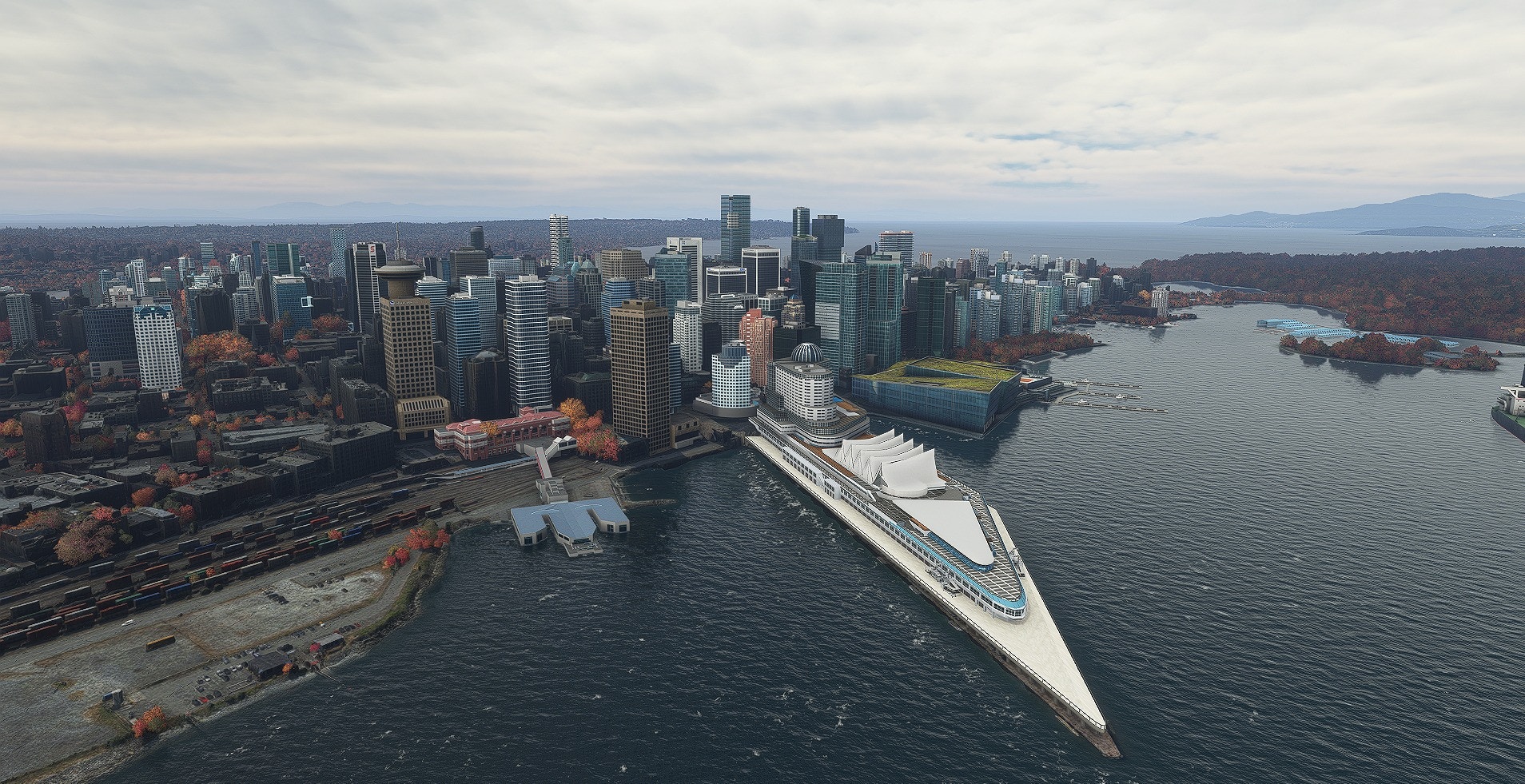
Developer SamScene3D has announced Vancouver Times City for Microsoft Flight Simulator.

Over on Facebook, the team made a short announcement and confirmed that this will be their last scenery release for 2022. You can check out the previews below.

SamScene3D Announced Vancouver Times for MSFS

We’ll keep an eye on things and report once we learn more about a possible release.

10 Nov 17:42

Sky4Sim, one of the best EFB-like add-ons for MSFS, is now free and NeoFly-compatible

by Vasco Ferreira

Sky4Sim Pad impressed us last year with a set of very useful features for MSFS simmers, who could use the EFB-like utility to display important information without leaving the simulator window. A detailed world map with airport and navaid information, weather data, or the PDF reader, proved to be great features to have in a universal tablet that works with any aircraft within the sim.

Nowadays, nearly a year later, Sky4Sim has evolved into an even more comprehensive and mature product. A new version was recently launched that completely overhauls the tool with lots of improvements, new apps, improved performance and stability, and much more!

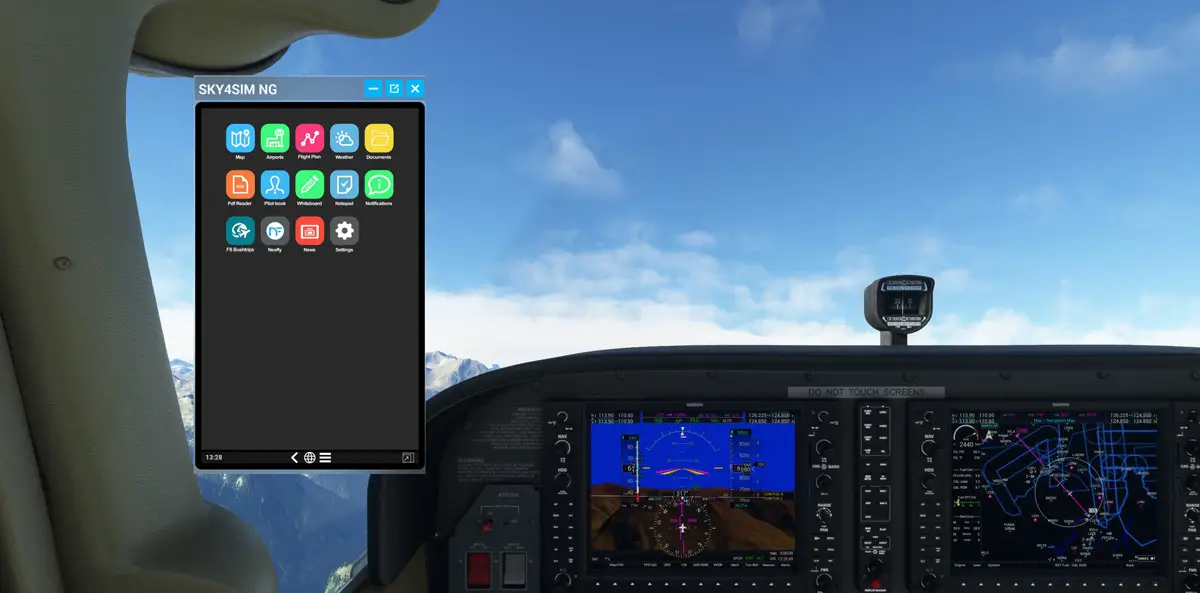
Sky4Sim is now Sky4Sim NG, the next-generation version of this nifty little EFB for MSFS. The first major change is that it’s now available in a free version, enabling users to experience many of Sky4Sim’s best features without spending a dime. Sky4Sim previously cost €15, but that price tag is now reserved for a Premium upgrade. Previous owners of Sky4Sim continue to have access to all the new features at no extra cost.

SKy4Sim NG MSFS 5

SKy4Sim NG MSFS 7

SKy4Sim NG MSFS 4

SKy4Sim NG MSFS 3

SKy4Sim NG MSFS 2

SKy4Sim NG MSFS 1

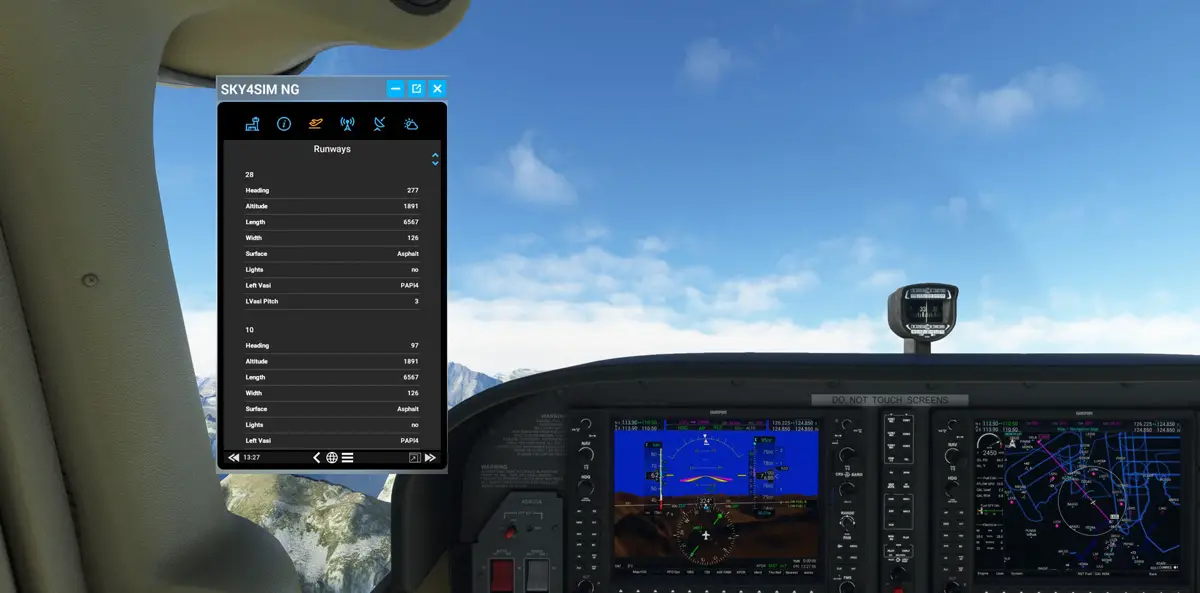
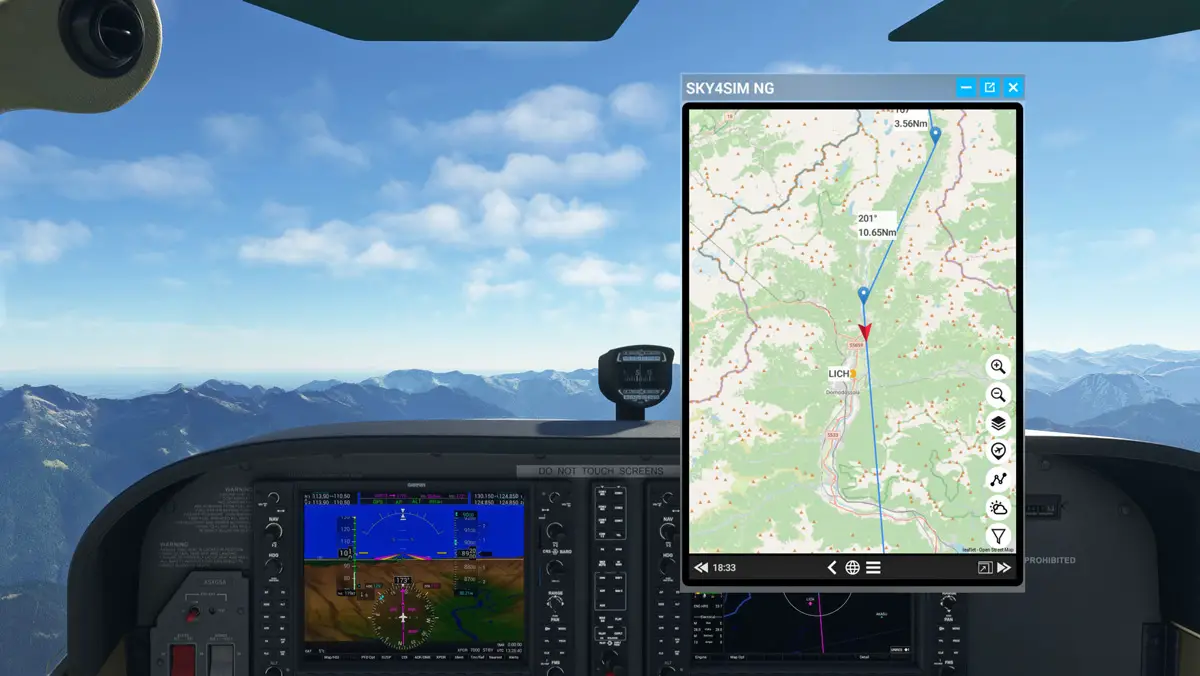
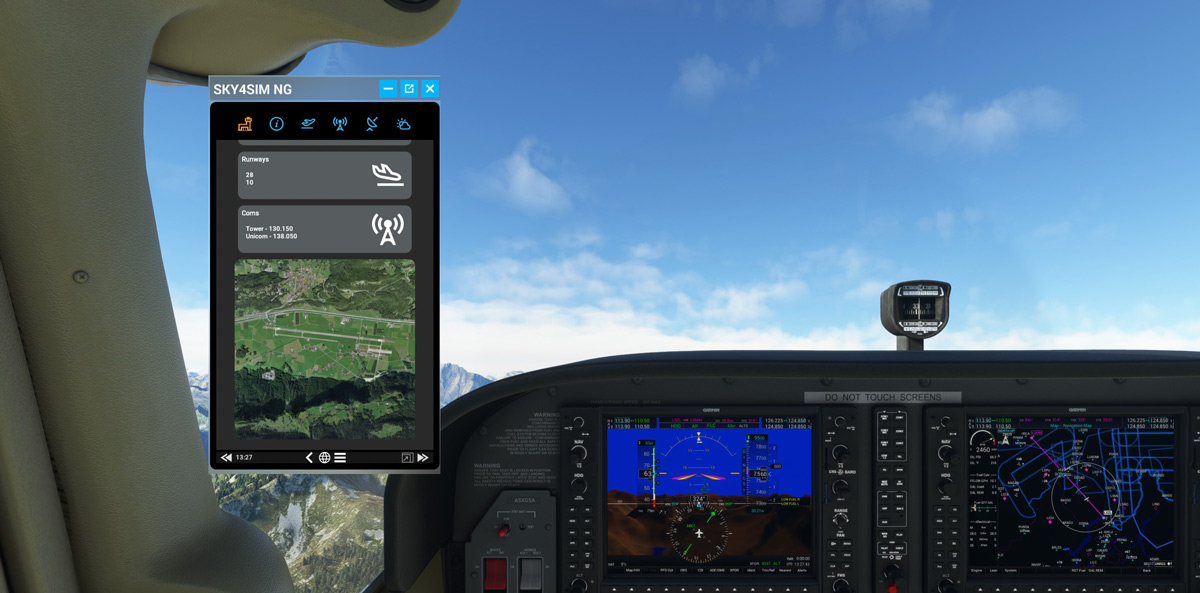
So, the free version of Sky4Sim NG comes with most of the base set of features that make this such a nifty utility. The Map app continues to be one of the most useful, with multiple Bing Maps layers and navaid information, while the Airports app is self-explanatory: it provides details about each airport, such as runway information, radio frequencies, elevation, and so on.

With Sky4Sim NG, simmers can also create flight plans, track flight segments, and see the terrain elevation profile during all stages of flight. A new flight plan can be created simply by double-clicking to create a new waypoint and dragging to adjust their location. Sky4Sim NG can also load your existing .pln files created in MSFS or on an external tool like Little Navmap.

VR fliers will be happy to know that Sky4Sim NG is fully compatible with virtual reality and can be a really useful tool in that environment. The Whiteboard and Notepad apps, for example, offer simmers the ability to take quick notes during flights, which is always a chore when wearing a VR headset.

Finally, a word about NeoFly, the very popular and free career mod for MSFS. NeoFly 3 users have had the possibility to see some information from the app directly in the simulator, thanks to Neopad. Since the developer of Sky4Sim is also involved with the development of NeoFly and its next major version (v4), he managed to perfectly integrate Neopad’s functionality directly in Sky4Sim NG, with even more features!

SKy4Sim NG MSFS 8

SKy4Sim NG MSFS 6

NeoFly is now integrated in Sky4Sim.

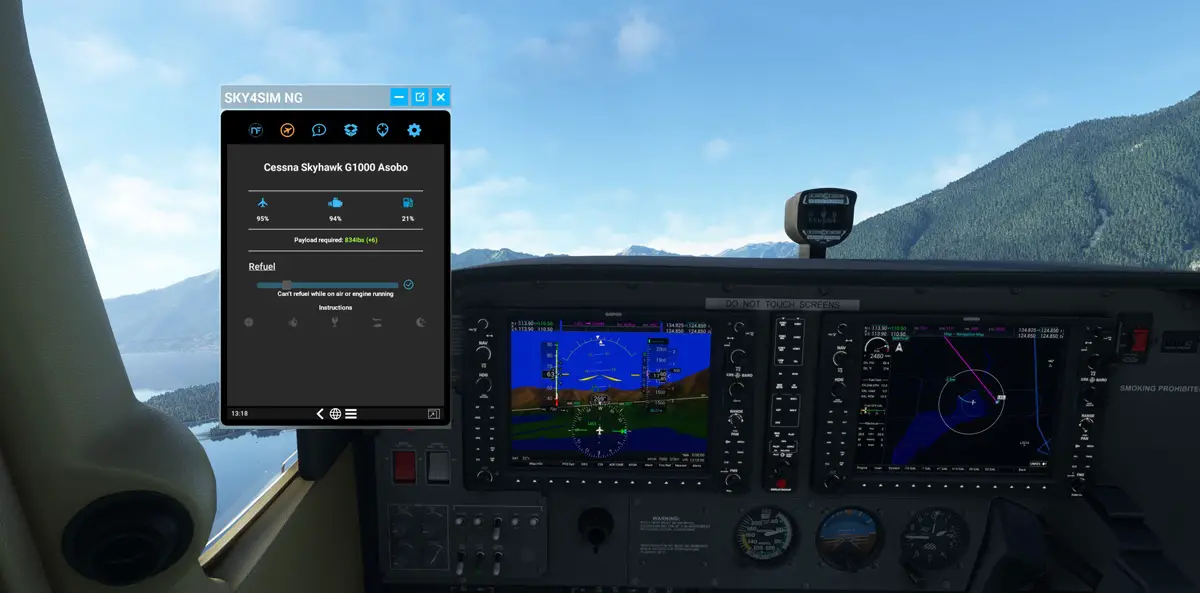
NeoFly 4 is currently under testing but is already available to all users who donated to the project. A public release is expected in the coming weeks. NeoFly 4 users can have a seamless link to the app from inside the simulator, thanks to Sky4Sim NG’s integration. A NeoFly app is available in Sky4Sim’s tablet, which allows NeoFly users to get instructions about the mission, check aircraft status and refuel if needed, and even start a new mission without ever leaving the simulator window!

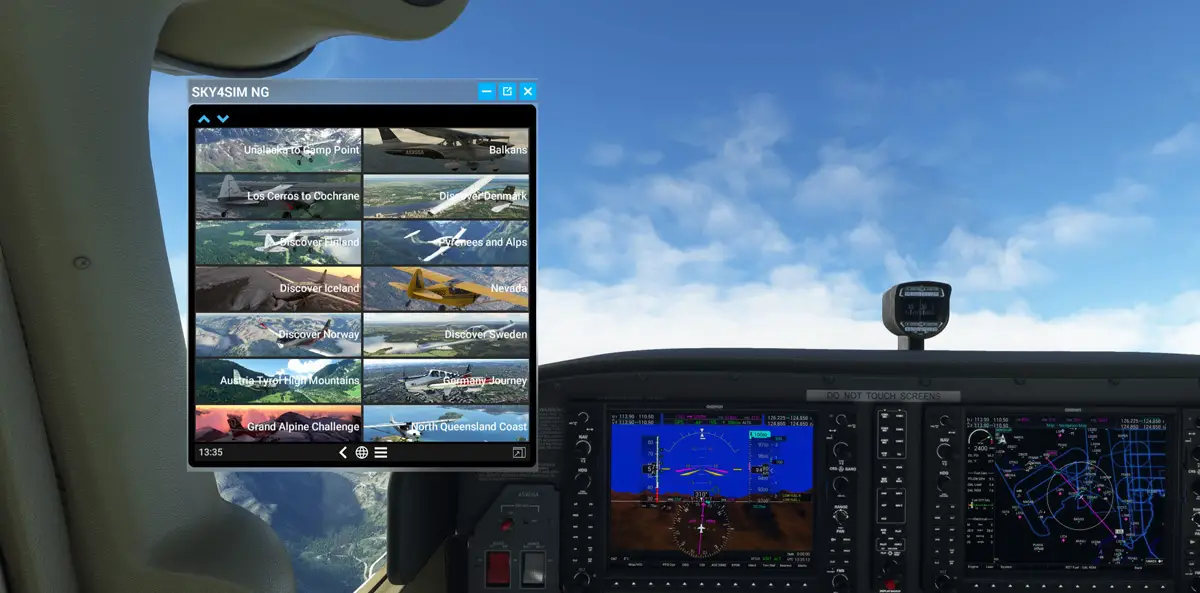
Sky4Sim NG is now available for download in a Freeware or a Premium version, as detailed above. The free version is already very useful, while the Premium version gives access to a few special features like the PDF reader (handy for charts or checklists), live weather reports, and brand new MSFS Bush Trip integration, from where users can track their progress across each leg! Check here the differences between both versions!

09 Nov 17:56

Et si Corsair avait trouvé la solution aux soucis de câbles 12VHPWR ?

by contact@comptoir-hardware.com
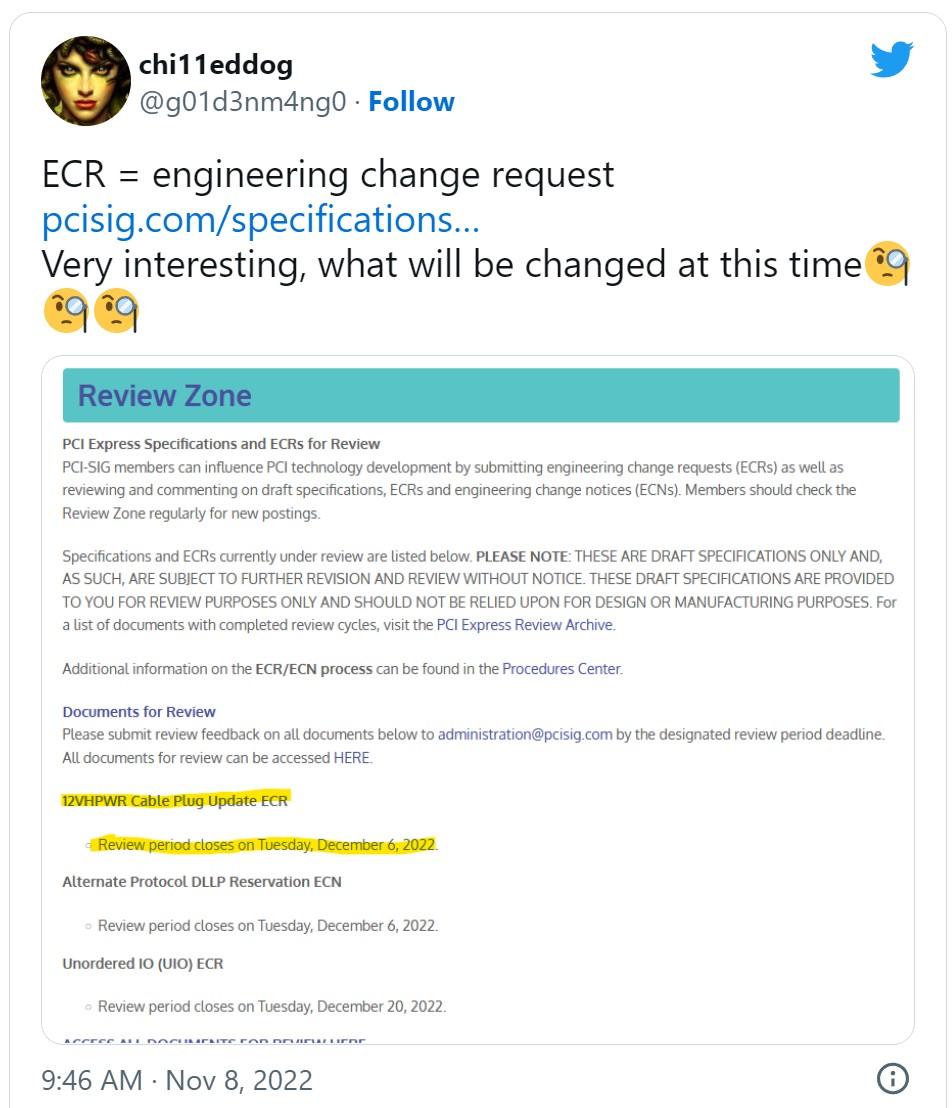
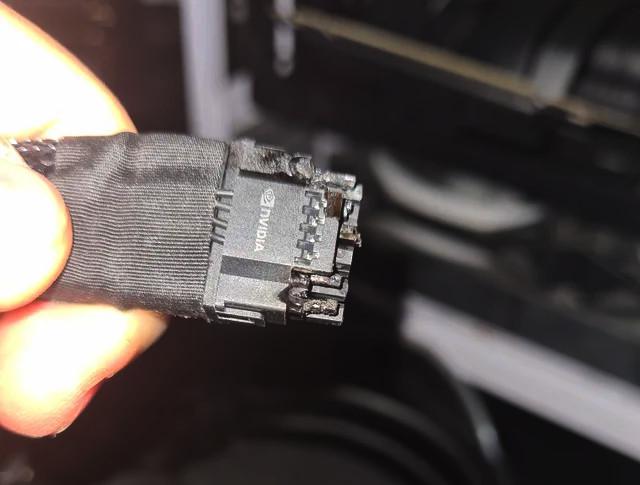
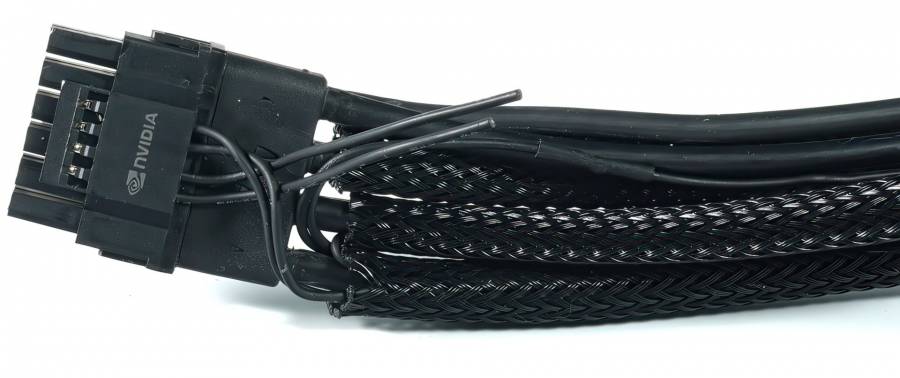
Les soucis de câbles 12VHPWR qui fondent avec certaines RTX 4090 occupent l'espace médiatique fortement. Les engins fournis par NVIDIA sont incriminés, mais ceux des autres constructeurs à la fabrication et soudure différentes fondent aussi, ce qui montre que le vrai problème provient des recommandations du PCI SIG... [Tout lire]
09 Nov 17:52

NCsoft : Une coopération entre NCsoft et Sony autour d'un MMORPG Horizon ?

by Uther
D'après des indiscrétions rapportées par la presse coréenne, NCsoft et Sony collaboreraient actuellement autour d'un projet de MMORPG adapté de l'univers d'Horizon Zero Dawn : un projet international pour NCsoft et un je...
07 Nov 17:25

Fly with a virtual co-pilot that will audibly call out your checklists in MSFS

by Vasco Ferreira
Habu

A tester

When you enter your aircraft in Microsoft Flight Simulator, you have a few options for reviewing and performing your checklists, but all of them require you to open a written list, and divert your attention to this list so you can READ the checklist items. This can be cumbersome and especially challenging when flying in VR. Thankfully, there are more realistic ways to carry on this task!

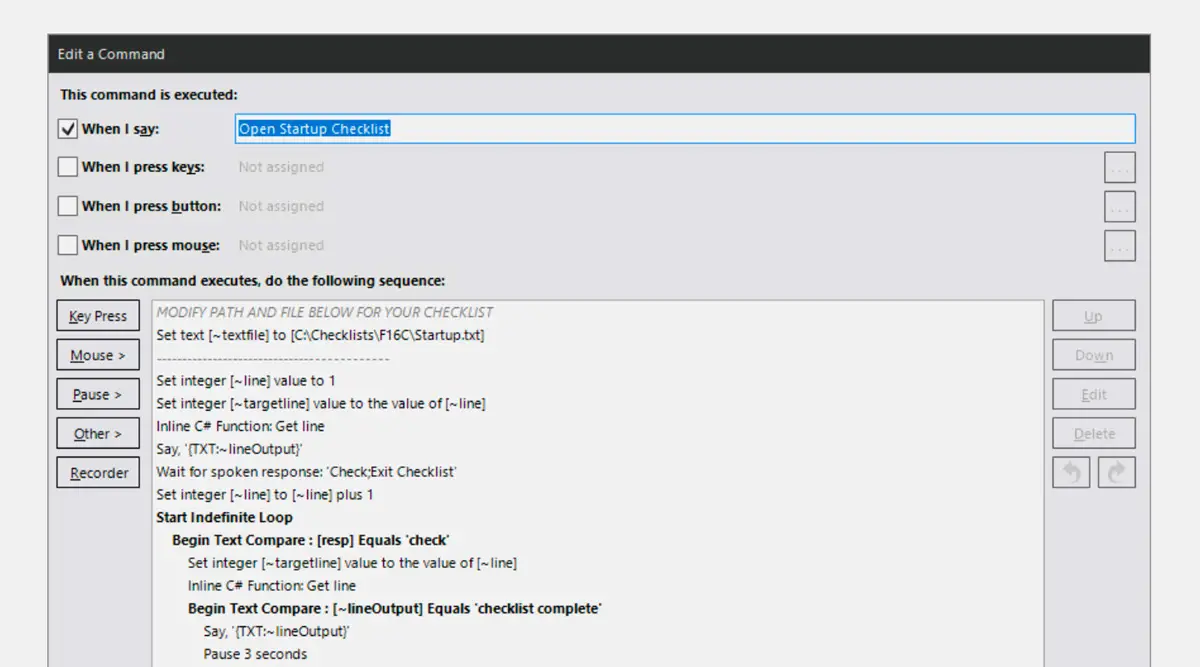
Today we’d like to introduce you to Dynamic Virtual Co-Pilot, a VoiceAttack profile created by Dave Randall that allows you to fly with a co-pilot that will audibly call out your checklist items for any procedure, for any aircraft. Simply create a list of checklist items in a text file (e.g., Startup.txt), point the profile to that text file, and speak the desired commands (e.g., Open Startup Checklist) to have the Virtual Co-Pilot audibly walk you through the checklist items one at a time.

Dynamic Virtual Co-Pilot comes with two profiles. Checklist Template.vap makes your co-pilot audibly call out the first item in your list and wait for you to say “Check” before calling out the next item. He will also let you know when the checklist has been completed. If necessary, you can say “Repeat” and your co-pilot will repeat the last checklist item.

dynamic virtual copilot voiceattack msfs
Detailed instructions are included to help you through the entire setup.

If you would rather not have to say anything to your co-pilot to work through a checklist, there is a second profile included (Continuous Checklist Template.vap) that will tell your co-pilot to call out the first item, wait for a certain amount of time (can be set to user preference), then automatically call out the next item. If you need to, you can say “Pause” or “Stop” at any time, and your co-pilot will wait for you to say “Continue” before moving on.

You can create a text file to have your co-pilot tell you anything you want (Checklist items, V-Speeds, Flap and Gear extension speeds, frequencies, etc.). You can also configure the profile to use any TTS voice you have installed on your PC. A complete user guide is included to help users set everything up!

Dynamic Virtual Co-Pilot is available for free as a profile package, but you need a paid license of VoiceAttack to use the profiles. VoiceAttack is a speech-recognition software that allows users to add their own voice as a controller in Microsoft Flight Simulator. It’s not that expensive at just $10 and can be a significant game changer in how you interact with your MSFS aircraft.

06 Nov 18:03

FlightControlReplay v5 is out to record and replay your flights in MSFS

by Vasco Ferreira

FlightControlReplay is one of the only ways to record and replay flights in Microsoft Flight Simulator, and just got a massive update that totally revamps the UI and adds a number of welcome new features!

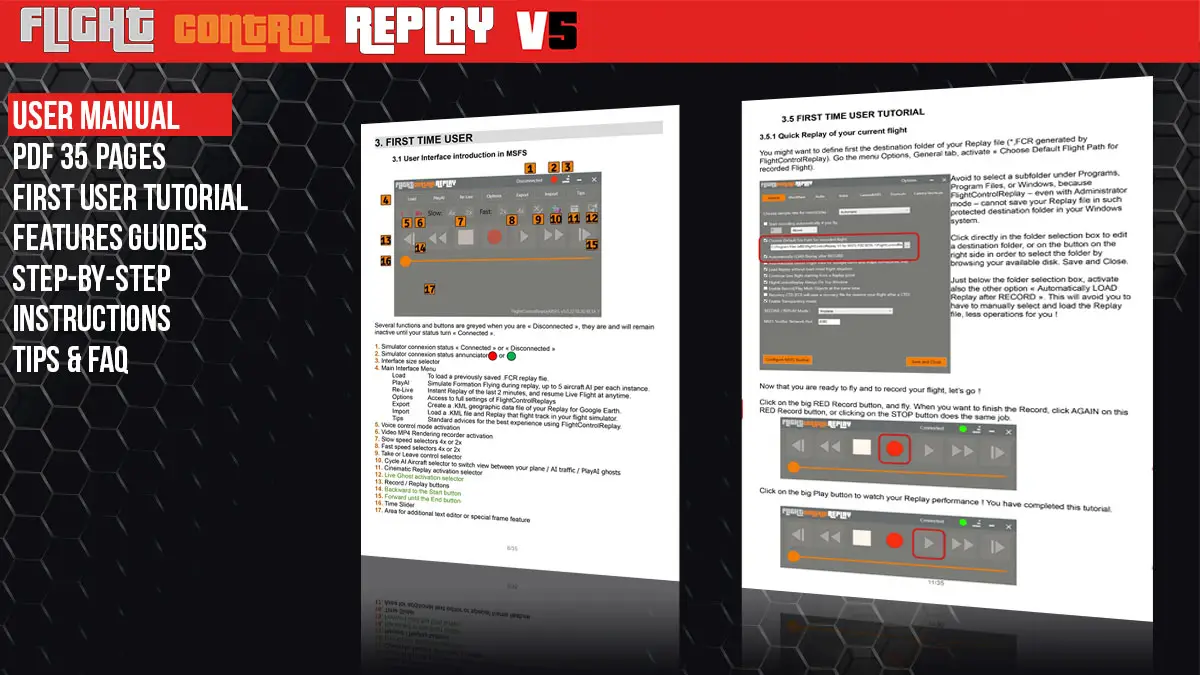
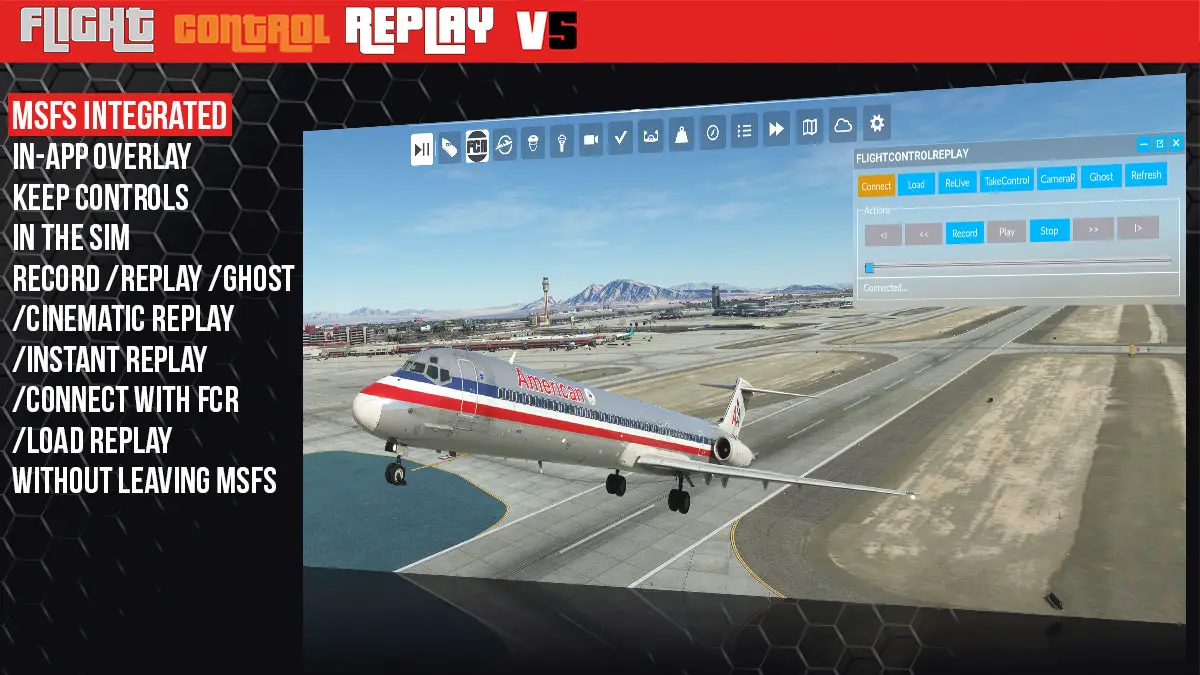
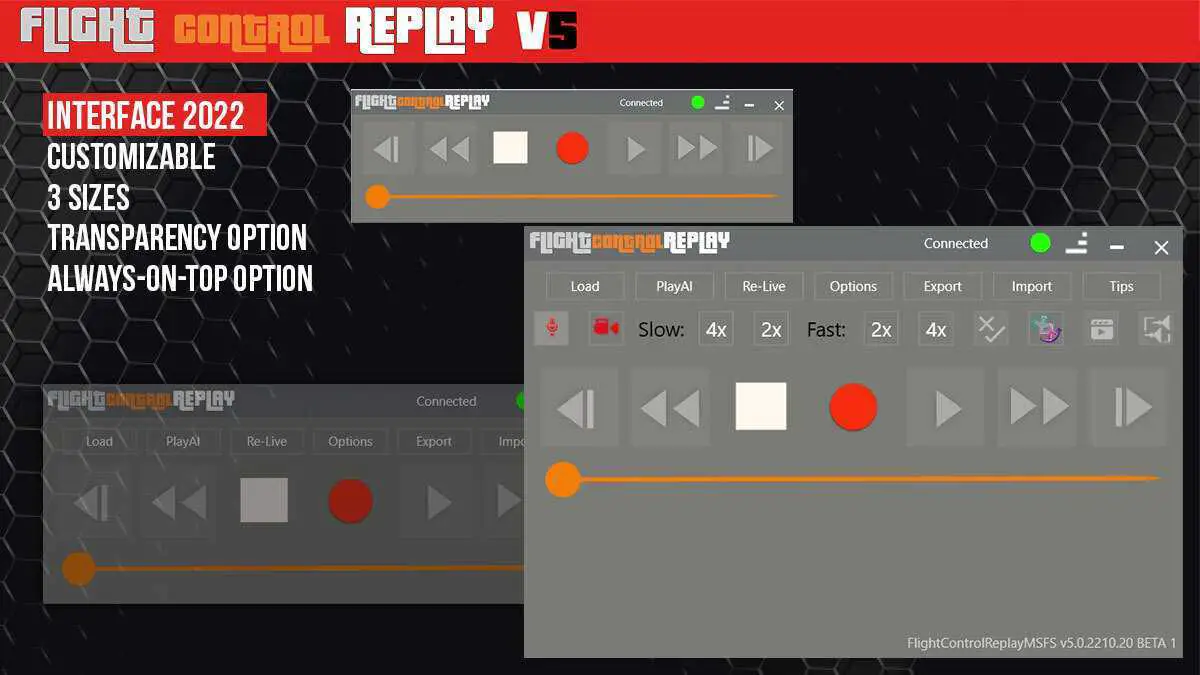
FlightControlReplay (FCR) has been available for a while for MSFS, offering simmers the chance to replay their flights in the simulator and record videos to save those favorite moments. A new version (v5) has been released this week, introducing a new UI that looks less jarring than previous versions and is more intuitive to use. It’s still not exactly pretty, but it’s a definite improvement!

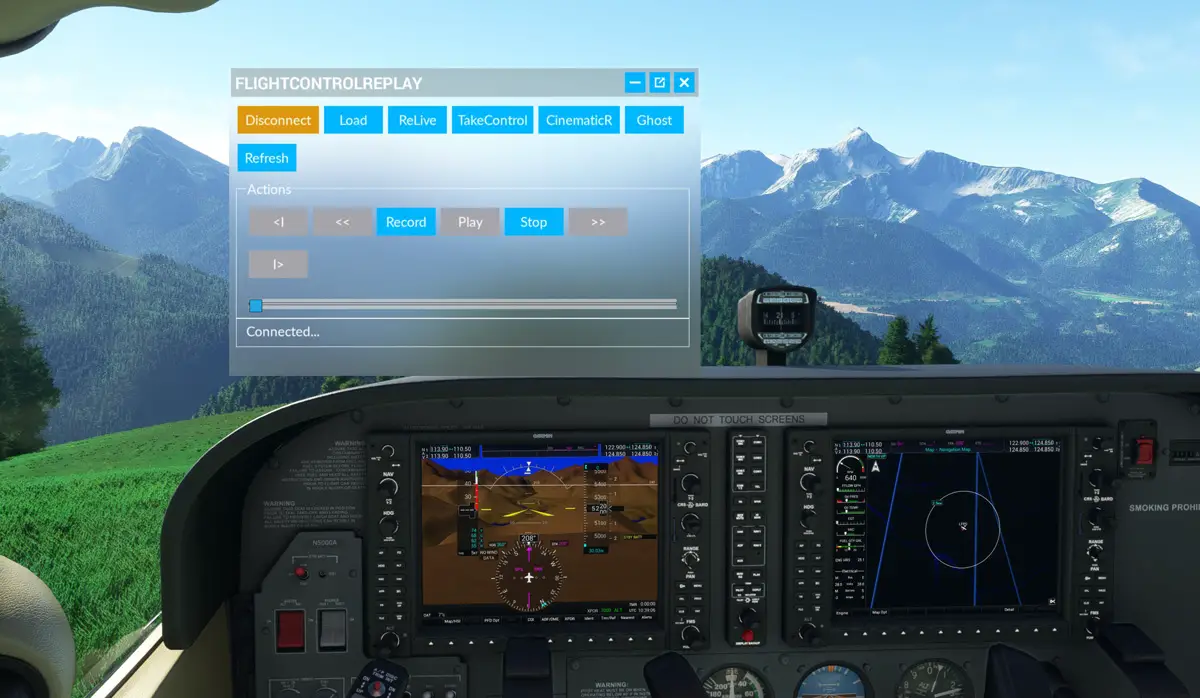
This revamped interface also adds better integration with MSFS, with a new toolbar window that allows users to record and replay flights without leaving MSFS. It’s a more direct alternative to the native (and clumsy) replay functionality that was added by Asobo a few months back.

Flightcontrolreplay v5 msfs 1 1

Flightcontrolreplay v5 msfs 2 1

Flightcontrolreplay v5 msfs 3

Flightcontrolreplay v5 msfs 4

The new UI is also more customizable in v5. A transparency mode can be enabled to remove the background and leave only the buttons visible. The UI can also be displayed with several levels of complexity, from all buttons on the screen to just the essentials, for a more minimalistic look.

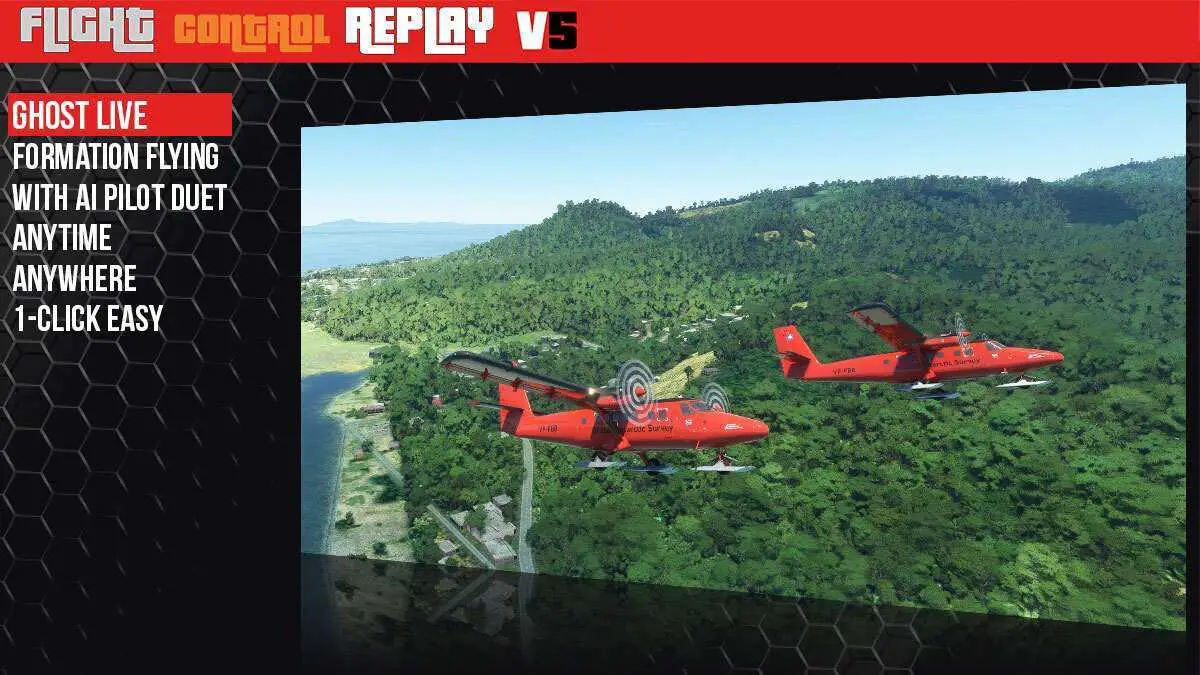
FCR v5 also comes with a few new and innovative features! Content creators will absolutely love the entire feature set in the app, but the new GhostPlane function promises to be especially cool for video makers. With a simple press of a button, FCR v5 spawns an AI aircraft that will follow your flight path, essentially creating a small formation with adjustable position and distance between both aircraft.

flightcontrolreplay v5 msfs 2
FCR’s new integration as a toolbar utility in MSFS.

A new Cinematic Replay mode also aims to make things easier and more relaxed, automatically switching views when watching a replay for a more lean-back experience.

FlightReplayControl v5 is now available exclusively through Simmarket, priced at 20.00€ + tax for new users. Existing owners of the app will unfortunately have to pay an upgrade fee, which is set at 5€ for purchases made after August 1st, and 8.25€ for everybody else.

New features in FCR v5:

  • User Interface 2022
  • Customizable Size and Transparency
  • MSFS Toolbar integration and in-game controls
  • Cinematic Replay with Automatic Cameras Switch
  • GhostPlane : formation flying live with AI duet pilot
  • PMDG and Fenix A320 MSFS Support
  • Next gen memory management for performance upgrade
  • Landing Touchdown Report
  • Crash-to-desktop recovery
05 Nov 15:54

(New teaser video!) //42 teases Flow, a powerful menubar replacement tool for MSFS

by Vasco Ferreira

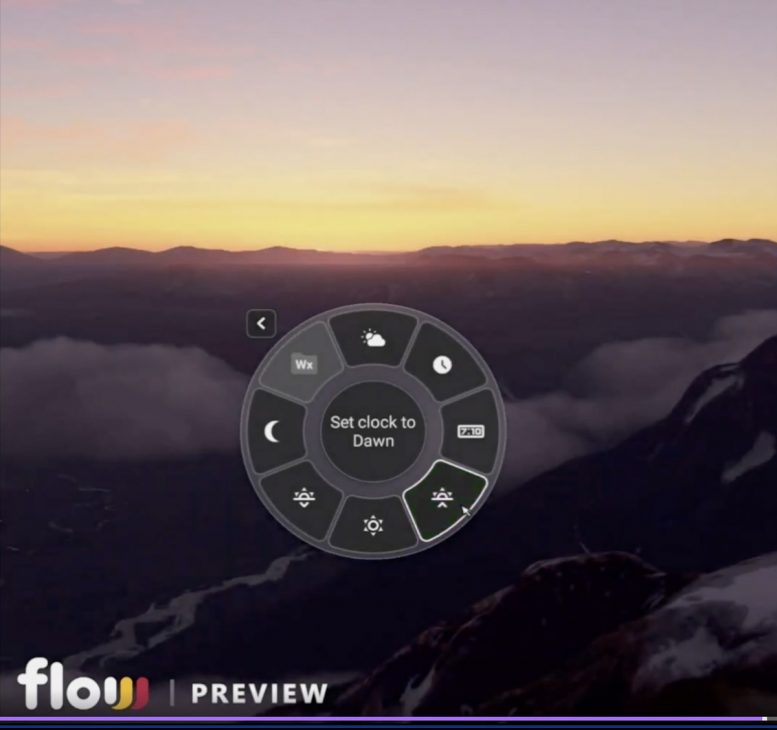
Update, December 12th: Following last month’s subtle unveiling detailed below, //42 has now officially announced Flow, an interactive “wheel” that promises to replace the menubar in MSFS with much more powerful capabilities. Watch the new teaser video below and keep reading for more details (from an earlier preview with TwoToneMurphy. It looks much more polished now!)

Parallel 42 (//42) continues to push the boundaries of what’s possible to do in Microsoft Flight Simulator. The hugely creative and innovative team who brought us the excellent Skypark (v3 is coming, by the way, with some awesome new features), Campout, or “Scenes“, has now teased an exciting new product that promises to put a lot of power in simmers hands. It’s called “Flow“, it’s potentially revolutionary, and it’s coming this year!

//42’s Edson Soriano was live with our friend TwoToneMurphy, in a lengthy conversation that offered a lot of background about the team, how it came to be, their entire product philosophy, and much more. It’s a must-watch if you’d like to know more about //42 and the people behind the project, and it came with a nice bonus at the end: the announcement and first look into Flow and its incredible capabilities! Watch it below!

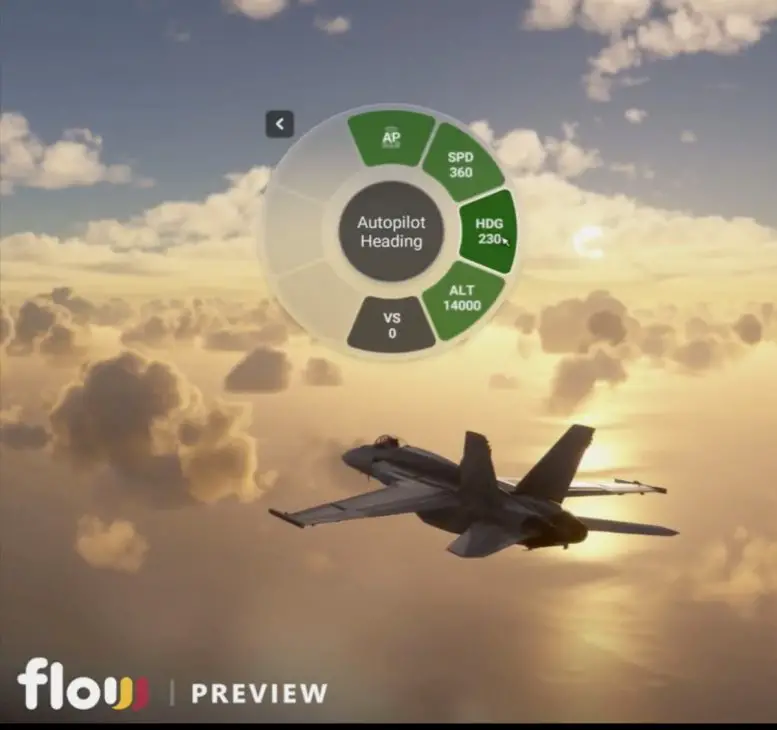
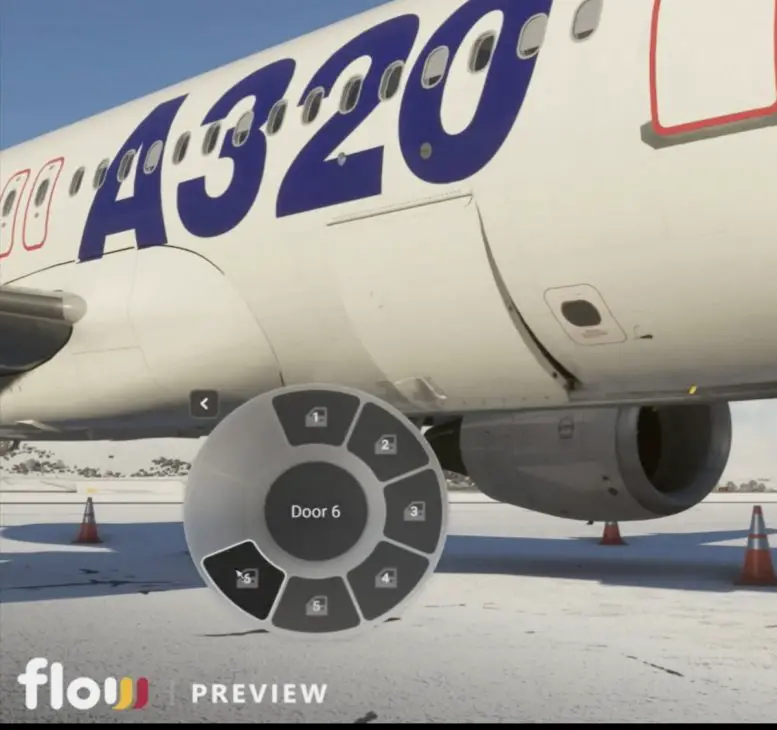
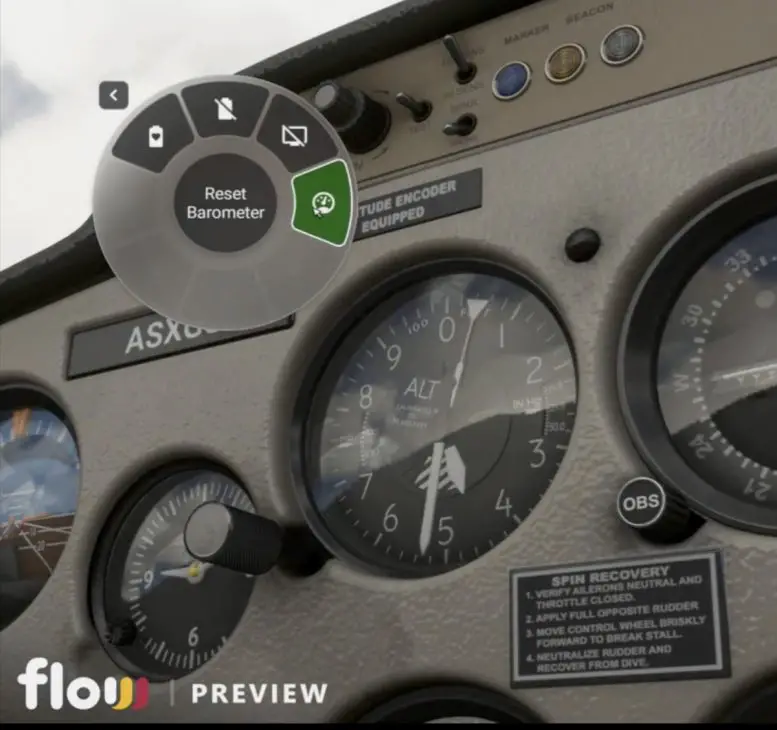
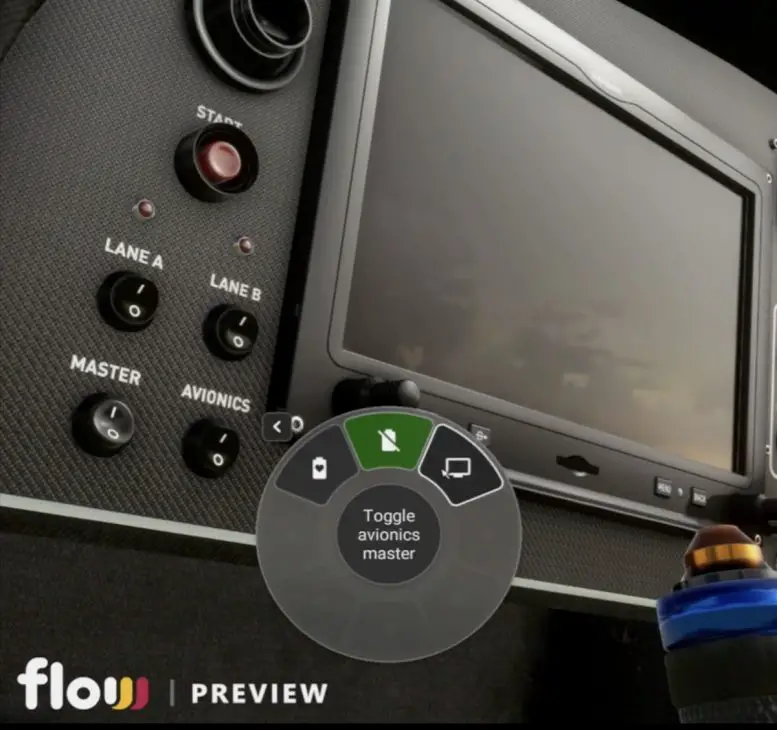
Flow is, essentially, a new user interface that will allow simmers to quickly interact with a vast amount of functions in MSFS. It looks like a kind of widget overlay from where users can run actions (flows) that can range from typical aircraft buttons and switches, to global actions like changing the time of day, resetting aircraft position, opening doors, and more.

The basic idea behind Flow is for it to work like a menubar replacement in MSFS, but way more powerful. And we mean way more powerful! So powerful, in fact, that power users will be able to write their own scripts and basically make Flow do whatever they want to do, not only in the simulator itself, but possibly even interacting with external apps (i.e., skipping Spotify tracks).

During the live stream with TwoToneMurphy, Edson shared a preview video showcasing some of the many actions that users will be able to run with Flow. Some are as simple as toggling landing lights, starting the engine, or opening doors, thus saving users the time and distraction of hunting for a button or switch. Others are especially cool, such as setting the time to dawn (and keep it there with a time lock).

Parallel 42 Flow Preview MSFS 6

Parallel 42 Flow Preview MSFS 5

Parallel 42 Flow Preview MSFS 4

Parallel 42 Flow Preview MSFS 3

Parallel 42 Flow Preview MSFS 2

Parallel 42 Flow Preview MSFS 1

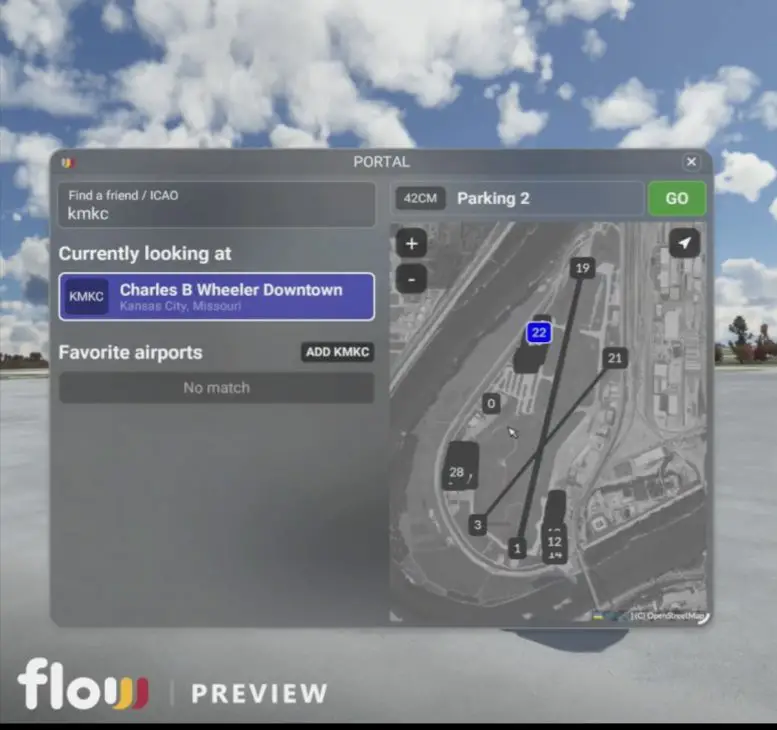
Flow will be capable of doing a lot out of the box. Other features shown in the preview video are a simple switch to reset aircraft position (very useful in case of a crash, for example), changing autopilot settings, and teleporting to another location in the world! Users will even be able to teleport to the location of a friend.

Flow promises to be particularly useful for Xbox users, translating the click-based UI in MSFS into a more tactile and controller-friendly way to interact with the sim.

//42 says that Flow may not be available at first in the Marketplace (Orbx will be the first launch platform), but it will eventually arrive there as soon as technically possible. The team is planning to launch two different versions of Flow: a standard version, targeted to most users, and an advanced version, especially targeted to creative power users who wish to expand the tool’s functionality by writing custom scripts (to interact with complex aircraft, external apps, and whatever they can think of).

Flow by //42 is currently planned to be out before the Holidays, so it’s really coming soon! It looks like another fantastic creation from the team and one that can significantly change simmers’ experience with MSFS. Make sure to watch the presentation above to get a deeper insight into what Flow is all about. It’s very cool and powerful, so stay tuned for further news and updates!

05 Nov 10:07

Nightingale : Questions / réponses : progression et difficulté, constructions et localisation de Nightingale

by Uther
Dans le jeu d'exploration Nightingale, la progression des personnages dépend principalement de leur équipement, lui-même fabriqué par des artisans grâce à des matériaux récoltés dans une multitu...
05 Nov 07:05

Fabio Merlo sort FlightControlReplay 5 pour MSFS et P3D5

by Sebastien

Fabio Merlo a confirmé dans son dernier communiqué de presse que FlightControlReplay 5 est sorti sur simMarket. Son logiciel est le logiciel le plus complet pour la relecture et l’enregistrement de vidéos pour MSFS et Prepar3D5.

Introduit avec une interface utilisateur totalement remaniée, les changements importants impactent tous les autres aspects de l’outil pour le rendre plus facile à installer, à manipuler, à configurer et à personnaliser, et avec de nouvelles fonctionnalités assez spectaculaires même pour un utilisateur régulier de sa précédente version 4.5. Le prix est d’ailleurs réduit si vous souhaitez faire la mise à jour en version 5 alors que vous êtes utilisateur enregistré de la version précédente.

Dans FlightControlReplay 5, vous obtenez une interface utilisateur personnalisable avec 3 tailles disponibles que vous pouvez passer de l’une à l’autre en un seul clic. Vous pouvez également le rendre transparent ou demander à rester toujours au-dessus de toutes les autres fenêtres actives de votre système. Ce n’est pas tout, grâce à l’implémentation de FlightControlReplay directement dans MSFS : le bouton est ajouté à la barre d’outils MSFS, et une nouvelle fenêtre permet de contrôler les principales fonctionnalités de l’utilitaire de replay sans quitter le simulateur.

Ensuite, vous pouvez démarrer le divertissement avec un Live Ghost pour obtenir un compagnon de vol, un pilote IA, sans avoir besoin d’un enregistrement préalable, sans charger un Replay non plus. Il suffit de voler et d’activer la fonction Ghost. Sa position est personnalisable, et le pilote AI montre quelques différences de vitesse ou d’altitude pour essayer de se maintenir à sa position. Ce n’est pas une réplique exacte et fixe de votre profil de vol, mais une vraie IA qui pilote le même avion que vous et à quelques mètres seulement.

Une autre nouvelle fonctionnalité annoncée ici est Cinematic Replay. Lors d’un Replay, vous pouvez maintenant profiter de ce que j’aime toujours dans beaucoup d’autres jeux vidéo : regarder l’action sous plusieurs angles de vue avec un passage automatique entre différentes caméras !

Toutes les fonctionnalités précédentes de FlightControlReplay sont regroupées ici afin que vous puissiez continuer à alimenter vos chaînes Twitch ou YouTube avec de belles vidéos basées sur le populaire PlayAI, la détection et l’enregistrement/relecture du trafic AI, ou utiliser la relecture instantanée.

Les streamers et les YouTubeurs sont déjà en ligne pour montrer le potentiel de l’un de leurs outils habituels. Parmi eux, il y a BLUGAMES, Q8PILOT, PILOT STUDD, DRAWYAH & KIWI MACE.

05 Nov 07:04

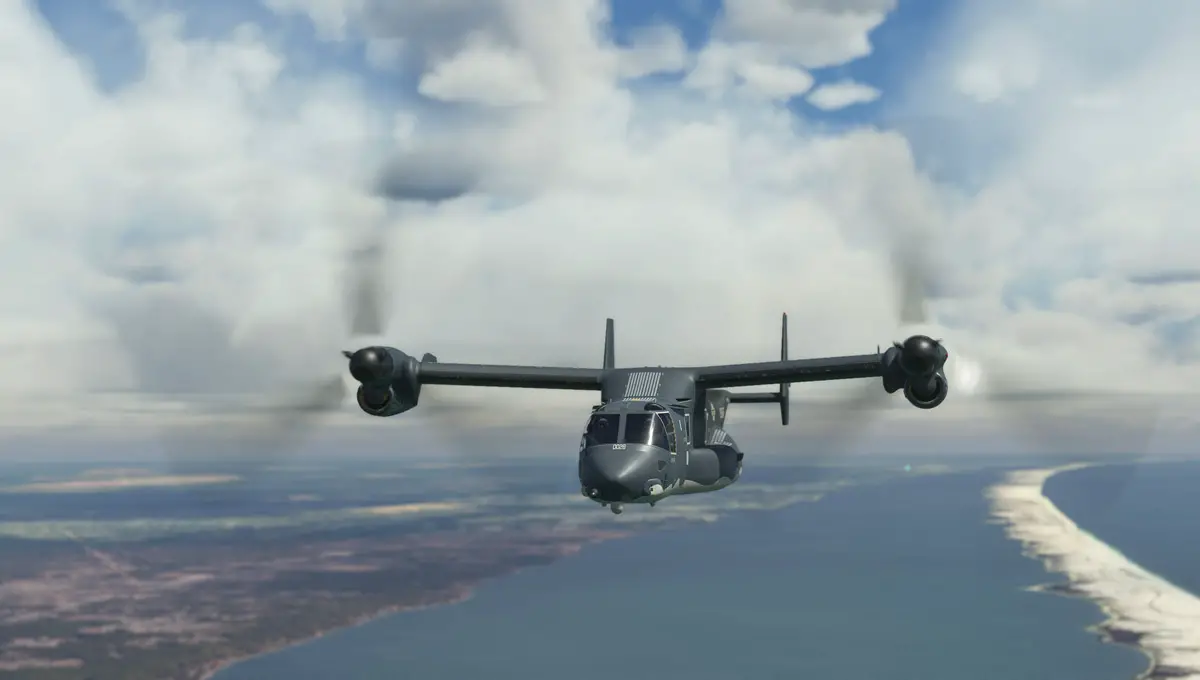
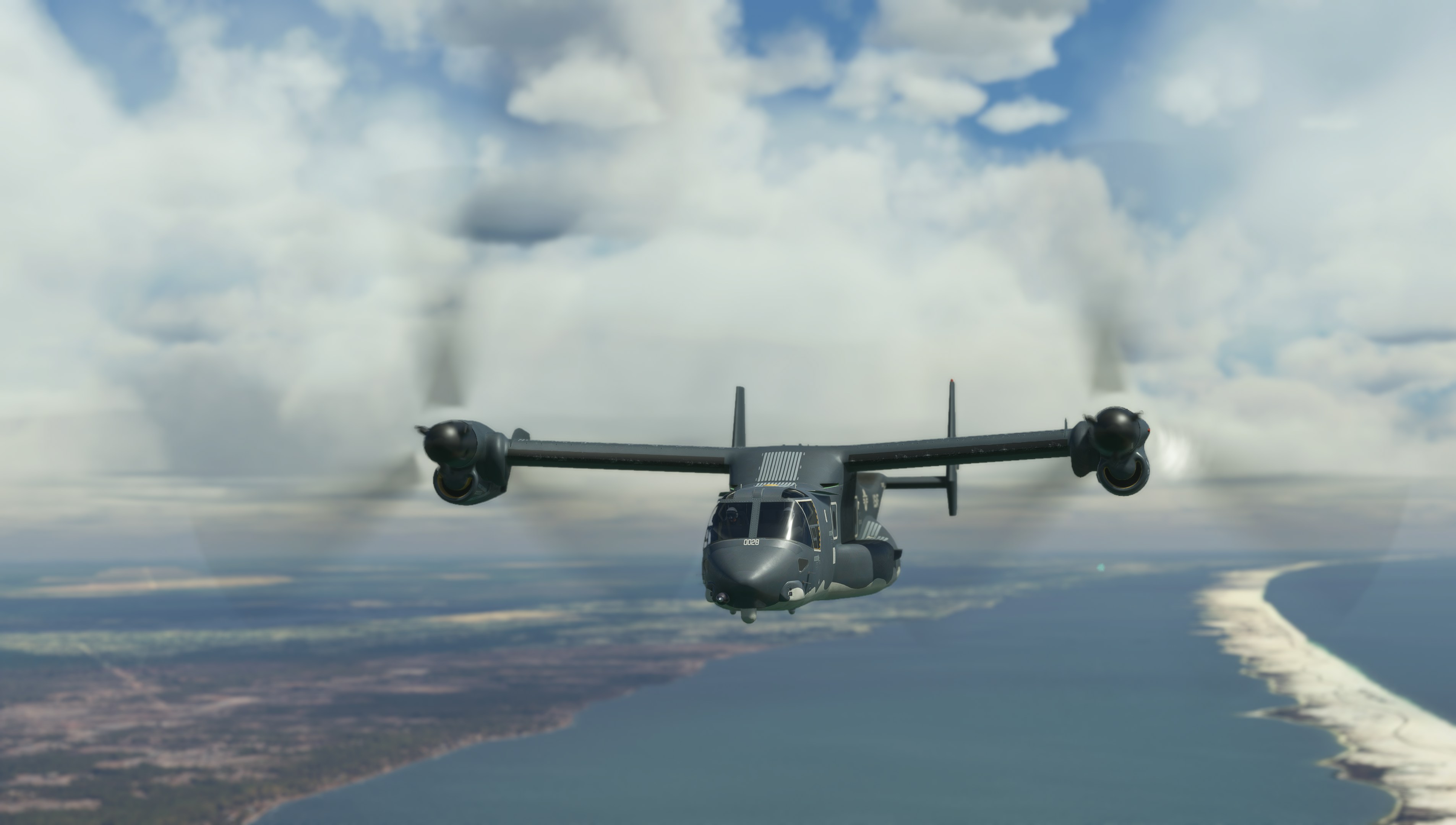
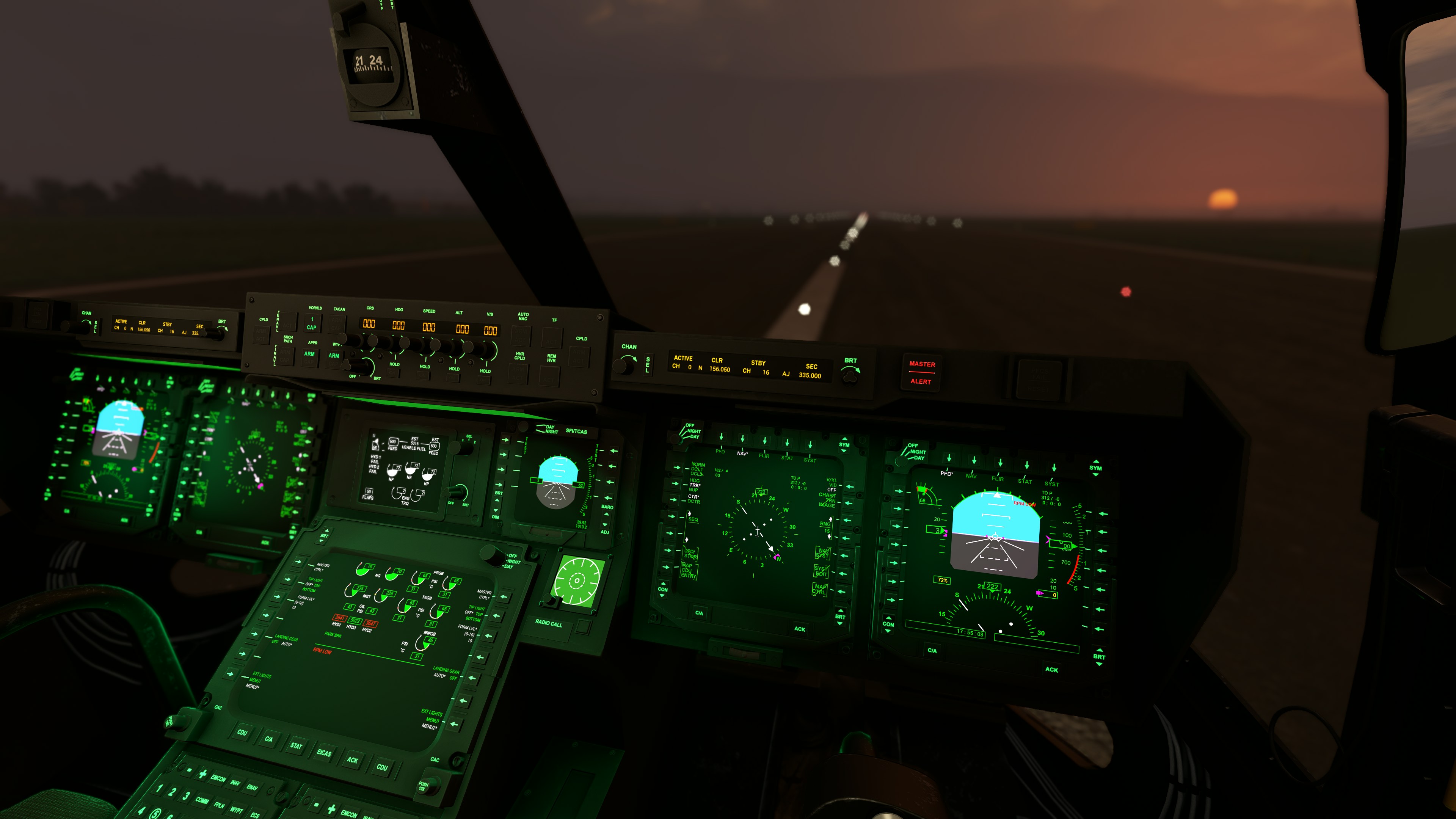
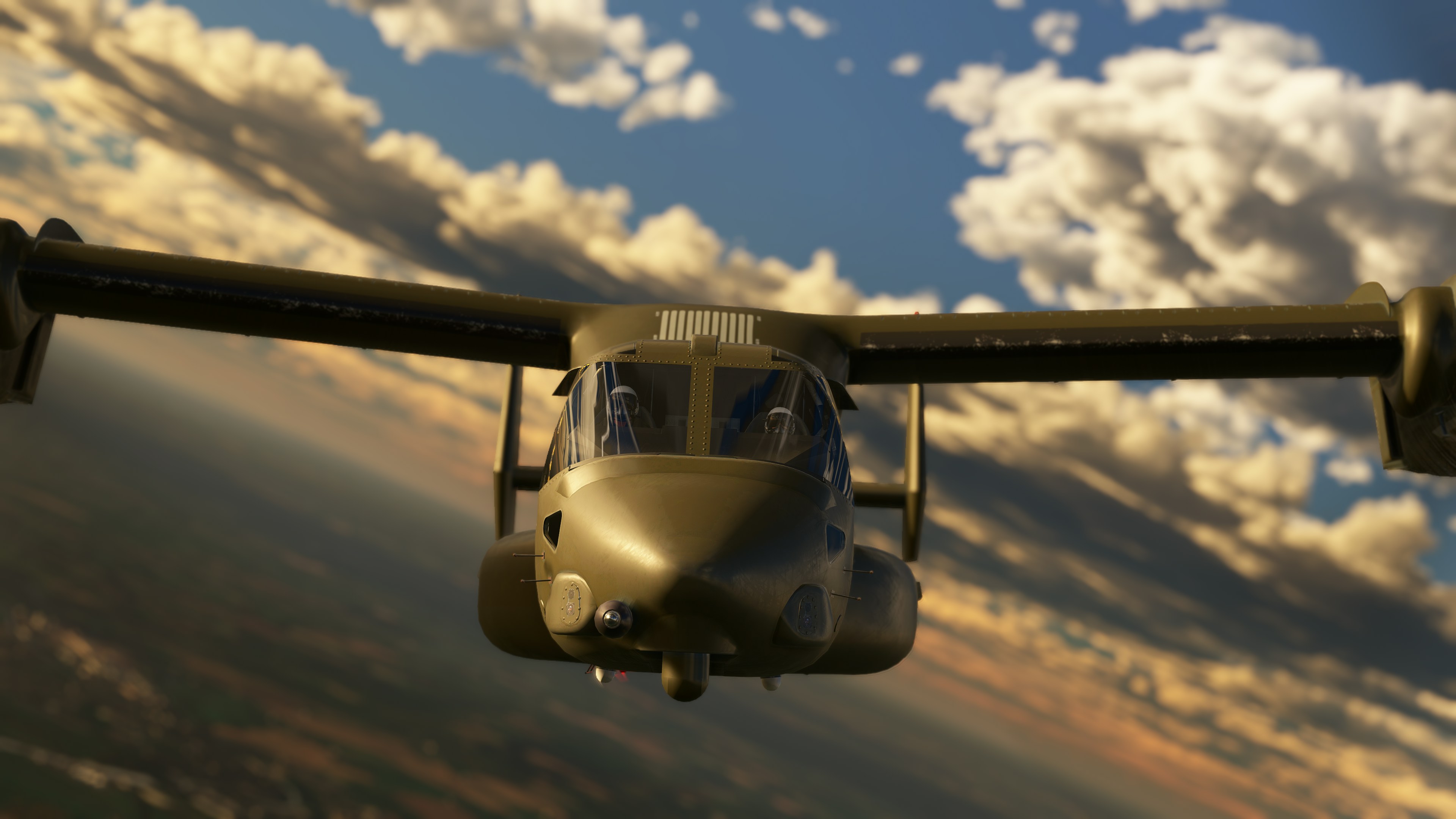
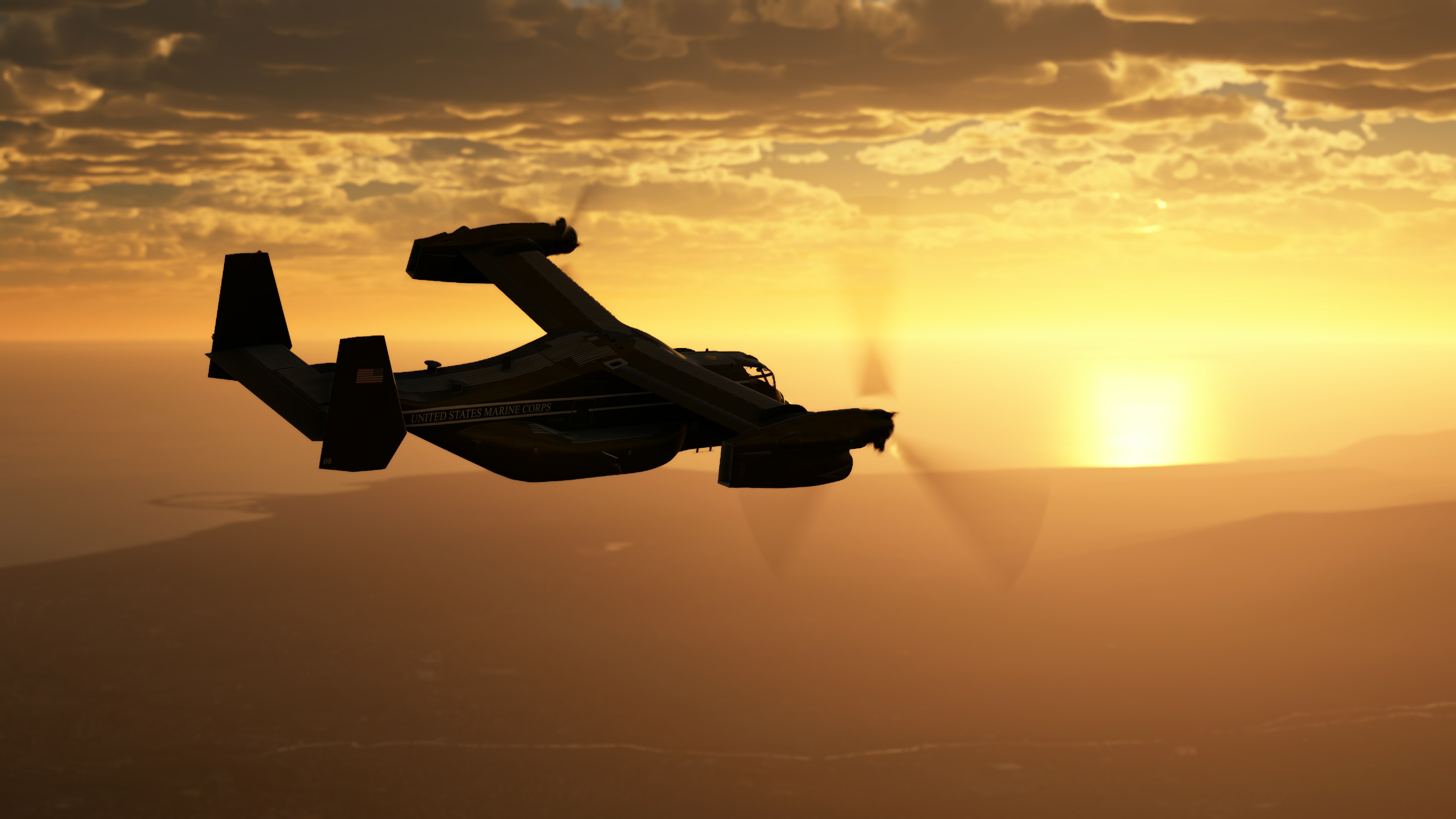
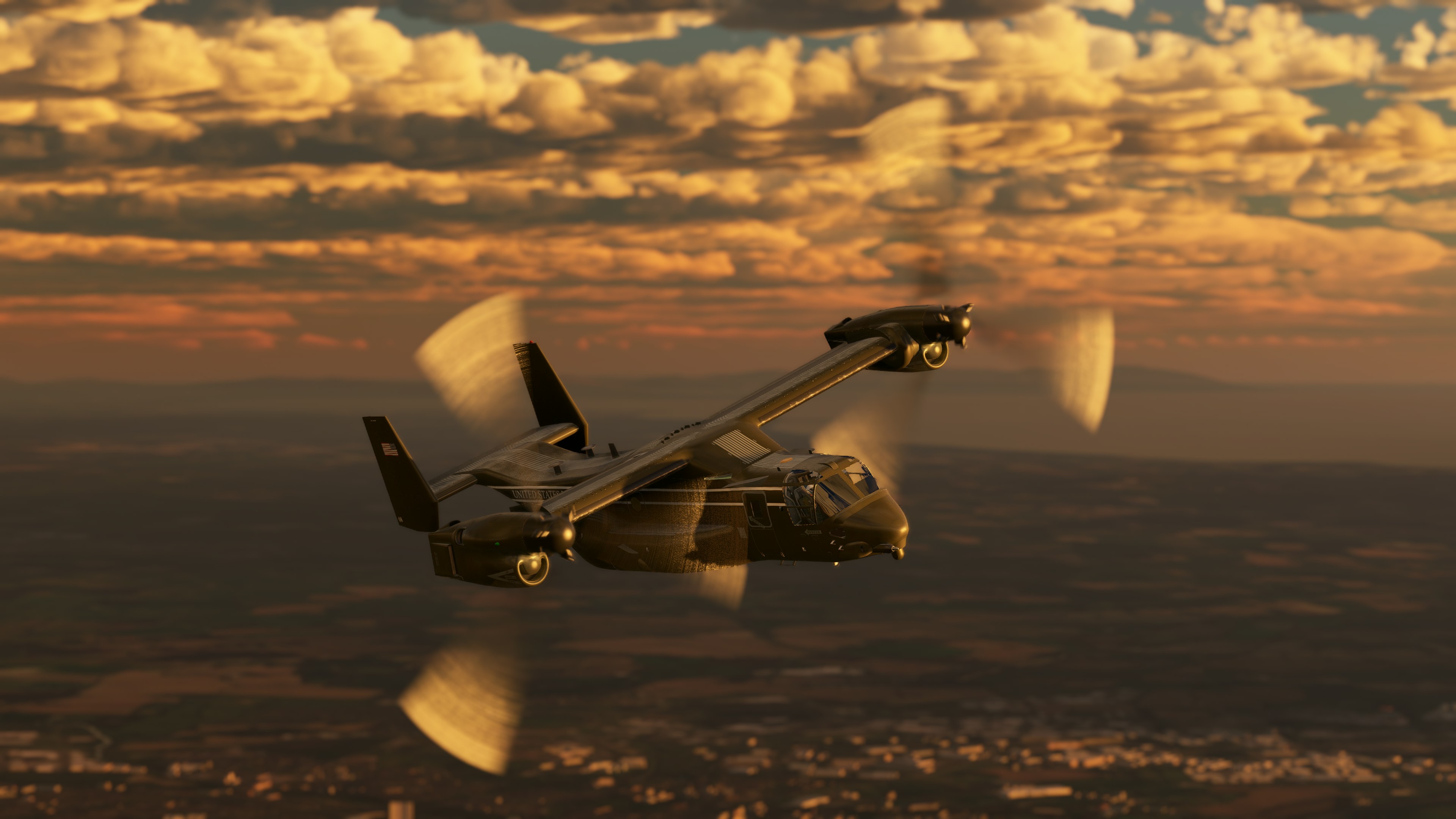
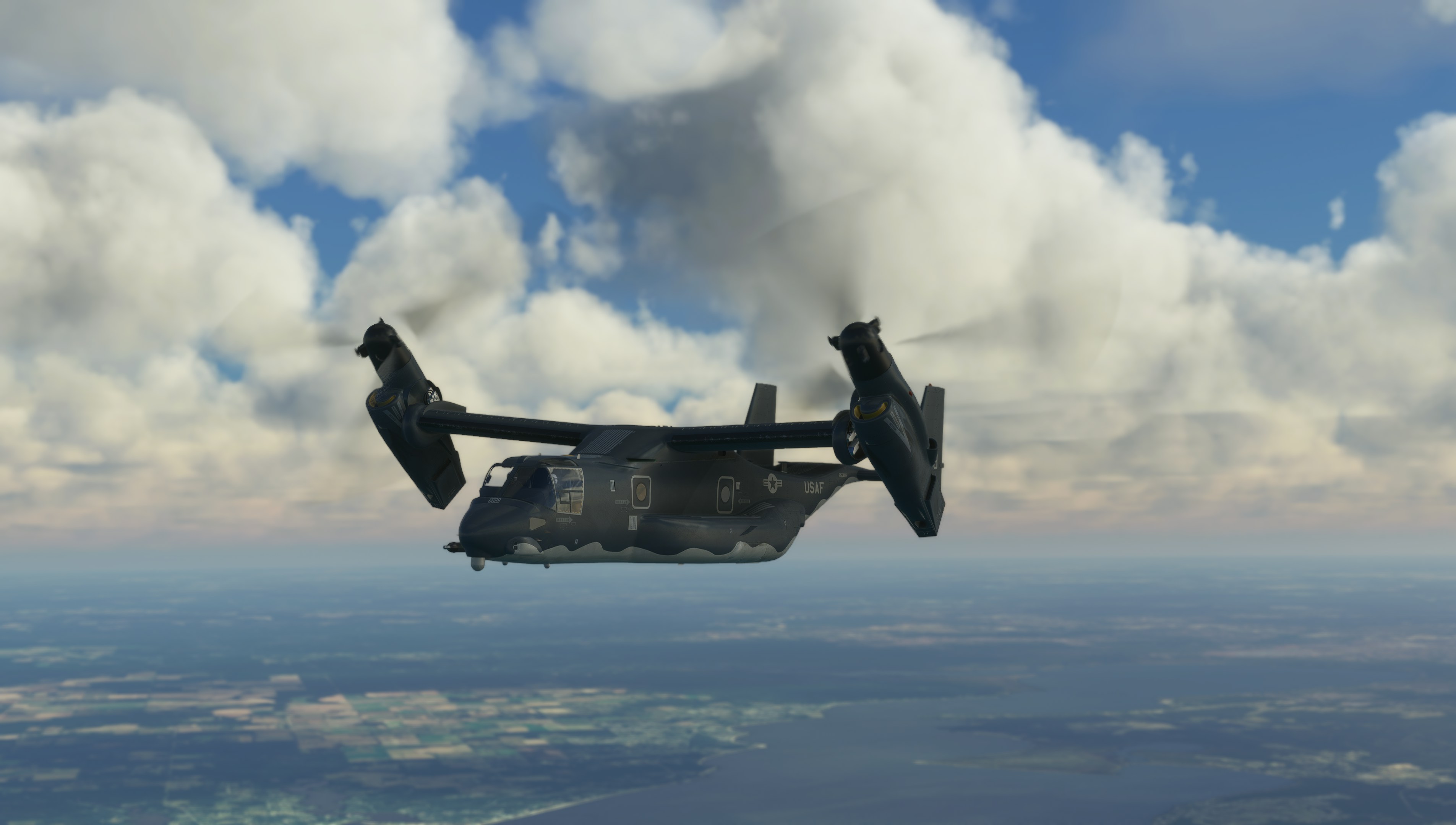
Miltech Simulations releases the MV-22B Osprey for Microsoft Flight Simulator

by Vasco Ferreira

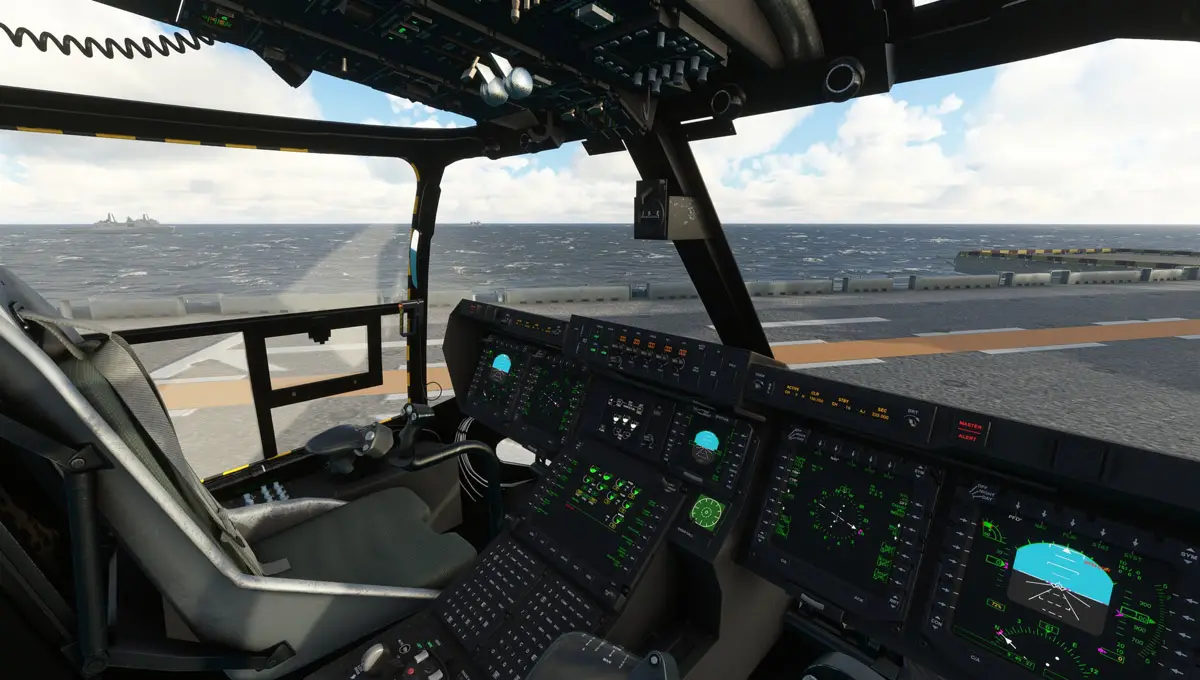
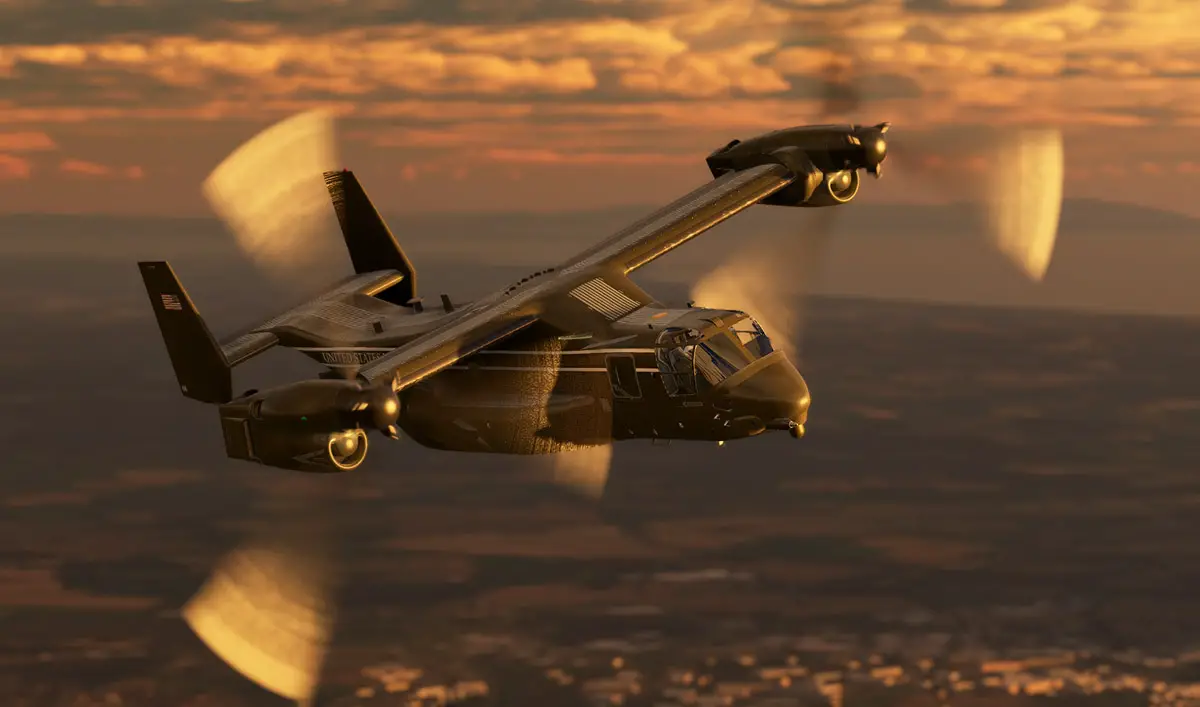
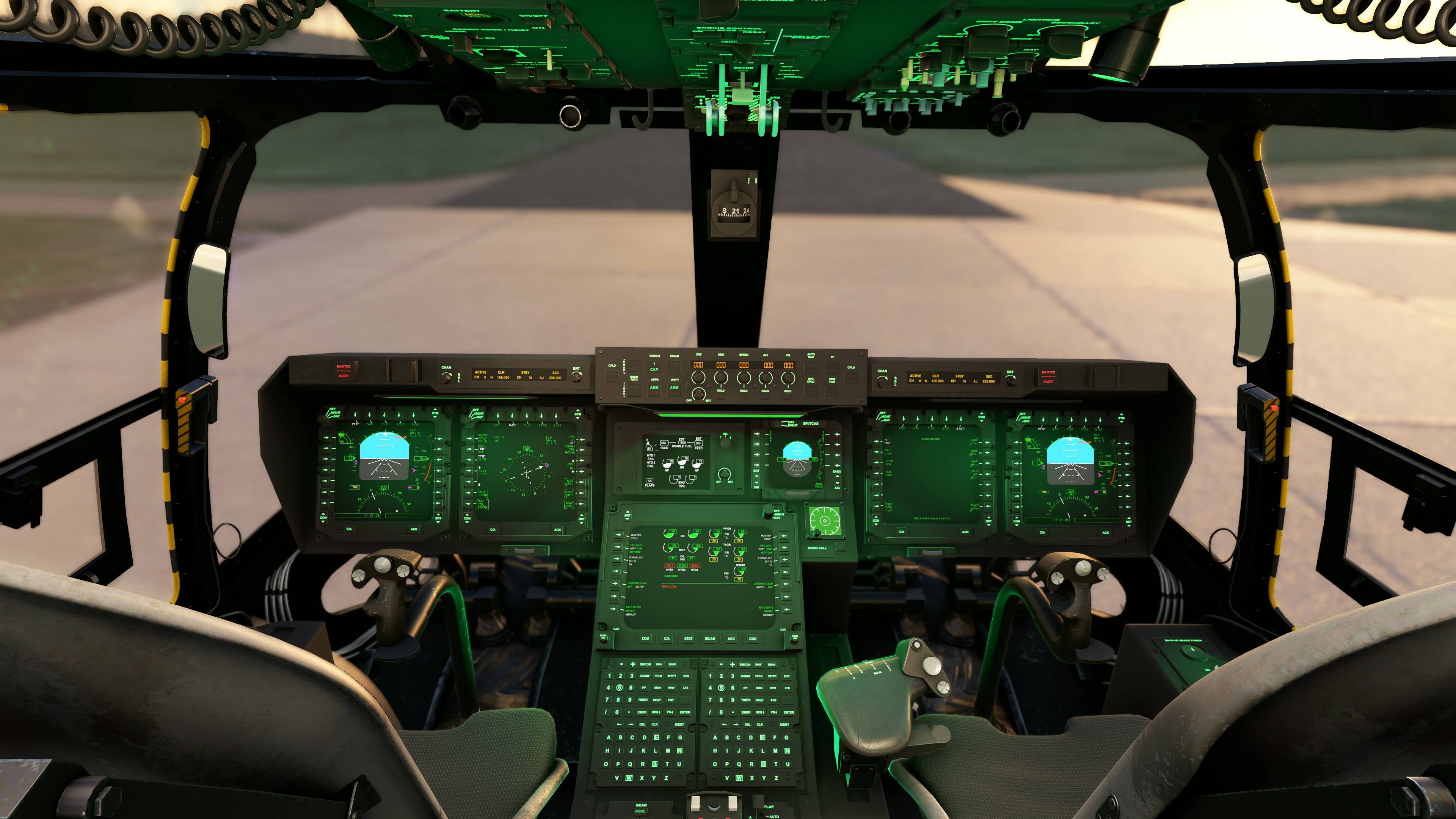
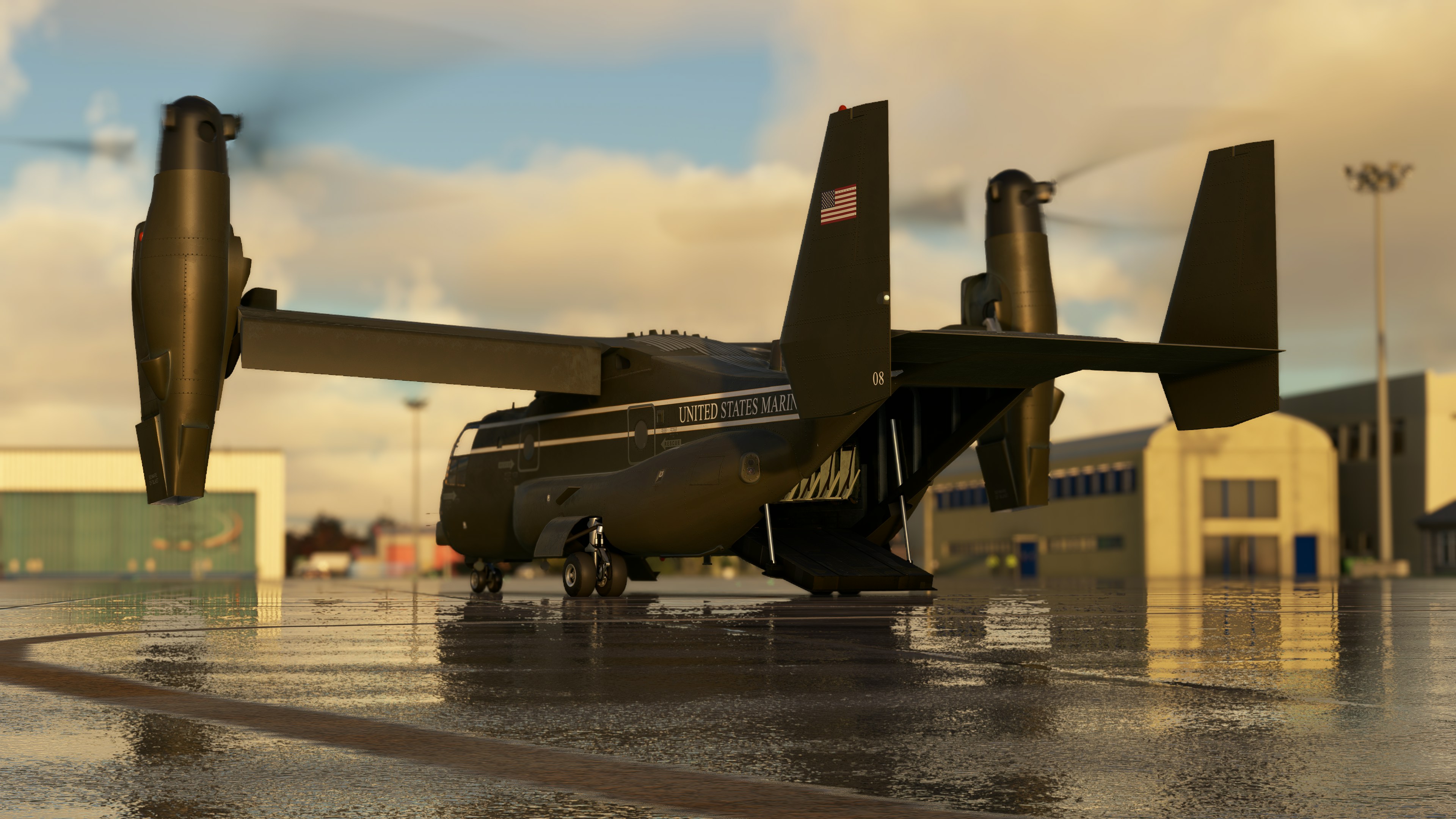
As promised, Miltech Simulations released today its simulation of the MV-22B Osprey, the remarkable American tiltrotor VSTOL aircraft. This joint partnership with aircraft developer Maryadi has resulted in “the most comprehensive rendition of the MV-22B Osprey ever developed for a consumer Flight Simulation platform“, in the team’s words, and promises to be a unique new way to fly in MSFS!

The Miltech Simulations MV-22B Osprey for MSFS features a detailed visual model (with margin for improvement – this will be addressed soon by the developers) and the promise of an accurate flight model that reflects the Osprey’s unique VSTOL capabilities.

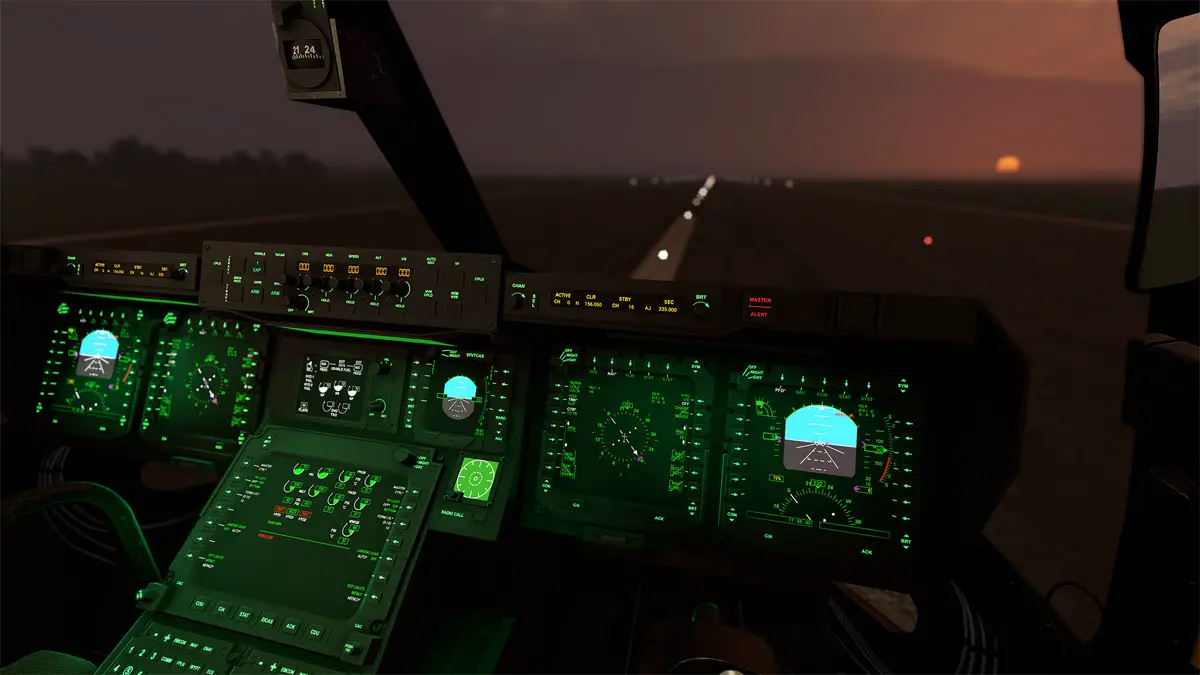
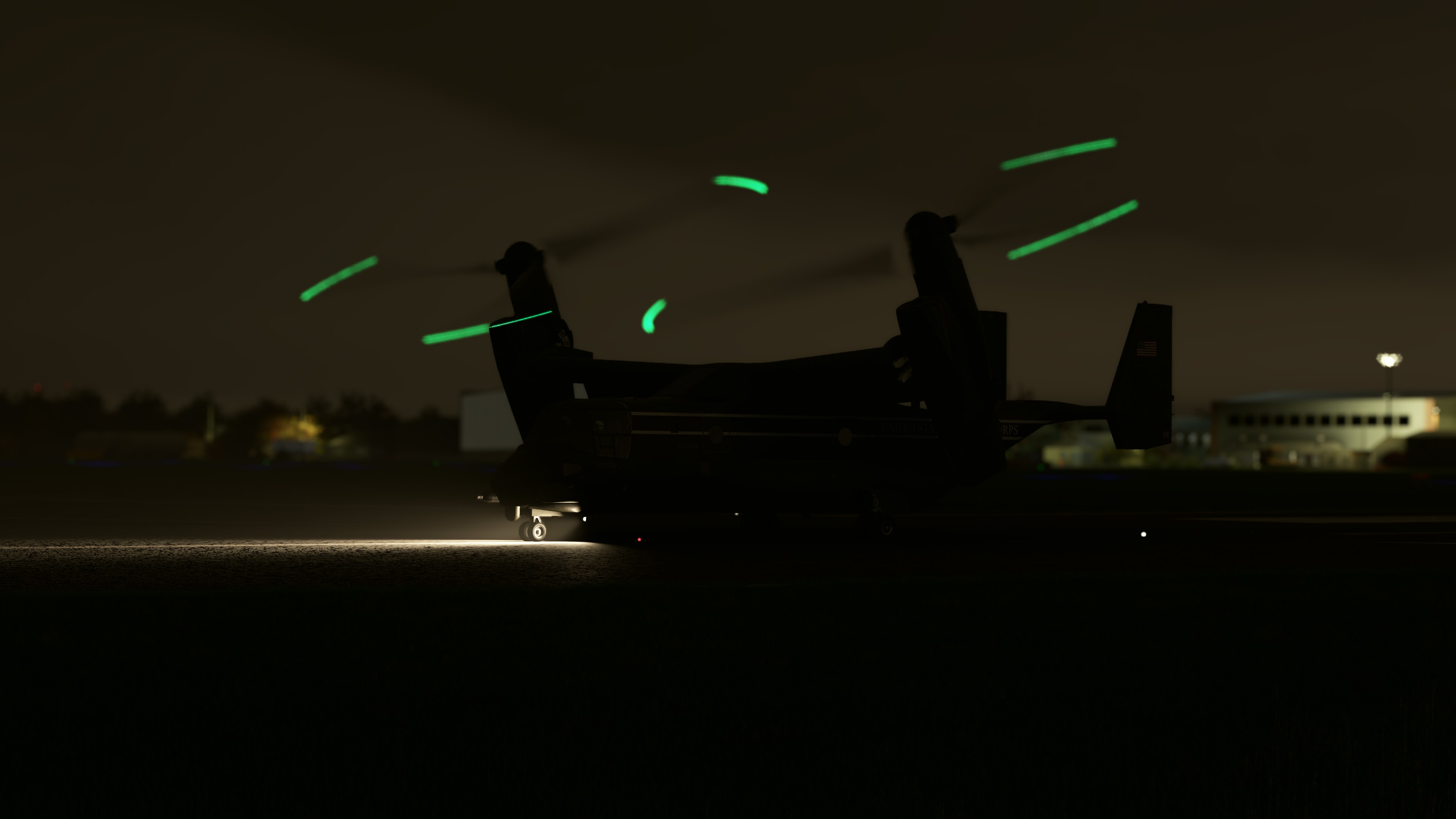
One of the Osprey’s most iconic features, besides the unique capability to land anywhere and fly faster and longer than a traditional helicopter, are the blade tip lights. These serve as a reminder to pilots of the blade’s length, and serve as a visual cue to their tilted position during critical stages of flight, as the blades may impact the ground before the landing gear if the props are fully forward during landing. The lights communicate to the pilot the exact tilt of the props, and look extremely cool and futuristic in the pitch dark of the night!

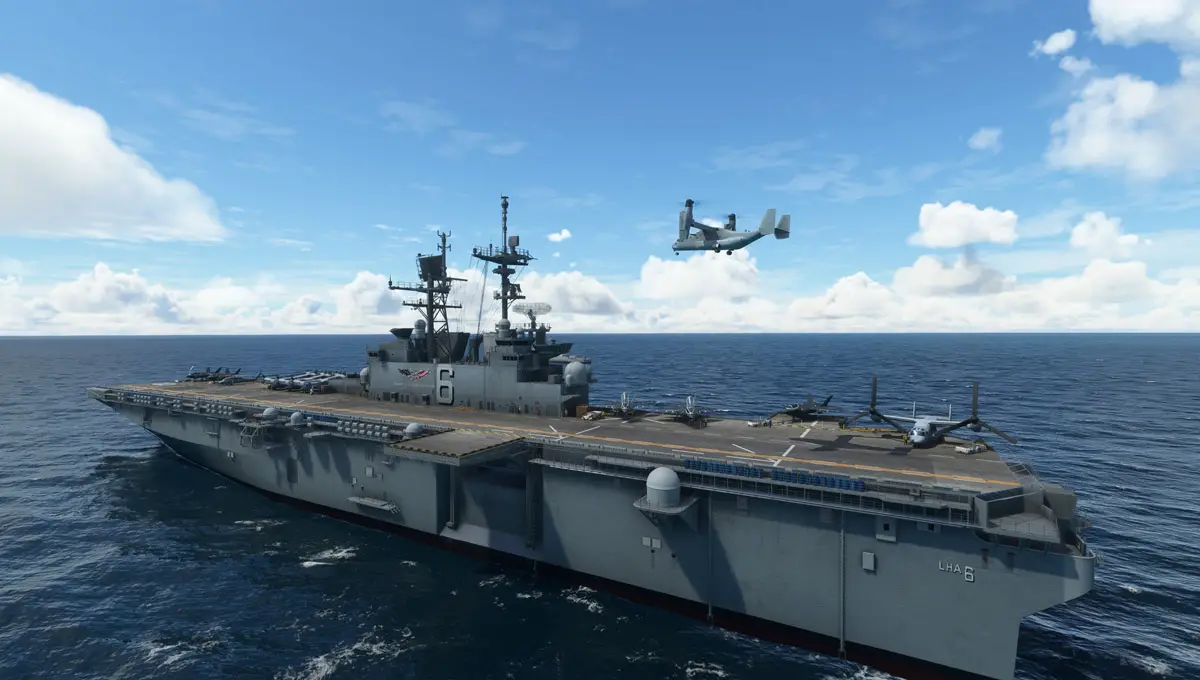
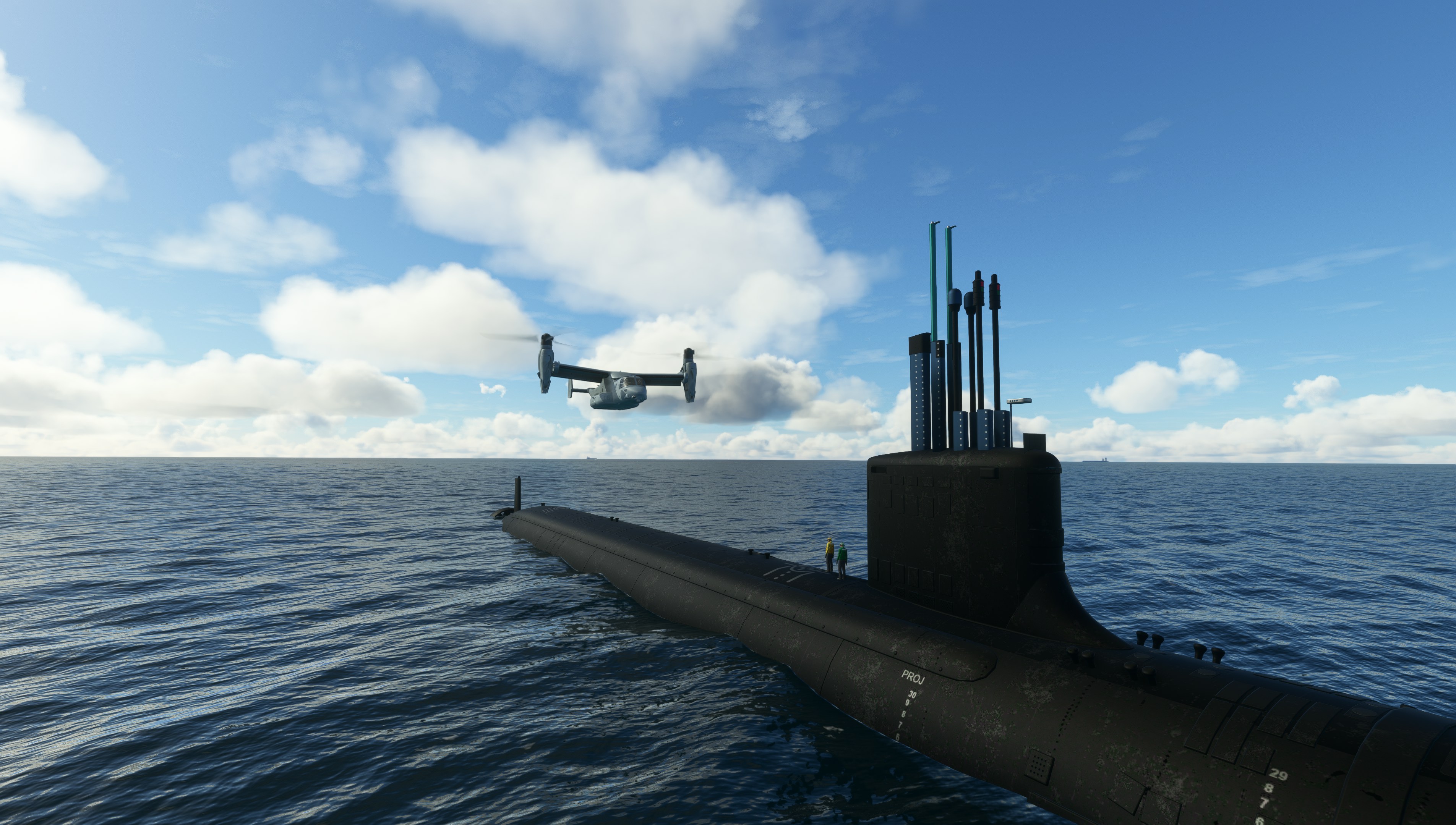
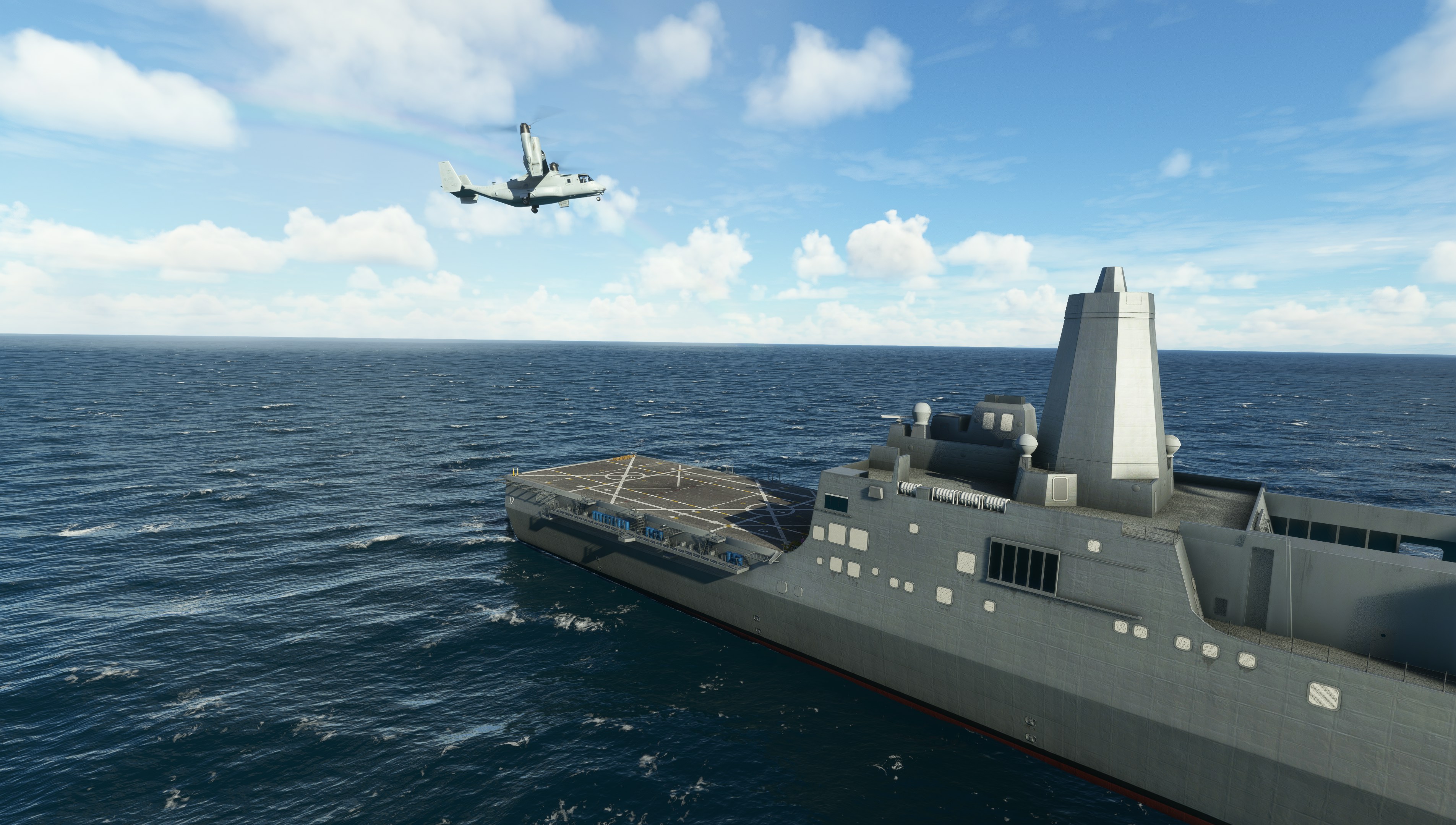
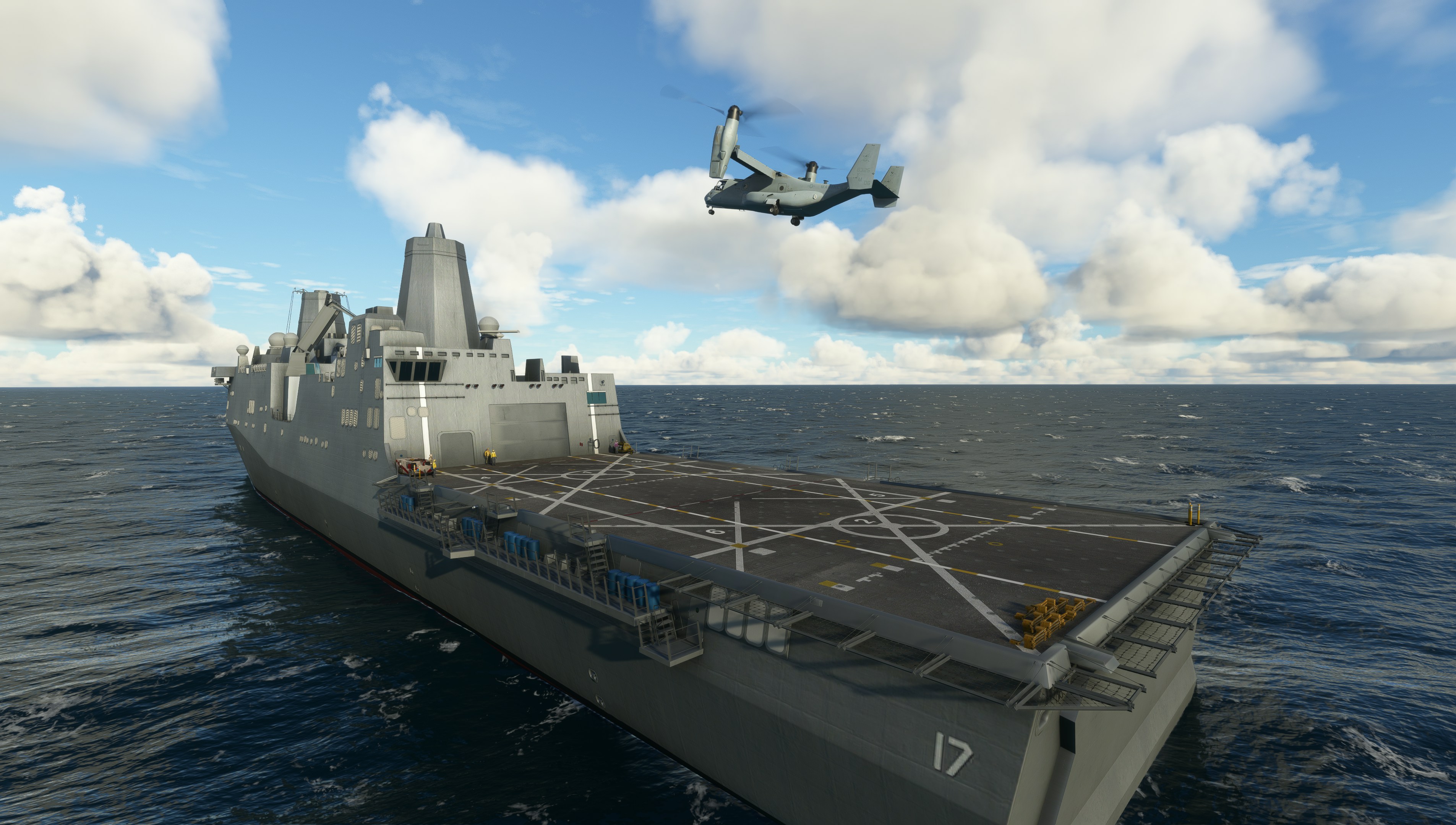
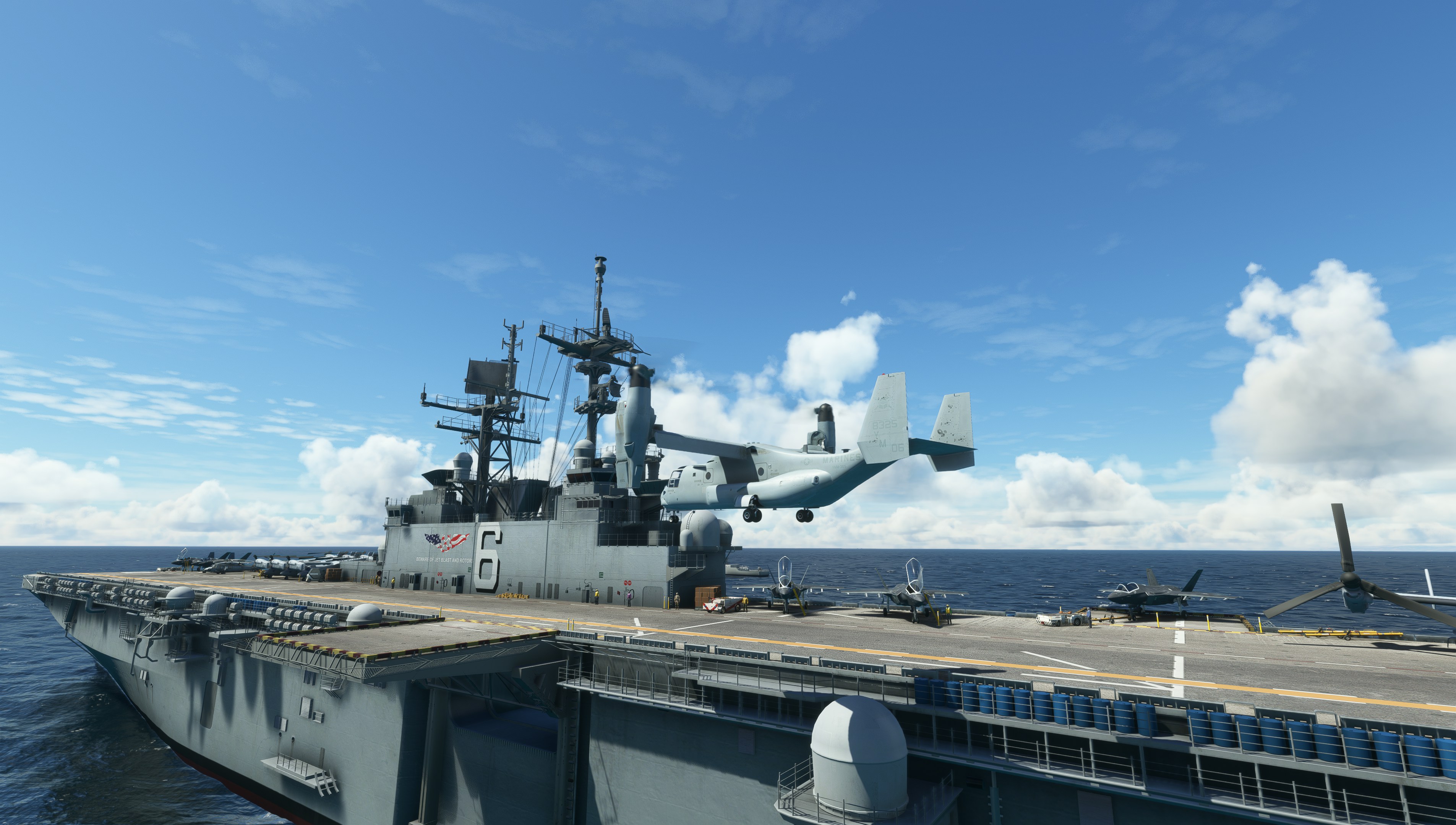
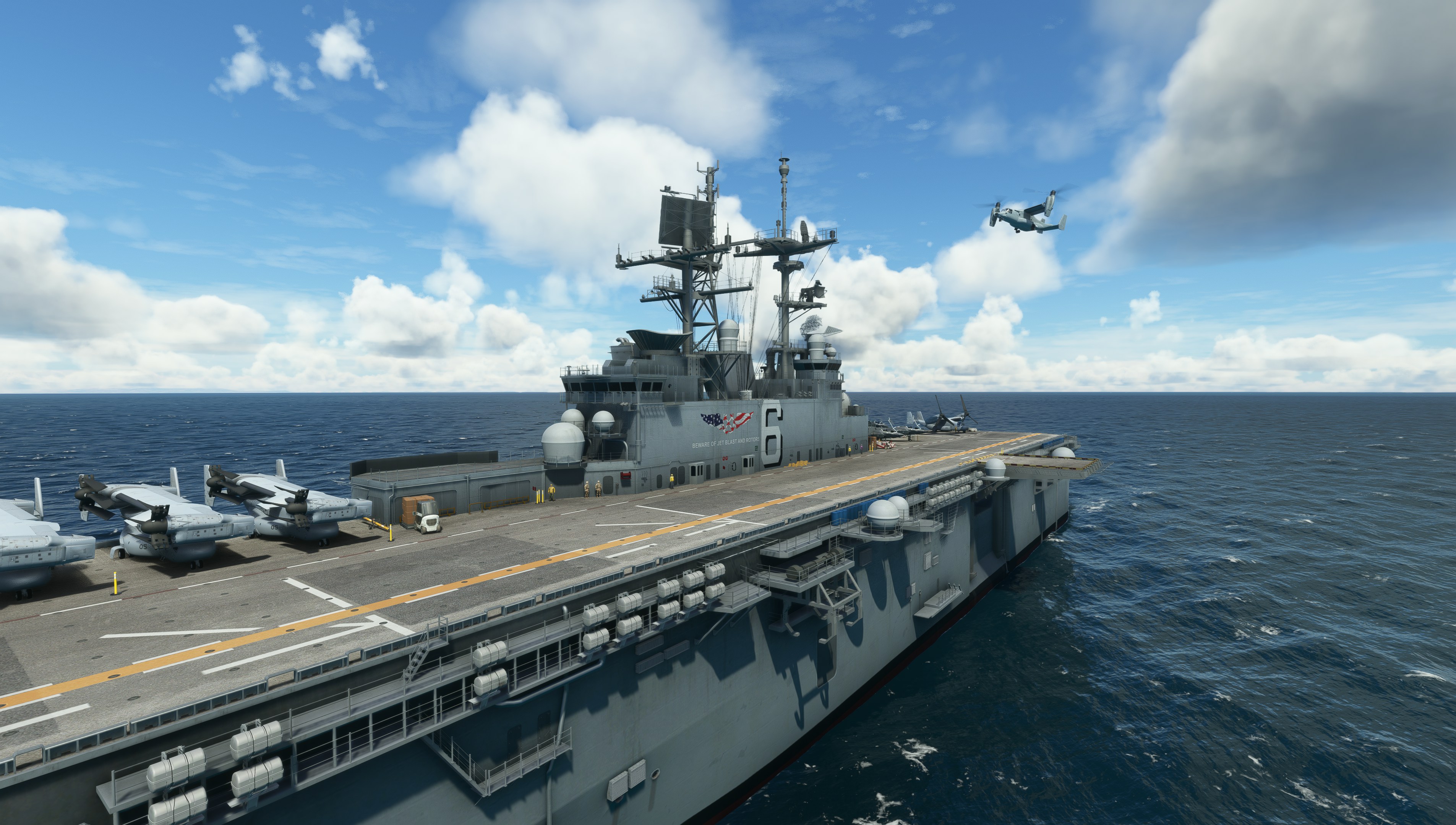
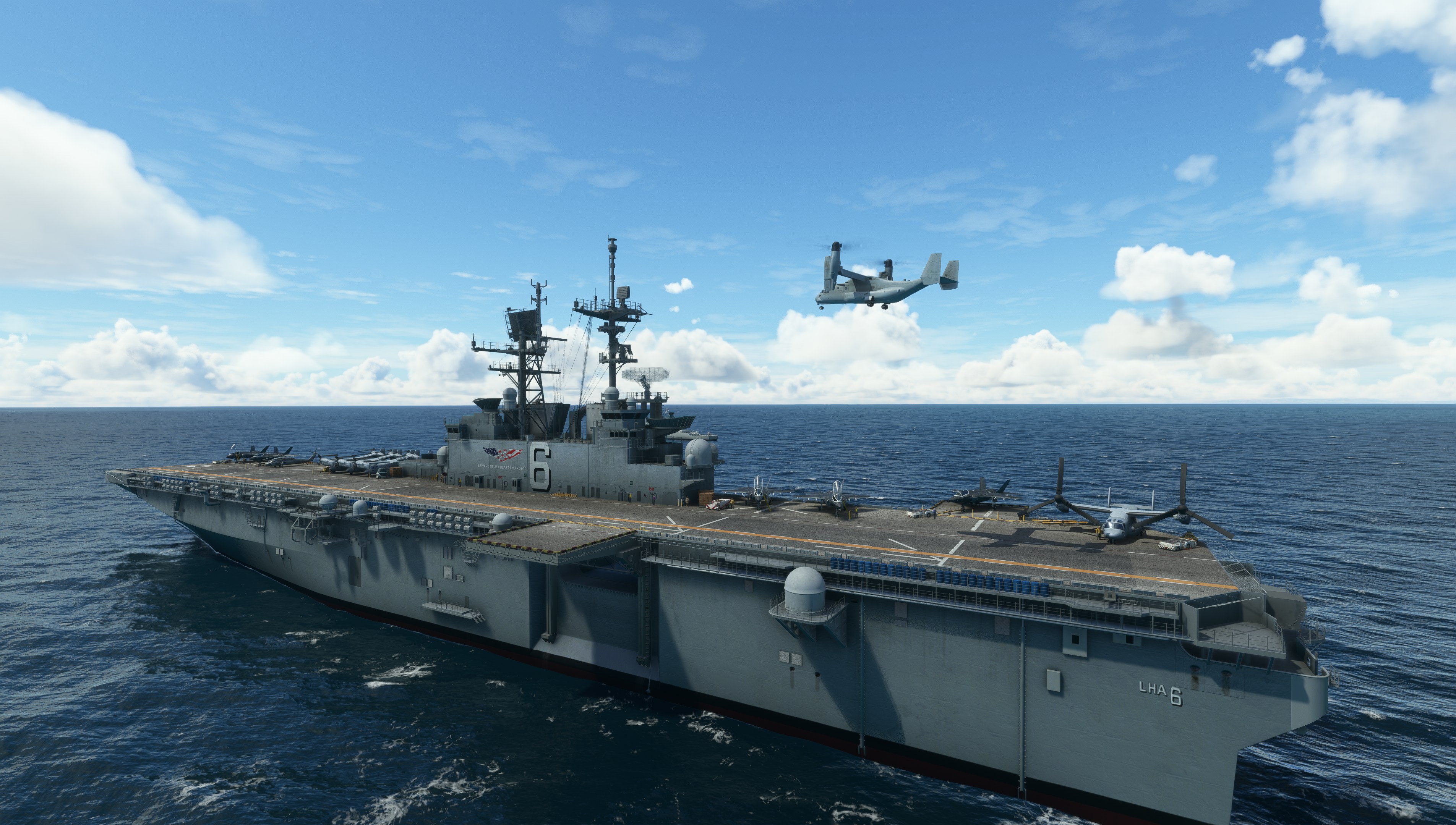
Miltech Simulations also launched today a new companion product that may be of interest to prospecting buyers of the Osprey. The Amphibious Ready Group is a selection of highly-detailed ships that feature hard decks where the Osprey can land on. Users can buy the aircraft and the ships in a bundle and save some money!

The Miltech Simulations MV-22B Osprey is out now for MSFS, priced at around US$32.55 | €33,31 | £29.04 through Orbx Direct. A release for Xbox is planned once the infamous WASM issues are sorted out, and the developers promise regular updates as they get user feedback and the helicopter simulation in MSFS improves following next week’s release of the 40th Anniversary Edition!

V 22 Osprey MSFS 5

V 22 Osprey MSFS 4

V 22 Osprey MSFS 3

V 22 Osprey MSFS 2

V 22 Osprey MSFS 9

Features:

  • Developed in partnership with talented aircraft developer Maryadi
  • Most Detailed and Comprehensive representation of the MV-22B Osprey ever created for a consumer Flight Simulator.
  • Accurate external model, as well as Internal cockpit model, based on the aircraft flight manual and references.
  • Togglable automatic operation of Doors and Ramp based on the flight condition.
  • Authentic interior and exterior Night Lighting, including Osprey’s iconic Blade Tip lights.
  • Custom Sounds.
  • Hand-crafted Liveries included.

Cockpit and Systems:

  • Comprehensive simulation of the aircraft instrument and systems. All instruments have been custom coded to match the real counterpart.
  • Realistic manual operation of engine nacelles based on airspeed, as per the real-life counterpart.
  • Full Simulation of BFWS (Blade Fold and Wing Stow) Procedures.
  • Accurate simulation of Auto-Hover capabilities, Auto-Flaps and custom-coded Autopilot.

Flight Dynamics and Engine Systems:

  • Custom VTOL/STOL Flight Dynamics, including realistic behavior of the aircraft handling during movement of the engine nacelles.
  • Fully simulated Vortex Ring State: Dangerous aerodynamic stall condition that results in an uncontrollable descent of the aircraft.
  • Accurate simulation of the gearing system connecting both proprotors, allowing for 1 engine operations at reduced performance.
  • Engine overstress limitations as per the real aircraft – engines cannot sustain full throttle for long periods of time.
03 Nov 18:59

PlayStation VR2 : le casque de réalité virtuelle de la PS5 arrivera le 22 février 2023 à 599,99 euros

Sony annonce une définition de ‎2 000 x 2 040 pixels par œil, avec un affichage OLED. Le taux de rafraîchissement des écrans peut grimper jusqu’à 120 Hz, avec un champ de vision de 110°. 

On y retrouve un système de détection de mouvements sur six axes (gyroscope trois axes, accéléromètre trois axes), un capteur de proximité infrarouge, quatre caméras pour le suivi du casque et de la manette, une caméra infrarouge pour le suivi de chaque œil. Tous les détails se trouvent par ici.

Le casque de VR sera proposé à partir de 599,99 euros avec les manettes PS VR2 Sense et les écouteurs stéréo. Pour 50 euros de plus vous avez en plus un code pour Horizon Call of the Mountain. La station de rechargement pour la manette est vendue 50 euros. 

Le constructeur annonce prévoir « plus de 20 titres dès la sortie », dont 11 déjà annoncés avec The Dark Pictures: Switchback VR, Crossfire: Sierra Squad, Cities VR – Enhanced Edition.

Les précommandes débuteront le 15 novembre, avec une disponibilité prévue pour le 22 février de l‘année prochaine. 

03 Nov 18:54

Taburet Releases UK & Ireland Farm Animals for MSFS

by Jordan Webb

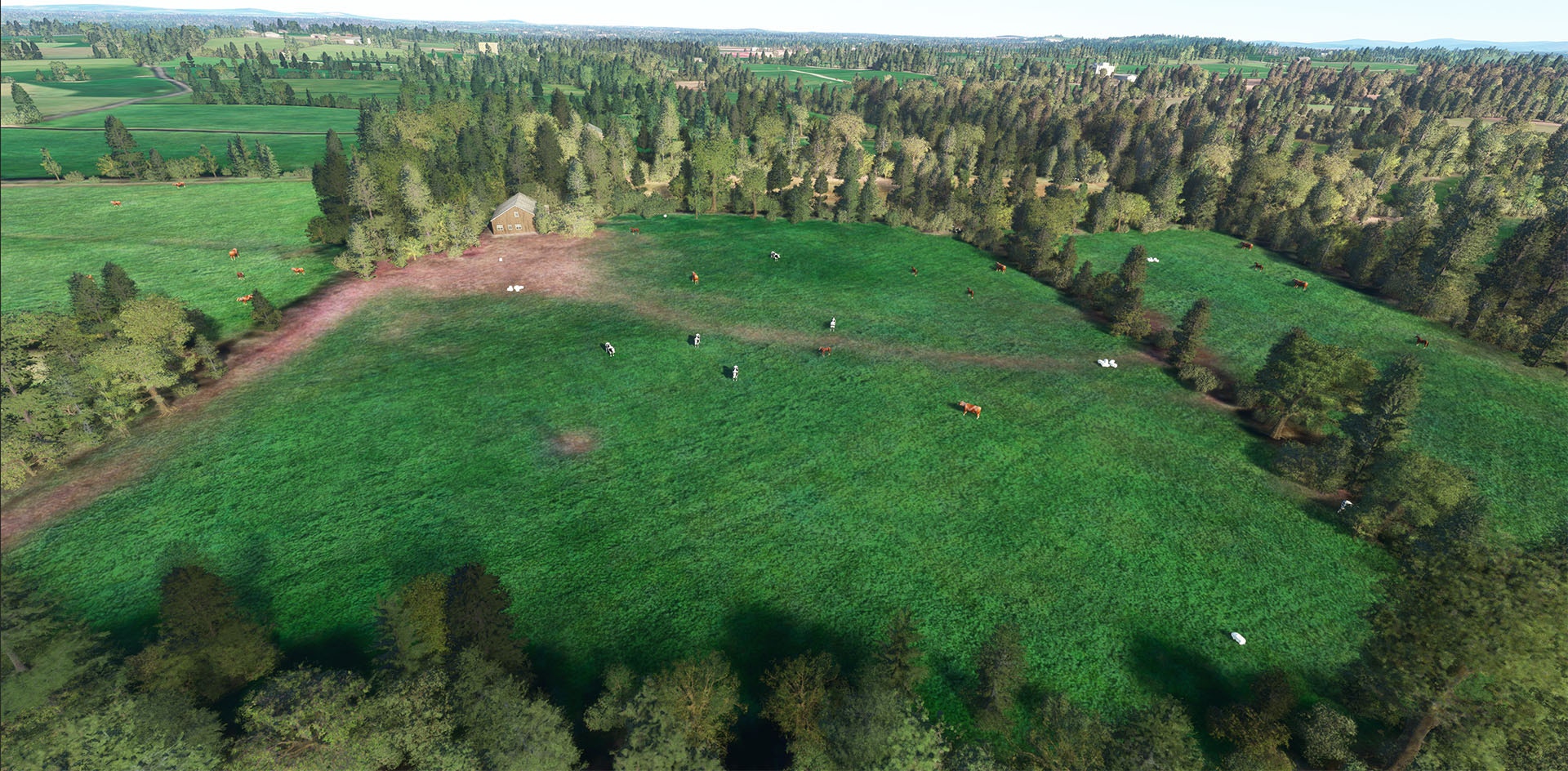
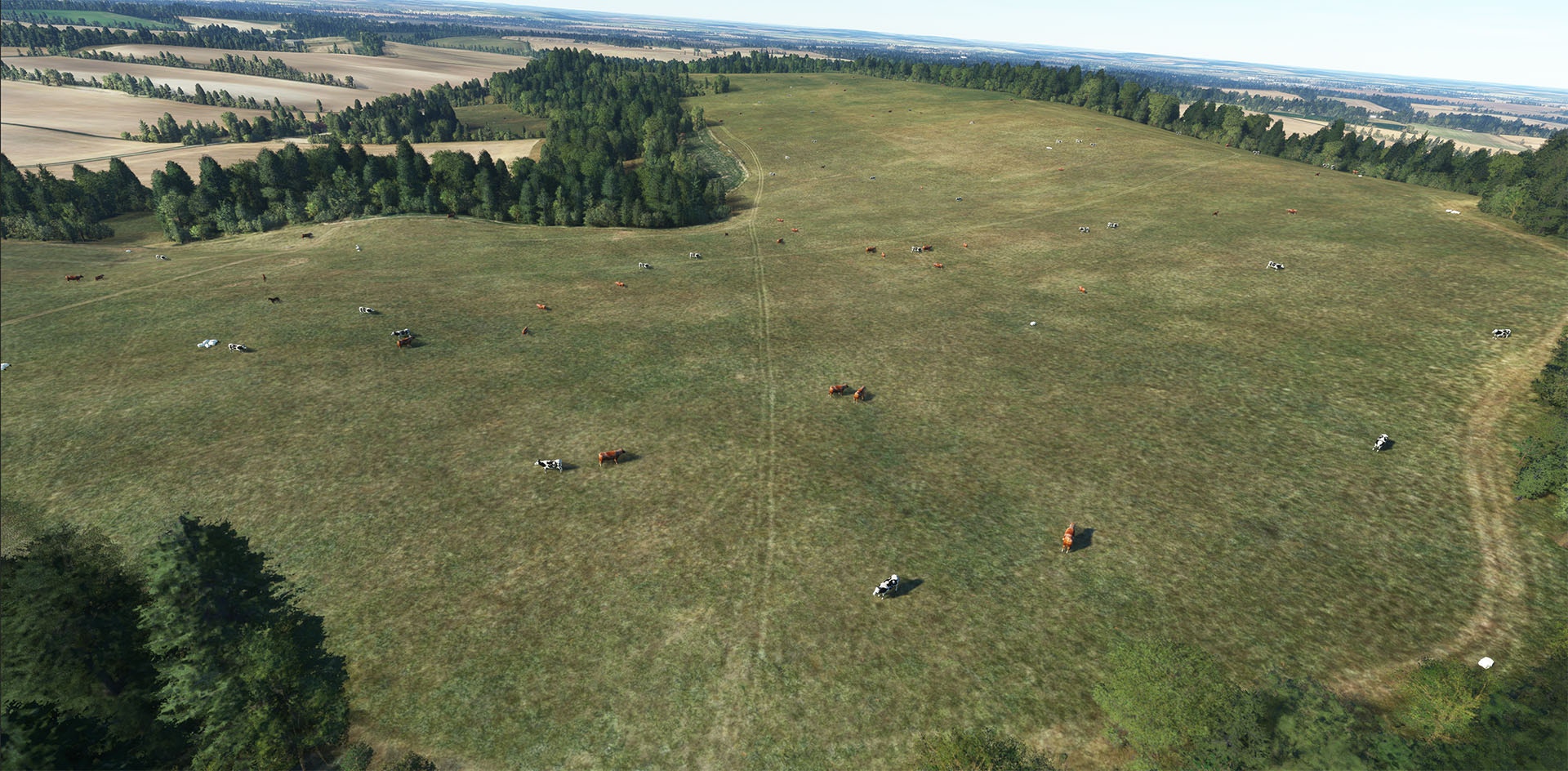
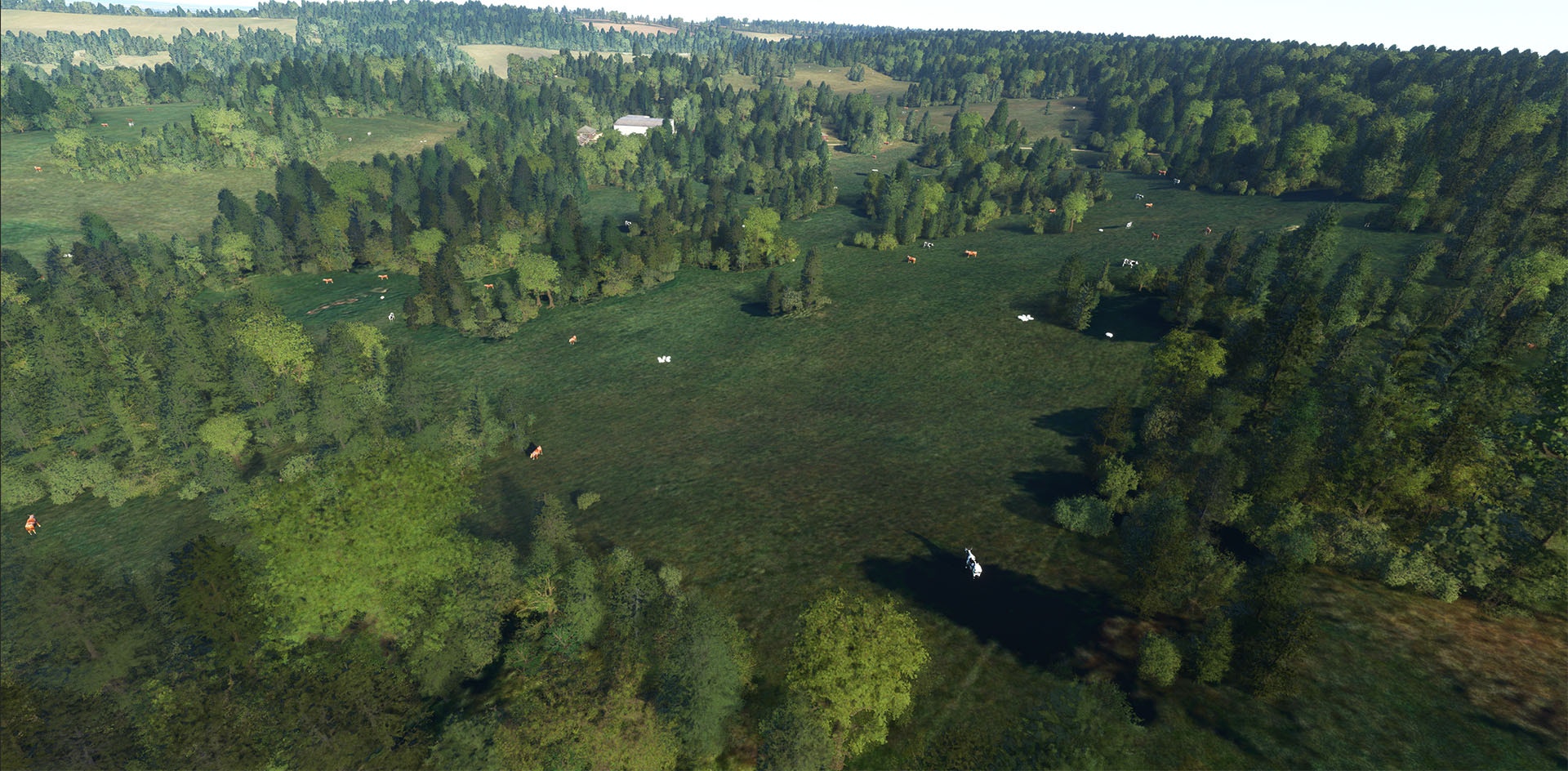
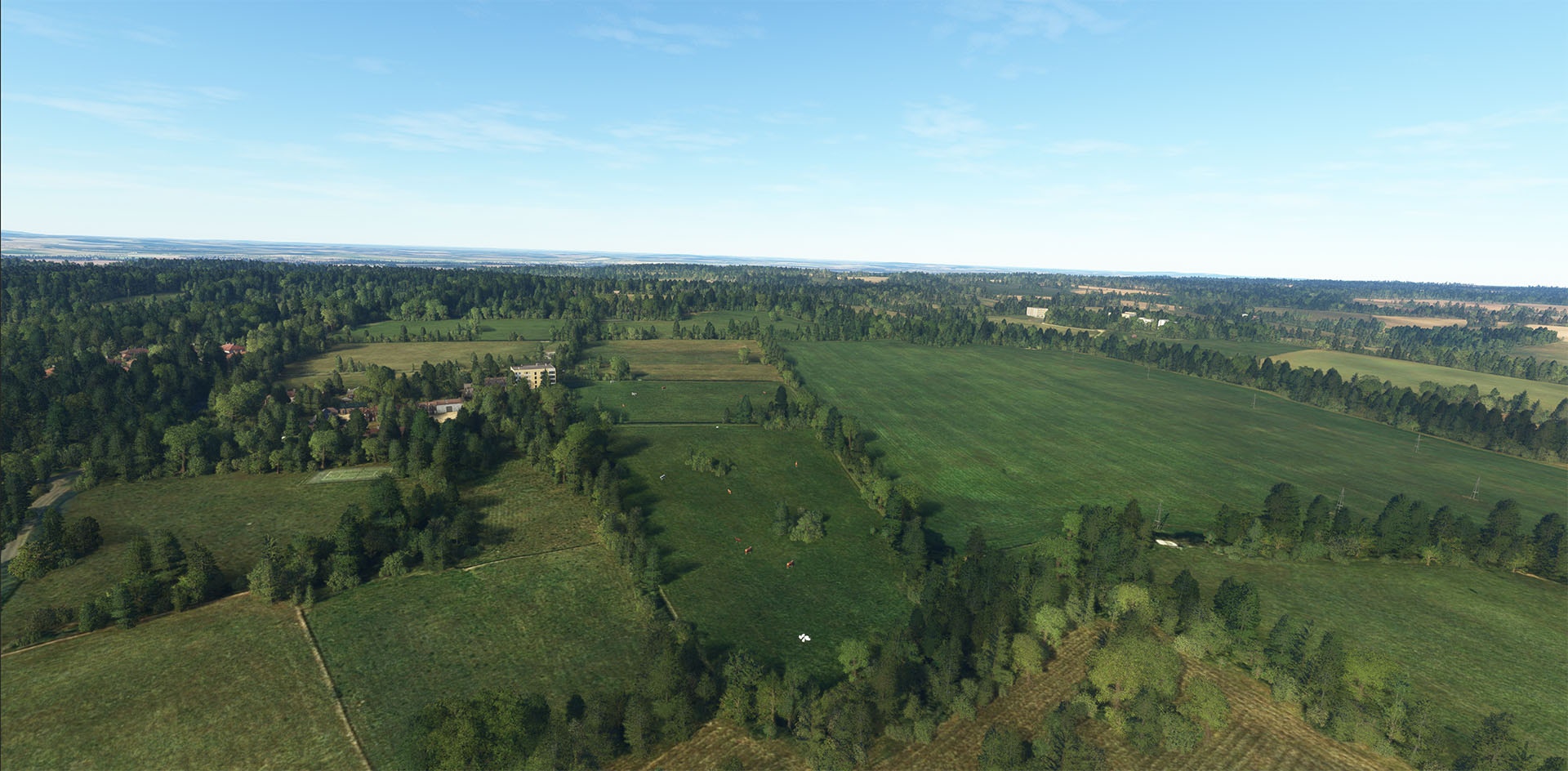
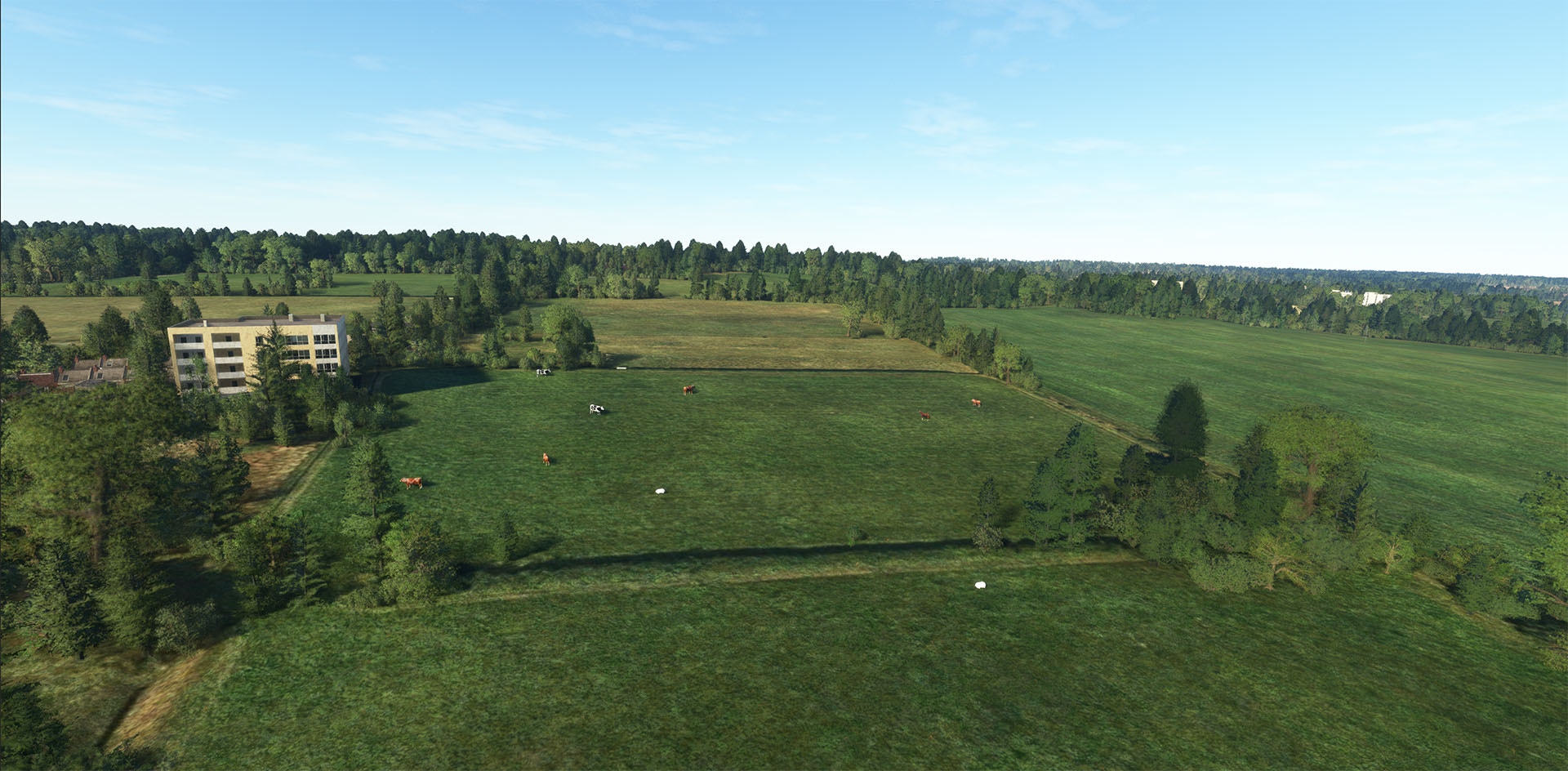
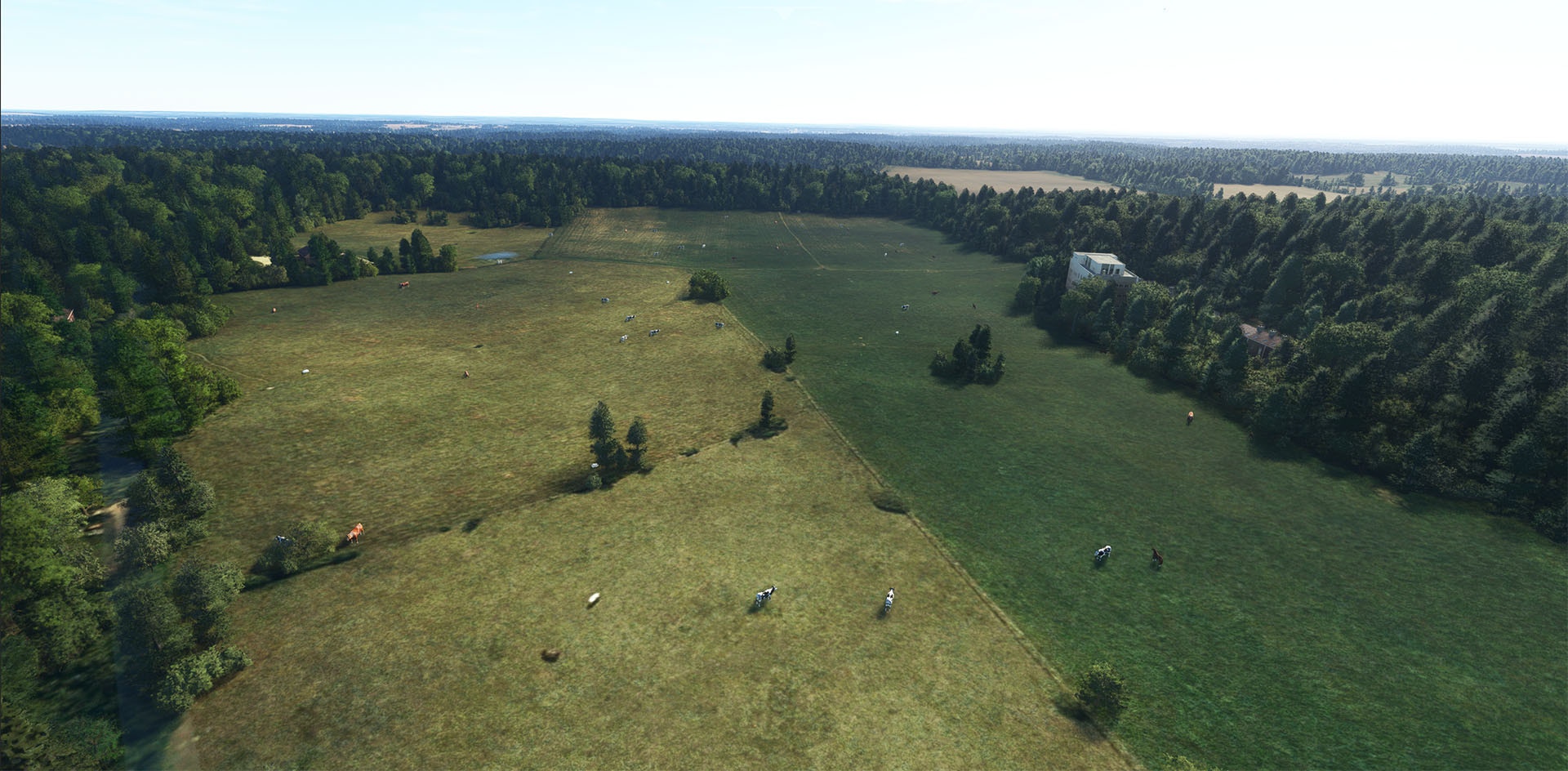
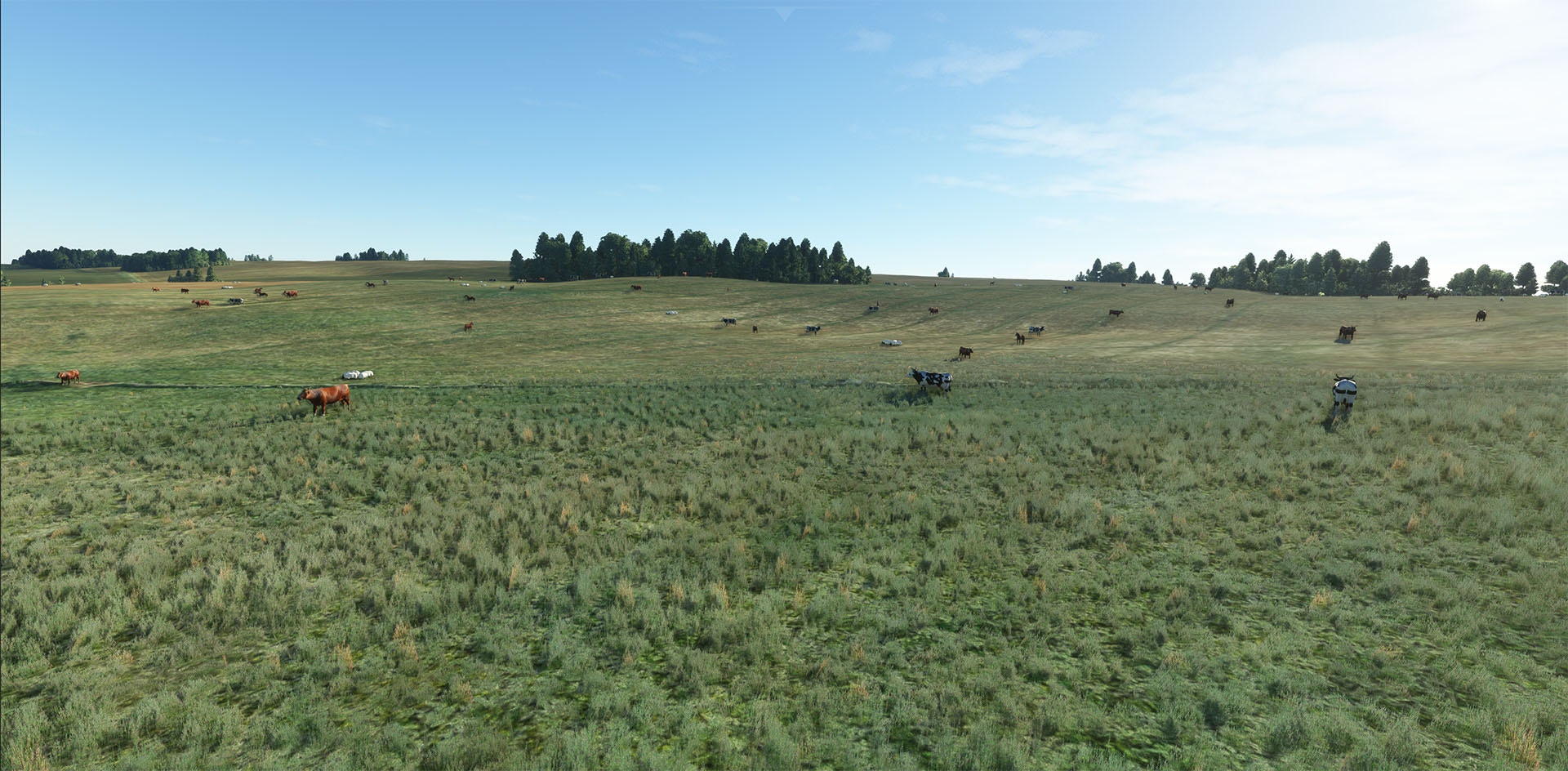
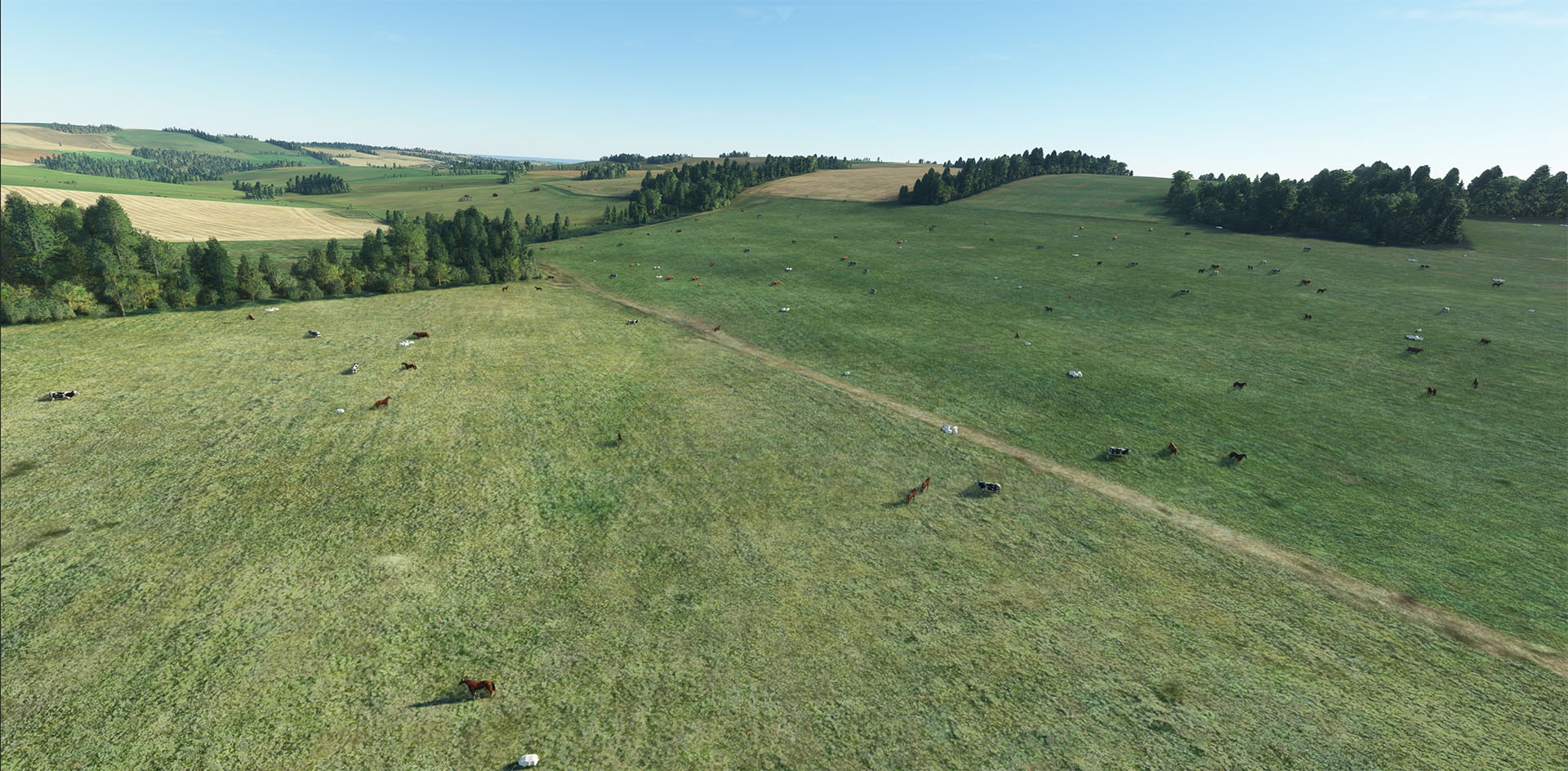
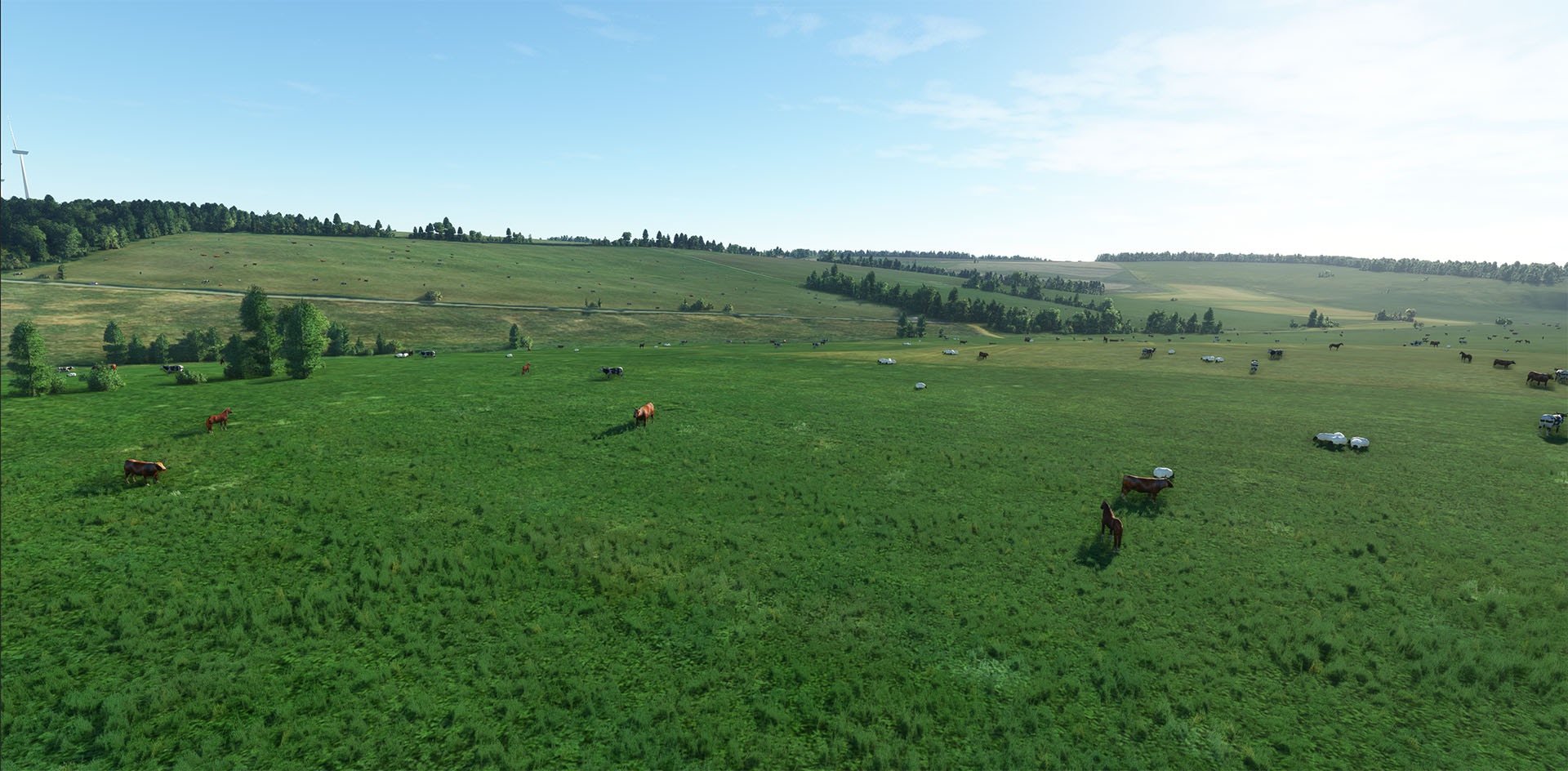
Making mooves in the flight sim market is Taburet’s latest release; their UK and Ireland farm animal package.

Adding over four million static 3D animals into the sim, it’s clear Taburet aren’t horsing around. Promising low frame rate impacts, simmers will start to see the fields over the UK and Ireland looking realistically populated.

With the number of add-on products in the sim, the steaks have never been higher. Too many puns? Alpaca my bag!

You can purchase a copy of Taburet UK & Ireland Farm Animals at simmarket for €9.49 (excluding VAT).

Taburet Releases UK & Ireland Farm Animals for MSFS

If you previously purchased Taburet – Switzerland Austria Farm Animals MSFS at simMarket, you are entitled to the special upgrade price of EUR 8.99 incl. VAT (7.49 excl. VAT) only. Note: The special upgrade price will be awarded automatically, therefore you must be logged into your same account used to purchase the previous version.

02 Nov 17:54

Toujours plus de supputations sur le 12VHPWR, mais rien encore de bien certain

by contact@comptoir-hardware.com
Si vous avez une RTX 4090, ou si vous connaissez quelqu’un qui la possède, alors vous n’avez pas pu passer à côté de la nouvelle : la belle, pourtant tarifée à un vaselinesque 2000 €, fait fondre chez certains son connecteur d’alimentation. Après un premier post viral sur Reddit, les témoignages se sont étoffés, si bien que l’on compte désormais un peu plus d’une vingtaine de personnes affectées… un chiffre à mettre en relation avec le nombre d’exemplaires vendus que l’on imaginerait assez restreint vu le placement en gamme de la carte, mais assez étendu pour couvrir la Terre entière ! Pour autant, la maison-mère est restée silencieuse jusqu’alors, annonçant investiguer en interne avant de parler publiquement de l’affaire... [Tout lire]
31 Oct 11:49

12VHPWR-gate : du sertissage, épicétout ?

by contact@comptoir-hardware.com
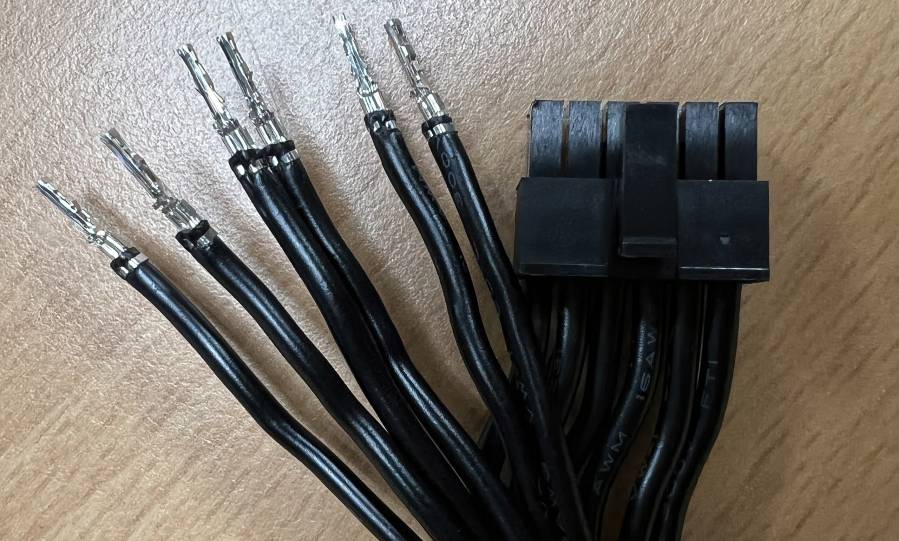
Après le rapport de multiples utilisateurs concernant la fonte du connecteur d’alimentation de l’adaptateur 4x 8 broches vers le nouveau connecteur 12VHPWR des RTX 4090, Igor de chez Igor’s LAB a rendu son verdict à base de dissection dudit connecteur. Selon lui, le problème est triple : entre la technique utilisée (soudure), le matériau (cuivre de 0,2 mm seulement) et l’arrangement (deux des câbles n’alimentant qu’une broche, contre deux pour les deux autres), l’adaptateur est une vraie petite bombe à retardement, si bien que les verts rapatrient toutes les cartes touchées à leur QG pour analyse... [Tout lire]
30 Oct 06:31

Miltech Simulations Announces MV-22B Osprey

by Daan

Developer Miltech Simulations, known for their previous releases of the USS Lexington and USS George Bush aircraft carriers, is venturing further into the world of military equipment with the announcement of a MV-22B Osprey.

The Osprey is a tiltlrotor aircraft mainly in use with the United States military, with several branches using the aircraft. It’s also in use by the Japanese Self-Defence Forces, and India, Indonesia and Israel have all shown interest or signed contracts to start using the aircraft as well. The plane has a unique and distinctive look with its tilting rotors mounted on the ends of the wings. The plane features both VTOL and STOL capabilities, and combines helicopter capabilities with those of more conventional turboprop aircraft.

MV-22B Osprey

Miltech Simulations’ MV-22B Osprey promises to be a highly detailed one. Miltech Simulations has developed the plane in partnership with Maryadi, who has previously released a MV-22B Osprey for FSX and P3D. This MSFS version aims to be the “most detailed and comprehensive representation of the MV-22B Osprey ever created for a consumer flight simulator“. The aircraft will feature accurate and high quality external and internal models, made based on the aircraft flight manual and reference material. The aircraft will also feature an authentic interior, exterior night lighting (including the iconic blade tip lights), and several options and animations to control the aircraft doors and ramp.

When it comes to the aircraft systems, all instruments have been custom coded. The nacelles feature a realistic manual operation, there is a full simulation of the blade fold and wing stow, and the aircraft features an auto-hover capability, as well as auto-flaps and a custom auto pilot. VTOL and STOL flight dynamics have been realistically created. Also simulated is vortex ring state including a realistic simulation of VRS recovery manoeuvres.

Osprey
Miltech Simulations Announces MV-22B Osprey

Amphibious Ready Group

To complement an aircraft with so many capabilities Miltech Simulations is also releasing an Amphibious Ready Group. This amphibious ready group contains several types of warships that you can use to simulate several kinds of operations. You can start your flight from any of 16 locations around the globe featuring the USS America. From here you can simulate amphibious deployments, marine expeditionary missions or any other kind of operation to several other ships: the USS San Antonio, USS Lewis B. Puller, USS Virginia or the USNS Mercy. These all feature hard decks that are ready for you to land on.

Miltech Simulations Announces MV-22B Osprey

The MV-22B Osprey as well as the Amphibious Ready Group are scheduled to release early in November. The products will be available through Orbx Direct as well as the MSFS Marketplace, though a price has not yet been announced. The add-ons will initially only be available for PC, but will also come to Xbox after Sim Update 12’s WASM compatibility. Furthermore, Miltech Simulations has also announced an Osprey Airport Pack set for release in Q1 of 2023. No details on this airport pack have yet been shared.

Features

  • Developed in partnership with talented aircraft developer Maryadi
  • Most Detailed and Comprehensive representation of the MV-22B Osprey ever created for a consumer Flight Simulator.
  • Accurate external model, as well as Internal cockpit model, based on the aircraft flight manual and references.
  • Togglable automatic operation of Doors and Ramp based on the flight condition.
  • Authentic interior and exterior Night Lighting, including Osprey’s iconic Blade Tip lights. 
  • 8 Hand-crafted Liveries included.

Cockpit and Systems

  • Comprehensive simulation of the aircraft instrument and systems. All instruments have been custom coded to match the real counterpart.
  • Realistic manual operation of engine nacelles based on airspeed, as per the real-life counterpart. 
  • Full Simulation of BFWS (Blade Fold and Wing Stow) Procedures.
  • Accurate simulation of Auto-Hover capabilities, Auto-Flaps and custom-coded Autopilot.

Flight Dynamics and Engine Systems

  • Custom VTOL/STOL Flight Dynamics, including realistic behavior of the aircraft handling during movement of the engine nacelles. 
  • Fully simulated Vortex Ring State: Dangerous aerodynamic stall condition that results in an uncontrollable descent of the aircraft. Realistic simulation of VRS Recovery maneuvers. 
  • Accurate simulation of the gearing system connecting both proprotors, allowing for 1 engine operations at reduced performance.
  • Engine overstress limitations as per the real aircraft – engines cannot sustain full throttle for long periods of time. 
29 Oct 11:30

Nightingale : Le jeu d'exploration Nightingale illustre son système de cartes de royaumes

by Uther
Nightingale repose notamment sur l'exploration de mondes (générés de façon procédurale) via des portails arcaniques. Ces portails devront être ouverts avec des cartes de royaumes permettant de prédire le typ...
29 Oct 11:20

Orbx releases Unalaska “Dutch Harbor” Airport for MSFS

by William Lee

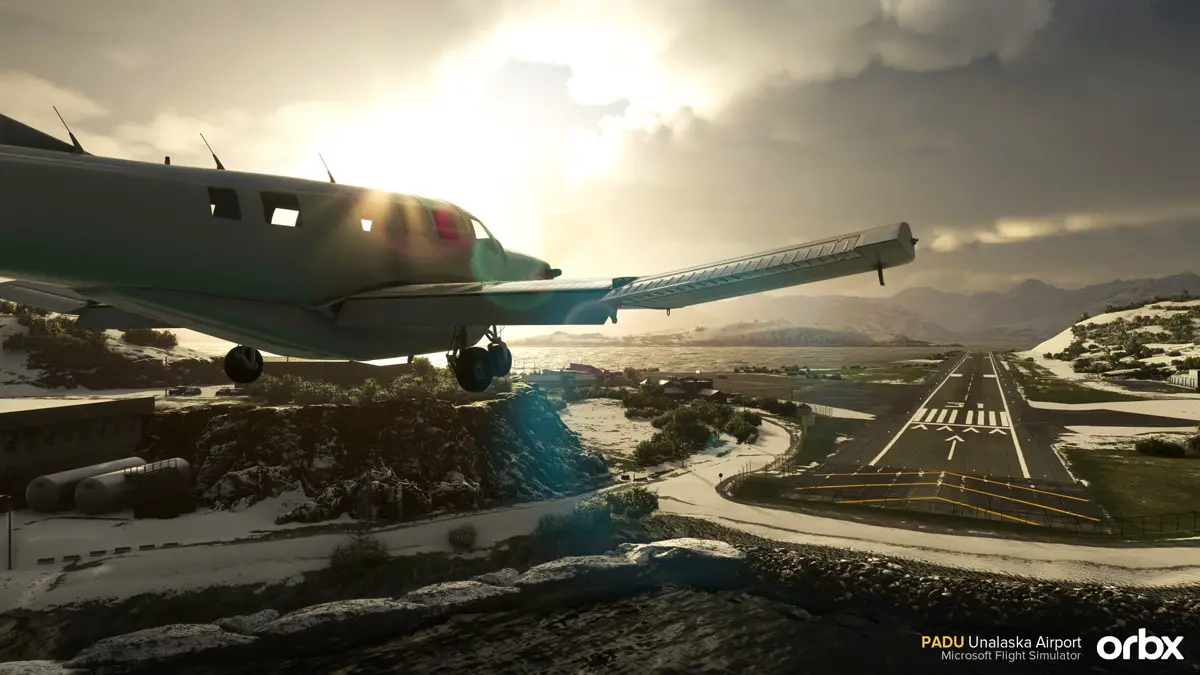
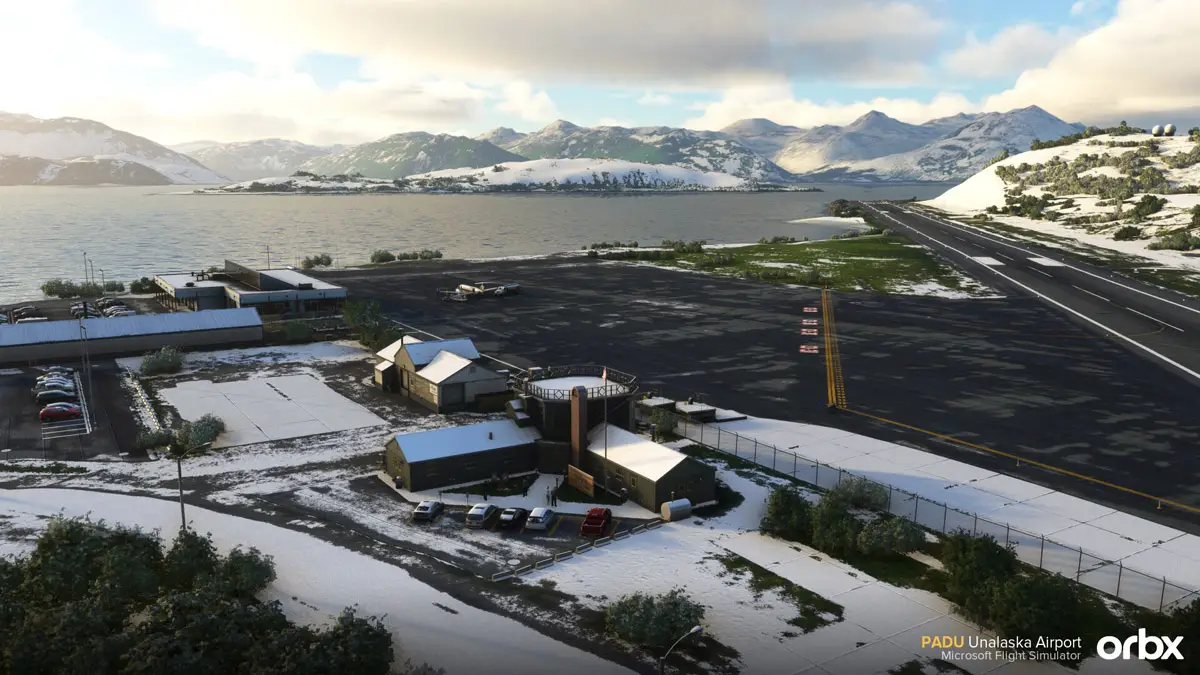
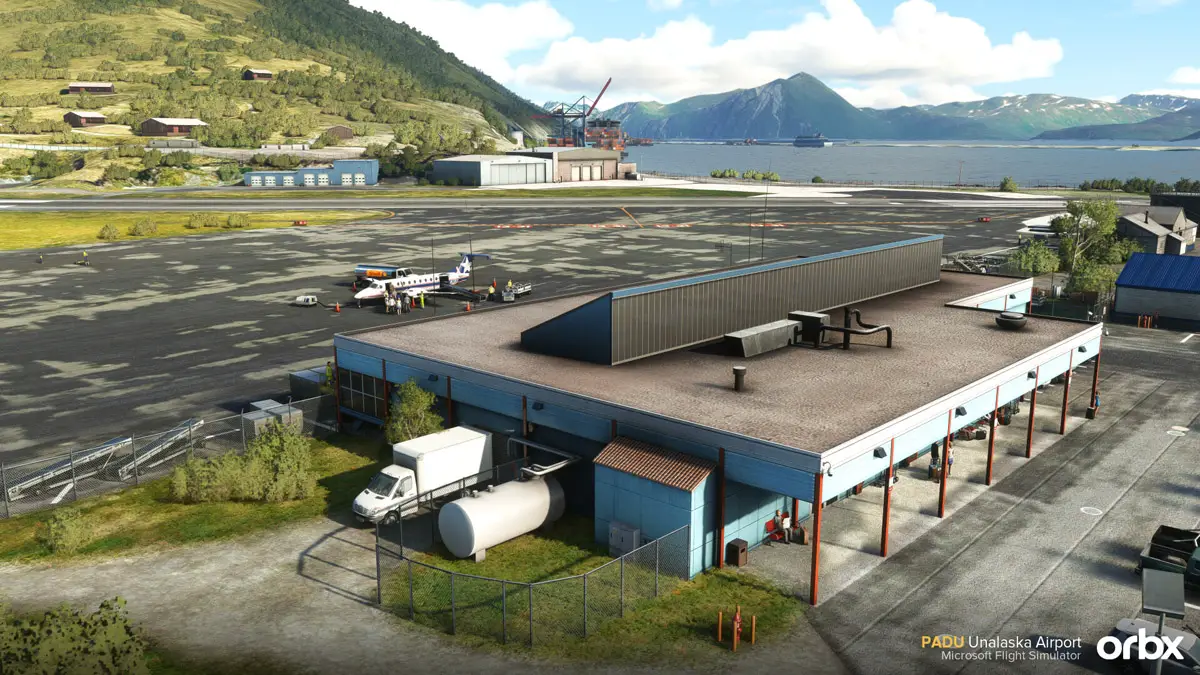
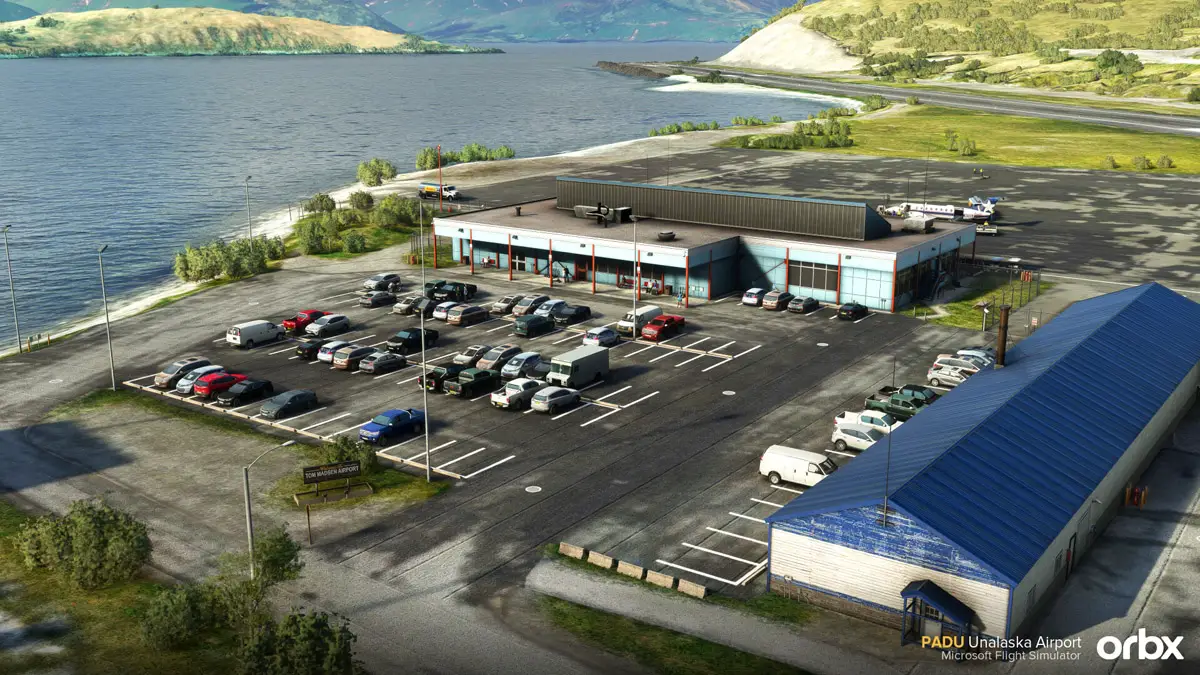
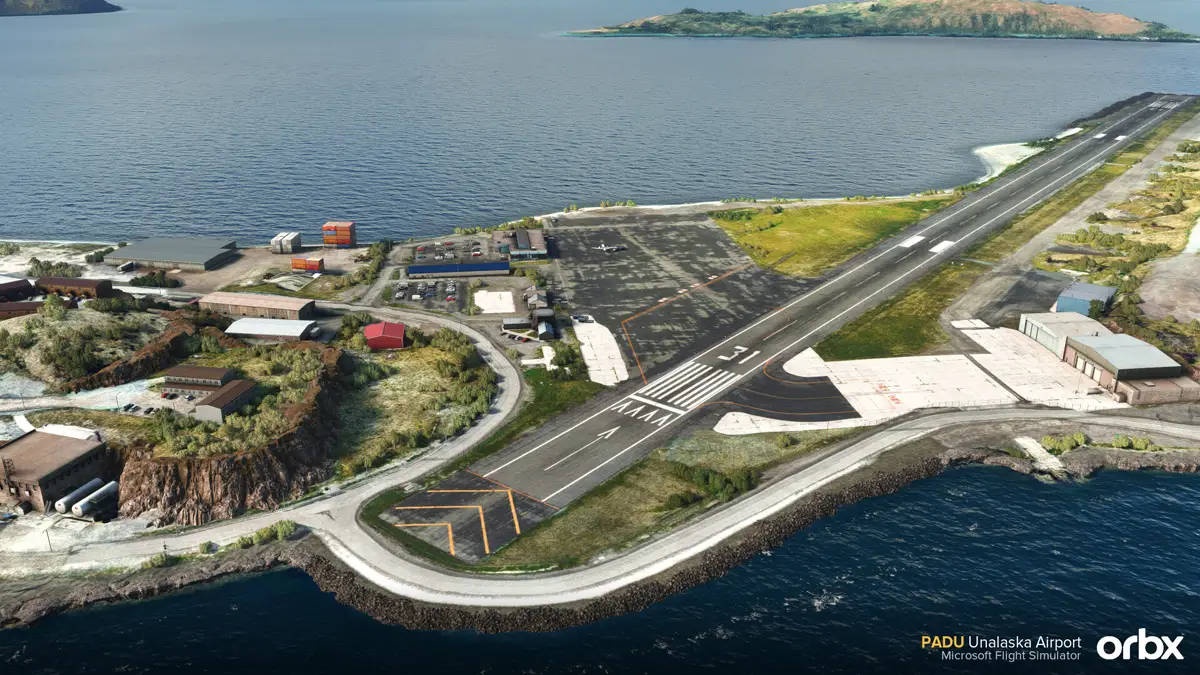
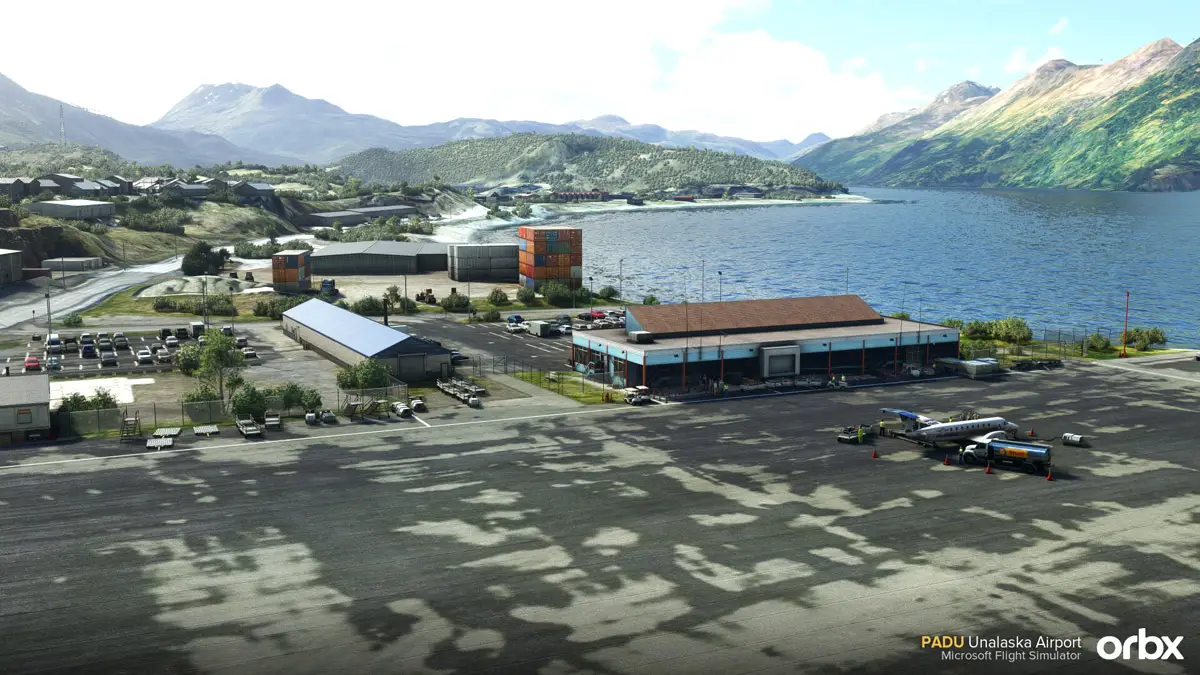
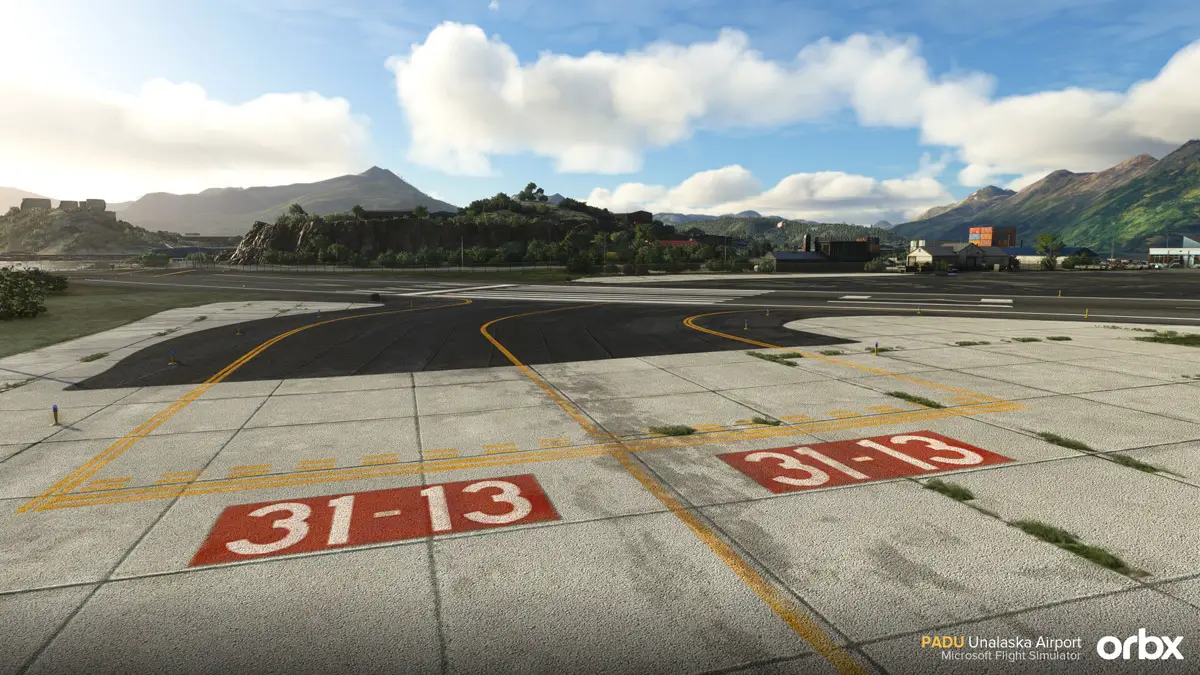
The Orbx team has released today their newest airport for Microsoft Flight Simulator. Unalaska Airport (PADU), also known as Dutch Harbor Airport or by the official “Tom Madsen Airport”, was announced earlier this week and is now inviting simmers for some stunning Alaska views and riveting approaches!

This is a new creation from developer Matteo Venanziani, who brings us a highly detailed rendition of this challenging airport in the Aleutian Islands. Matteo is a very talented developer who is also responsible for BurbankSkiathos and Van Nuys airports, also published by Orbx.

PADU is often visited by treacherous weather, which causes about a fifth of flights to be canceled or diverted. Coupled with the short 4,500 feet runway, bordered by water on both ends, this is a place for experienced pilots!

PADU Unalaska Airport Orbx MSFS 10

PADU Unalaska Airport Orbx MSFS 9

PADU Unalaska Airport Orbx MSFS 8

PADU Unalaska Airport Orbx MSFS 7

PADU Unalaska Airport Orbx MSFS 6

PADU Unalaska Airport Orbx MSFS 5

PADU Unalaska Airport Orbx MSFS 3

PADU Unalaska Airport Orbx MSFS 1

With this new scenery from Orbx, MSFS simmers can experience a highly authentic virtual version of Unalaska Airport, but there’s more than that. The developer worked beyond the airport’s premises, extending the customized scenery to the nearby town and the main landmarks, such as Holy Ascension Orthodox Church and Bunker Hill.

The official product images look very good indeed and really serve as an invitation to visit this remote area of the world. With beautiful views and a detailed and realistic scenery, simmers are in for a treat with this new scenery from Orbx!

PADU Unalaska Airport is out now for Microsoft Flight Simulator, priced at US$15.94 | €15,96 | £13.77 through Orbx Direct.

Main Features:

  • Full Unalaska airport in high detail and beautiful texture work
  • Complete reproduction of the entire city and harbours with custom buildings
  • High quality photoreal
  • Custom groundpoly and taxi signs
  • Optional statics
  • Works with Orbx Alaska Mesh
27 Oct 19:26

Igor rend son verdict : le connecteur 12VPHWR de l'adaptateur aurait un souci de conception

by contact@comptoir-hardware.com
Nous l’avons vu plus tôt avant-hier, certains modèles de cartes graphiques 4090 présenteraient des dysfonctionnements au point de fondre leur connecteur d’alimentation, le fameux 12VHPWR faisant partie de la dernière mise à jour de la norme PCIe 5.0 du PCI-SIG... [Tout lire]
25 Oct 16:06

Premiers cas de fonte du connecteur d'alimentation des RTX 4090 reportés : n'a pas 450 W de TDP qui veut ! (MAJ)

by contact@comptoir-hardware.com
MAJ (26/09) : Un quatrième utilisateur aurait vu sa RTX 4090 fondre au niveau du connecteur. Prénommé Hakam Salman, son témoignage a été recueilli sur… un commentaire YouTube, autant dire que les pincettes sont de mises quant à sa véracité... [Tout lire]
24 Oct 16:30

Orbx announces the scenic and challenging Unalaska Airport for MSFS

by Vasco Ferreira

One Alaska’s most stunning airports is making its way to Microsoft Flight Simulator. Orbx announced the imminent release of PADU Unalaska Airport, a creation of developer Matteo Venanziani, who also did BurbankSkiathos and Van Nuys for MSFS.

Also known as Dutch Arbor Airport (introduce mandatory Deadliest Catch reference here), PADU is located in a striking setting in Alaska’s Aleutian Islands. A short runway bordered on both ends by the ocean, coupled with regular rough weather, make for some of the most challenging conditions a pilot can find, as testified by a flight cancellation rate of about 20%!

Unalaska Airport deserves to be represented in MSFS with a custom scenery that matches the impressive real-world scenario. That’s what Matteo and Orbx are trying to attempt with this upcoming add-on, which will overhaul not only the airport itself, but also the entire town and it’s nearby landmarks.

PADU Unalaska Airport Orbx MSFS 11

PADU Unalaska Airport Orbx MSFS 10

PADU Unalaska Airport Orbx MSFS 9

PADU Unalaska Airport Orbx MSFS 8

PADU Unalaska Airport Orbx MSFS 7

PADU Unalaska Airport Orbx MSFS 5

PADU Unalaska Airport Orbx MSFS 4

PADU Unalaska Airport Orbx MSFS 3

PADU Unalaska Airport Orbx MSFS 2

PADU Unalaska Airport Orbx MSFS 1

The first product images shared by Orbx speak for themselves. Dutch Harbor will become a simple stunning place to fly and a real test to pilot’s skills, especially in rough weather. With beautiful views and a detailed and realistic scenery, simmers are in for a treat with this upcoming new scenery from Orbx!

PADU Unalaska Airport should be out soon for Microsoft Flight Simulator. Stay tuned for further news about the release!

Details at a glance:

  • Full Unalaska airport in high detail and beautiful texture work
  • Complete reproduction of the entire city and harbours with custom buildings
  • High quality photoreal
  • Custom groundpoly and taxisigns
  • Optional statics 
23 Oct 17:50

A new weather engine with historical data comes to MSFS: xEnviro 2020 released!

by Vasco Ferreira
Habu

A surveiller

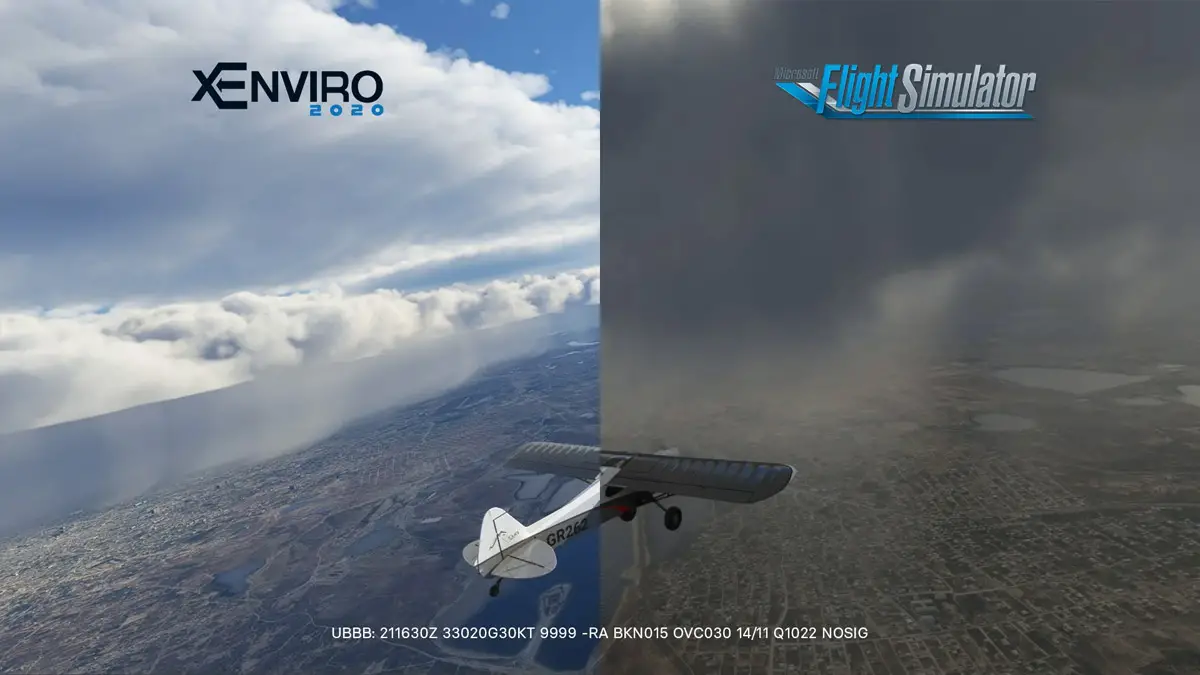
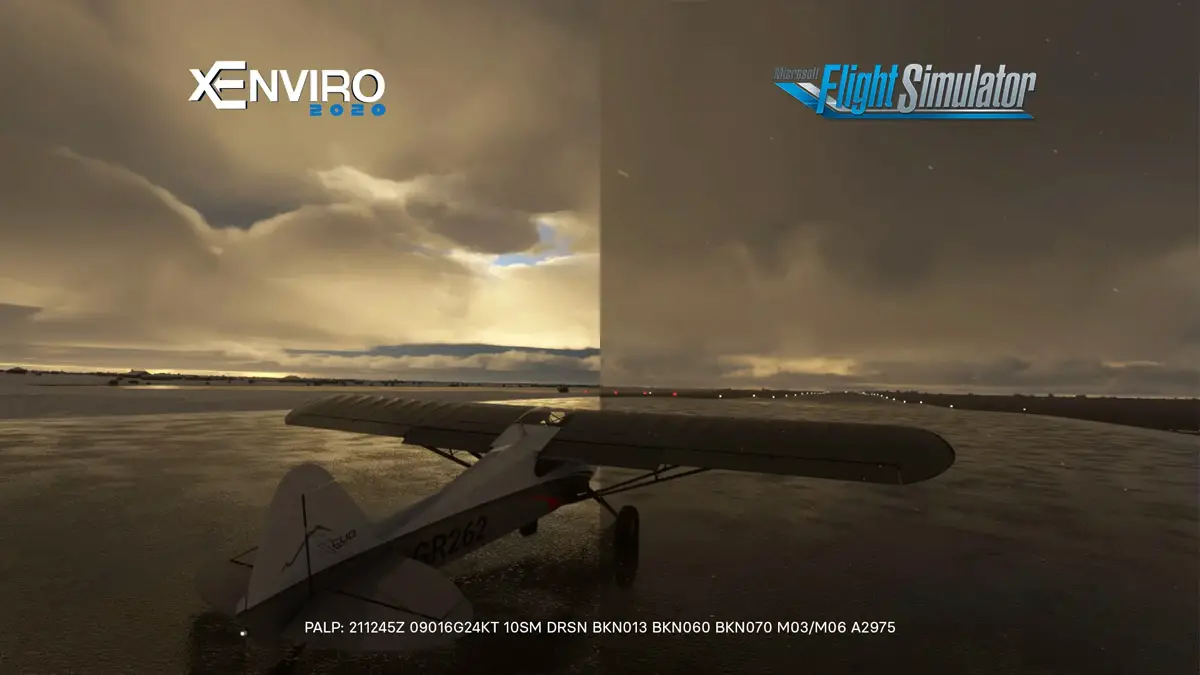
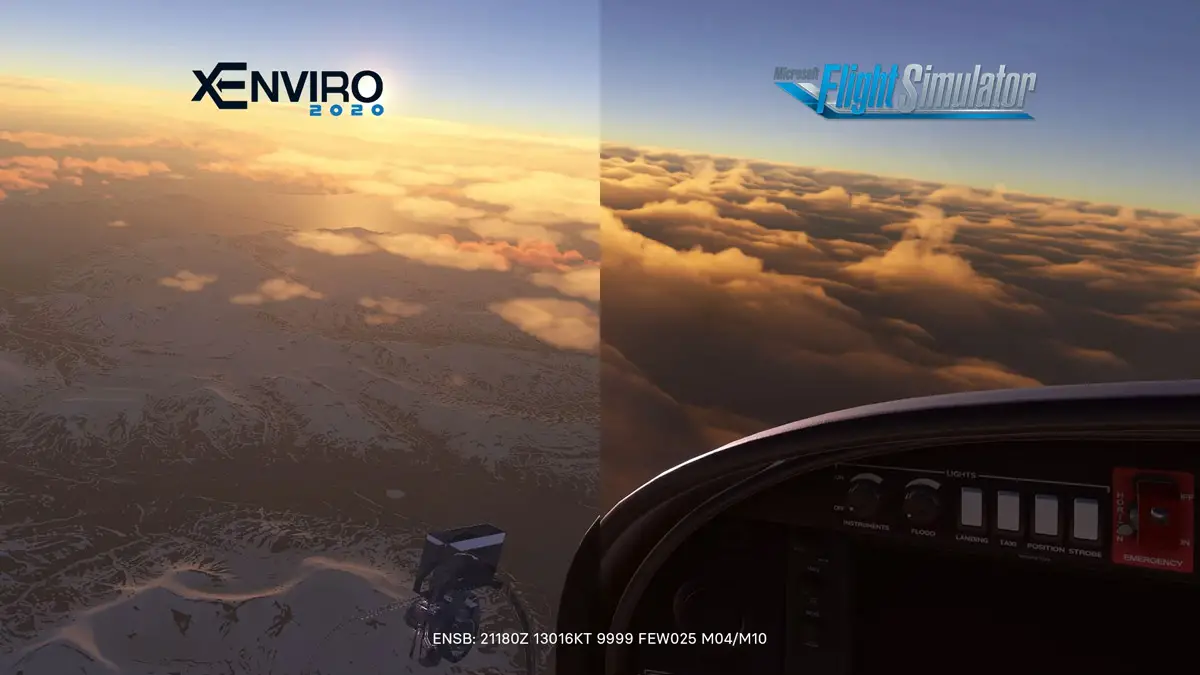
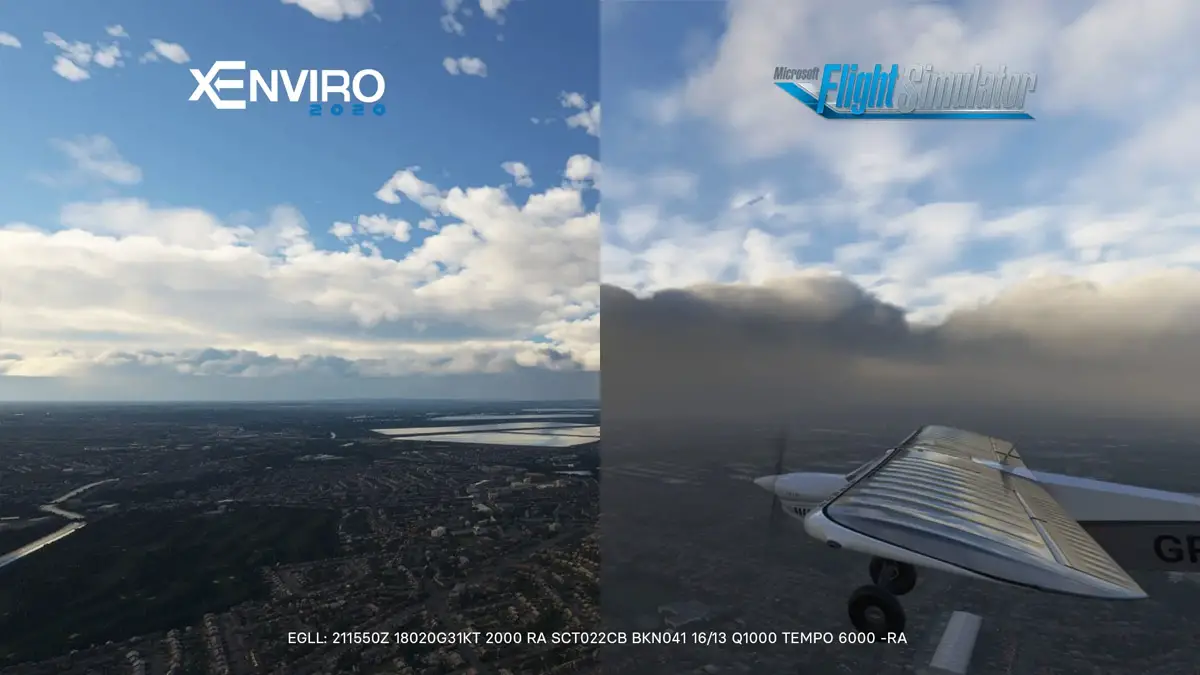
We have a surprising new release this weekend for those looking to get a better weather simulation in MSFS. That is, at least, xEnviro‘s promise: to offer you “the most accurate weather engine for Microsoft Flight Simulator“.

It’s a bold claim that comes backed by the team’s 10-year experience with X-Plane, but xEnviro is a bit of a controversial add-on on that side of the flight simulation sphere, with many users complaining about overpromises and under-deliveries. It’s also very expensive there, at $70…

Thankfully, MSFS users will have to pay a bit less. Those who own the X-Plane version can get this update for MSFS for $24. New users will have to shell out $42, which is still considerable. Will xEnviro justify the high cost with its claims about increased realism and historical weather?

The truth is this product is now just launching for MSFS and there is a specific path the developers hope to follow with subsequent updates. For now, you’re getting the promised highly-realistic METAR-based real-time weather engine, with a refresh interval between 5 and 60 minutes, and historical weather. The latter is a first in MSFS from what we’re aware of, but it comes with a caveat: it only works beyond 16/10/2022.

Xenviro weather engine historical msfs 5.jpg

Xenviro weather engine historical msfs 4.jpg

Xenviro weather engine historical msfs 3.jpg

Xenviro weather engine historical msfs 2.jpg

Still, historical weather is something many MSFS users have been clamoring for, so it’s good to see someone promising to deliver that feature on the platform. Eventually, xEnviro will look to add its own “true-scale” clouds, effectively customizing the visuals beyond the default Asobo clouds used by the stock weather engine and REX Weather Force.

xEnviro 2020 for MSFS is available now exclusively through the Threshold Store. As stated above, pricing is set at $42.00 for new users, while existing owners of the X-Plane version are eligible for a $20 discount.

Features:

  • Real-time meteorological data with a refresh interval from 5 up to 60 minutes.
  • Historical weather data is available at 30 minutes intervals.
  • Atmosphere condition based on dynamic air parcel prediction model used for real aviation research and training.
  • Advanced atmosphere topology methods provide accurate cloud thickness and density prediction.
  • Atmosphere quality includes humidity, pollution and fine particle amount.
  • Actual wind direction and speed for all levels and temperature, turbulence and wind shear.
  • Simulation of in-cloud turbulence.
  • Surface crosswind components can be reduced during ground roll for users with no rudder pedals.
  • Seasonal data processed by our servers all year round provides real-time snow coverage.
  • All the weather and atmosphere-heavy calculations are executed on our servers. Therefore, expect no performance impact on your hardware.
  • Feature to look up the current METAR, and TAF reports in the Weather Briefing window. 
  • Feature to display METAR reports for the stations around your aircraft. 
  • Options to change Flight Simulator toolbar appearance and size.
23 Oct 06:33

Fabio Merlo – Annonce de Flight Control Replay 5

by Sebastien

Après un long développement et un travail acharné pendant plusieurs mois, FlightControlReplay Version 5 se présentera comme un outil de nouvelle génération qui améliorera considérablement votre expérience de Replay et d’enregistrement vidéo de vos vols dans Microsoft Flight Simulator et Prepar3D.

Ce n’est pas une simple mise à jour, le code de base du programme a été considérablement retravaillé et c’est également visible sur l’interface utilisateur remaniée avec un nouveau look.

Trois objectifs principaux sont visés :

• Plus facile à utiliser
• Plus de performances
• Fonctionnalités innovantes

NOUVEAU LOOK
Sur la base des commentaires et des suggestions des utilisateurs, une toute nouvelle conception de l’interface utilisateur donne à FlightControlReplay un aspect moderne et intuitif. Il s’adapte également à vos besoins : trois tailles différentes avec leur disposition respective des boutons sont disponibles. De plus, un mode optionnel de transparence est à votre disposition. Que vous souhaitiez que les boutons soient visibles au complet sur une fenêtre séparée, ou plutôt un espace minimum utilisé avec un faible impact visuel en superposition sur la fenêtre principale de votre simulateur, tout est possible. Et FlightControlReplay prend toujours en charge les casques VR avec accès aux commandes dans l’affichage en mode VR si vous le souhaitez.

APPLICATION INTEGRÉE DANS MSFS
Une autre façon de lancer et de contrôler FlightControlReplay dans MSFS consiste à utiliser la barre d’outils directement depuis le simulateur sans quitter le plein écran ou la fenêtre principale. Les principales fonctionnalités y sont accessibles sur une superposition transparente pour un contrôle direct.

PROGRAMME DE BASE REVISITÉ
Afin d’assurer les meilleures performances, le programme de base a été profondément mis à niveau pour moins d’utilisation du processeur et de la mémoire. Cela donne plus de puissance à votre système Windows et à votre simulateur pour fournir un affichage fluide avec un encodage vidéo plus rapide.

DE NOUVELLES FONCTIONNALITÉS
Êtes-vous prêt pour de nouvelles perspectives ? FlightControlReplay a introduit dans les versions précédentes la simulation de vol en formation lors d’un Replay. Avec la nouvelle version 5, vous pouvez maintenant voler en DIRECT avec un fantôme d’intelligence artificielle juste à côté de votre avion. Et il ne reproduira pas simplement votre trajectoire de vol actuelle, il sera impacté par les vents et les légères variations d’altitude et de vitesse.

Nouvelle perspective également pour un Replay cinématique avec différentes caméras alternées automatiquement sans votre intervention. Asseyez-vous simplement et regardez votre vol se rejouer avec différents points de vue externes / internes !

Souvent utilisé pour observer le moment difficile de l’atterrissage après le vol, FlightControlReplay vous aidera à surveiller vos compétences de pilote avec un rapport d’atterrissage montrant certaines données à surveiller et pour continuer à mieux voler.

FlightControlReplay conservera toutes les fonctionnalités existantes déjà disponibles dans la version actuelle 4.5 :
• Enregistreur vidéo MP4,
• Récupération du vol en cas de crash et retour sur le bureau,
• Vol en Formation PlayAsAI en replay
• Re-Live pour reprendre un vol à partir de n’importe quel instant pendant le Replay
• Détection du trafic AI, suivi, enregistrement

Pour plus de détails sur chaque fonctionnalité, la date de sortie prévue, veuillez suivre mon Instagram ou visiter le forum officiel de MSFS pour retrouver bientôt les futures informations.

Cordialement, Fabio MERLO.

20 Oct 16:21

Test • Intel Core i9-13900K, Core i5-13600K & Z790

by contact@comptoir-hardware.com
Raptor Lake : Intel répond déjà à Zen 4 ! Il y a un peu moins d'un mois, AMD commercialisait ses nouveaux processeurs Ryzen 7000, introduisant ainsi sa dernière architecture en date : Zen 4. Les gains liés à cette dernière et la progression sensible des fréquences par le biais du procédé de fabrication 5 nm de TSMC, ont permis aux rouges de reprendre l'ascendant au niveau des performances productives (le R7 5800X3D étant déjà leader en jeu), face à la douzième génération (Alder Lake) de processeurs Core... [Tout lire]
18 Oct 19:40

Les voitures électriques moins polluantes ? Ça dépend selon l’ADEME…

L'Ademe a rendu, la semaine dernière, son avis sur les voitures électriques et les bornes de recharges. Si l'agence de la transition écologique explique qu'une voiture électrique peut avoir un impact carbone 2 à 3 fois inférieur à celui d'un modèle similaire thermique, ce n'est pas le cas pour tous les modèles. 

Dans son rapport (PDF), l'agence considère l’électrification du parc automobile français comme « l’un des leviers incontournables pour atteindre la neutralité carbone en 2050 » et affirme que les véhicules électriques peuvent émettre jusqu'à 2 à 3 fois moins de carbone si on compare leur cycle de vie complet… mais cela dépend de plusieurs facteurs. 

Les SUV écartés avec une grosse batterie

En effet, pour l'Ademe, « l’impact carbone d’un véhicule électrique augmente quasiment proportionnellement à son poids ». Les SUV et les voitures lourdes ne rentrent donc pas dans les véhicules électriques conseillés par l'agence. Elle précise les conditions sur les batteries pour arriver à cette réduction de 2 à 3 fois des émissions de CO₂.

Celles-ci devraient être « de taille raisonnable », c'est-à-dire pas au-delà de 60 KWh, comme celle d'une berline de type Megane e-tech dont l'autonomie est de 470 km WLTP. Selon le rapport, une voiture « avec une batterie de taille supérieure, l’intérêt environnemental comparé à un véhicule thermique comparable n’est pas garanti et beaucoup plus tardif ».

ADEME voiture électrique

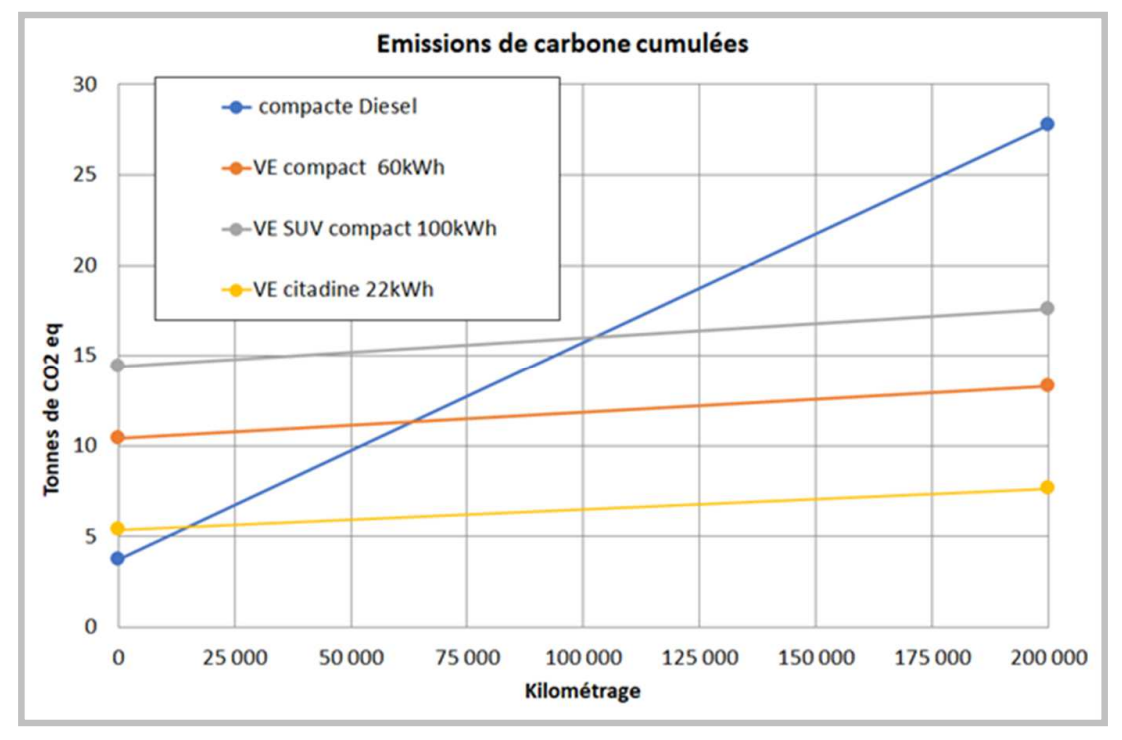
Dans le graphique ci-dessus, il est indiqué qu’il faut parcourir au moins 15 000 à 20 000 km avec une voiture électrique citadine (batterie de 22 kWh) pour que les émissions de carbone soient inférieures à celles d’une compacte diesel ; un palier que l’on peut facilement et « rapidement » atteindre. On passe à 70 000 km environ si la batterie affiche 60 kWh et enfin 100 000 km avec un véhicule électrique SUV compact de 100 kWh. 

Difficile de faire de ce constat une généralité pour autant, comme le reconnait le rapport : « la consommation électrique peut varier selon la taille et le poids des véhicules dans un facteur de 1 à 2,5 ».

Le « coût complet » d'un véhicule électrique

Après l’impact écologique, passons à l’impact économique : « le coût complet d'un véhicule électrique rechargé à domicile est équivalent, voire inférieur à celui d'un véhicule thermique dès aujourd'hui », affirme l’ADEME. Selon les calculs de l’Agence, sur 15 ans, le coût complet d’un véhicule électrique compact avec une batterie de 40 kWh « est de 8 000 euros plus faible que son homologue essence ».

Le coût est par contre supérieur avec une batterie de 80 kWh ou avec une voiture hybride. Il n’est pas précisé si les calculs prennent en compte le bonus écologique de 6 000 euros (7 000 euros prochainement pour les ménages modestes), de la prime à la conversion pouvant atteindre 5 000 euros de plus et les éventuelles aides supplémentaires suivant les régions et les profils de chacun.

Là encore, impossible de tirer des conclusions à grande échelle. De plus, comme nous allons le voir juste après, la notion de voiture « rechargée à domicile » est très importante et peut influencer le coût complet du véhicule de manière non négligeable. 

ADEME voiture électrique

Domicile-travail sur batterie, quid des longs trajets ?

Partant du constat que plus la batterie est petite plus les émissions de carbone sont faibles, l'Ademe conseille de choisir une batterie « juste adaptée à l’usage majoritaire du véhicule (typiquement le domicile-travail quotidien) ».

Reste le problème des voyages plus longs, notamment pendant les vacances, avec des risques de saturation de certaines bornes de recharge, prises d’assaut par des véhicules avec une autonomie réduite devant multiplier les arrêts pour « faire le plein ».

Pour l’ADEME, il faudrait à moyen terme « engager une réflexion plus large sur le lissage de la demande de mobilité longue distance ». Des solutions « pourraient être rapidement étudiées : recourir au train, (dont il est nécessaire de renforcer l’offre et développer les services), ou organiser un service de véhicules adaptés sur les lieux touristiques, ou encore construire des alternatives occasionnelles aux grosses batteries installées dans les voitures (de type « range extender » / prolongateur d’autonomie) ».

Le rapport signale à juste titre que les solutions ne seront pas les mêmes pour une personne célibataire que pour une famille avec trois enfants lors d’un départ en vacances. C’est l’occasion de placer un mot sur les véhicules hybrides : « en attendant le déploiement d’offres de mobilité à grande distance telles qu’évoquées plus haut, la technologie des hybrides rechargeables peut être pertinente en matière de transition écologique ». 

Une condition est rapidement ajoutée par l’ADEME : que tous les trajets inférieurs à l’autonomie en mode électrique soient effectivement réalisés sur les batteries exclusivement, ce qui implique de bien penser à recharger sa voiture régulièrement. 

On pourra enfin remarquer que, si ces observations s'appliquent à la France dont l'énergie est très nucléarisée, elles ne peuvent être généralisées à n'importe quel pays.

Tout n’est pas rose dans l’électrique

L’empreinte environnementale d’un véhicule électrique ne comprend pas que le coût environnemental de sa conception. Si, « par définition, aucun polluant d’échappement (dont les oxydes d’azote NOx qui sont encore problématiques dans plusieurs métropoles Françaises) » n’est rejeté par les voitures électriques, d’autres sources de pollution existent.

Tous les véhicules émettent des particules (hors échappement) « résultant de l’usure des pneus, des plaquettes de frein et du revêtement routier ». Si le freinage régénératif (sur le principe de la dynamo) permet de « réduire sensiblement l’usure des plaquettes de frein », ce système est « généralement plus lourd que son équivalent thermique, ce qui augmente l’abrasion des pneus ». Cette dernière serait d’ailleurs « responsable, tout véhicule confondu, de 28 % des microparticules déversées dans l’océan chaque année (IUCN 2017) ».

Bref, l’ADEME rappelle que « l’électrification des automobiles n’en supprime donc pas toutes les nuisances ». Pour l’Agence, il est donc « crucial d’interroger la pertinence du recours à l’automobile même lorsqu'elle est électrique : le vélo ou les transports collectifs offrent aussi de nombreux avantages en terme sanitaires et environnemental, en centre-ville notamment ».

Sécuriser les approvisionnements en matières premières

Sur la conception des batteries, l'Ademe pousse à « la sécurisation des approvisionnements » du lithium, cobalt, nickel et du graphite nécessaires à leur fabrication et à une concertation au niveau européen sur le sujet. Vu la croissance du marché, si l'augmentation des performances des usines de recyclage est important, elles ne pourront pas être suffisantes.

Une batterie de voiture est considérée comme étant en « fin de vie mobilité » lorsque sa capacité de stockage initiale est diminuée de 20 à 30 %. Dans le cas des Zoe avec location de la batterie, cette dernière est changée lorsqu’elle passe sous les 75 % par exemple.

Ces batteries « en fin de vie » pour les voitures peuvent toujours être réutilisées « pour des usages moins exigeants en termes de densité d’énergie, par exemple en stockage stationnaire, sous réserve que ce réemploi ne nécessite pas d’opération trop coûteuse qui la rendrait économiquement non compétitive ».

Si elle est hors service, « la batterie est traitée dans la filière industrielle de recyclage, soumise à la Directive Européenne 2006/66/CE “Piles et Accumulateurs”, qui exige au moins 50 % de rendement de recyclage pour les batteries Lithium ». Selon l’ADEME, le taux moyen est actuellement de l’ordre de 60 %, mais la quantité à recycler reste assez faible pour le moment, et « les quantités de matières recyclées sont marginales en regard des besoins de la filière de fabrication de batteries ».

Cette directive européenne est en cours de révision. L’objectif de rendement pourrait ainsi passer à 70 %, mais surtout ajouter un « ambitieux de taux de récupération de 4 métaux d’ici au 1er janvier 2026 : 90 % pour le nickel, le cobalt et le cuivre et 35 % pour le lithium ».

L’ADEME précise que « ces chiffres font encore l’objet de discussions, compte tenu des verrous technologiques qui sont à lever pour garantir leur atteinte ». Une autre manière de dire que ce n’est pas pour tout de suite… L’objectif est à la fois de réduire le besoin de matières premières primaires et de mettre en place une fabrication « en boucle fermée » de nouvelles batteries avec des matériaux issus du recyclage d’anciennes batteries. 

Plus de 69 000 bornes en métropole

Au 1er septembre 2022, on compte selon l'agence 69 428 points de recharge ouverts au public sur le territoire métropolitain, soit une moyenne d'un point de charge pour 14 véhicules.  « Même si ce réseau présente un taux de croissance important (+49 % en un an), le manque "perçu" de bornes de recharge sur le territoire reste un frein majeur au déploiement de l’électromobilité », explique le rapport. 91 % de ces points de charge sont de puissance inférieure à 22 kW.

Il faut dire que le nombre de véhicules légers 100 % électriques augmente aussi : de 28 300 en 2016 à plus de 174 000  en 2021. En juillet de cette année, la France compte selon l’ADEME 620 000 véhicules électriques, « soit à peine 1,5 % du parc roulant ». Et il faut encore ajouter les voitures hybrides qui, elles aussi, peuvent avoir besoin de se recharger sur des bornes. 

L'agence fait aussi remarquer que « les prix de vente au kWh sur bornes de recharge ultra rapides sont de 3 à 4 fois plus élevés qu’à son domicile ». Le rapport donne quelques chiffres : « le prix de revient en électricité pour réaliser 300 km est à l’heure actuelle d’environ 10 euros en charge normale (à domicile) et de 40 euros en charge rapide (pour 30 euros environ en mode thermique) ».

Il existe pour rappel des points de charge gratuits, notamment près de certains enseignes ou des hôtels qui espèrent ainsi attirer des clients. Ils proposent parfois la charge rapide. Il faut également que la place soit disponible.

Travailler sur d'autres axes

Si l'Ademe affirme qu'électrifier le parc des véhicules est nécessaire pour atteindre la neutralité carbone en 2050, elle insiste que ça ne sera pas suffisant. Trois autres axes de travail sont mis en avant :

  • les changements de comportements (promotion du tourisme local, télétravail...)
  • le report modal vers d’autres moyens de mobilité moins impactants que l’automobile particulière (vélo, marche, transport en commun, covoiturage, autopartage, véhicules intermédiaires)
  • l’amélioration des technologies. À la fois la chaine de traction électrique, mais aussi la base roulante du véhicule : masse, dimensions, pour réduire son besoin en énergie.
18 Oct 19:28

Virtualiser Windows 11 : très simple dans VirtualBox 7, la méthode pour VMware Workstation 16

VirtualBox 7 est disponible depuis peu. L'un de ses apports est la compatibilité avec Windows 11. Le système de Microsoft a en effet certaines exigences qui ont pu le rendre complexe à installer sur les clients de virtualisation, le temps que des solutions soient trouvées. Dans VirtualBox 7, l’installation est en tout cas très simple.

La difficulté d’installer Windows 11 en environnement virtualisé vient de l’obligation de posséder certaines caractéristiques matérielles lors de la phase de détection au chargement du système. Il faut notamment une puce TPM 2.0 et un Secure Boot pour que le système daigne reconnaître la machine comme compatible. On a dit et redit toute l’artificialité de ces exigences, faites pour se séparer brutalement d’une grande partie du parc.

Mais vaille que vaille, Windows 11 était là et il fallait faire avec, notamment pour les clients de virtualisation. Des méthodes ont fini petit à petit par être trouvées, mais étaient presque à ranger dans la catégorie astuces. Il fallait que des mécanismes plus simples soient mis en place pour faciliter l’installation de Windows 11, ce qui a été fait par Oracle dans VirtualBox 7.

Nous allons voir comment procéder, avant de comparer avec l’actuelle version 16.2.4 de VMware Workstation.

Windows 11 en VM : pas plus compliqué qu’un autre système

L’installation de VirtualBox 7 est dans les grandes lignes identique aux versions précédentes. Elle est gratuite dans la grande majorité des cas, seul son Extension pack étant payant en entreprise. Visuellement, on note des améliorations, mais les habitudes prises les années précédentes ne seront pas bousculées. Cette version 7 garde la même interface sur toutes les plateformes, suivant peu ou pas les lignes esthétiques de chacune.

Pour créer une machine virtuelle, appuyez sur le gros bouton bleu « Nouvelle ». Avant de commencer à saisir des informations, nous vous recommandons d’appuyer sur le bouton « Mode expert » en bas de la fenêtre, pour obtenir un formulaire de création plus complet. Vous remarquerez vite la traduction très partielle de l’interface, comme si les développeurs s’étaient arrêtés en cours de route.

Ce formulaire permet notamment de choisir dans la même fenêtre les caractéristiques matérielles de la machine virtuelle, dont la quantité de mémoire, le nombre de cœurs et le stockage à allouer. Dans notre cas, nous avons alloué 8 Go de mémoire, 4 cœurs (sur les 6 du Ryzen 5600X) et laissé les 50 Go proposés par défaut pour Windows.

  • VirtualBox 7 Windows 11
  • VirtualBox 7 Windows 11
  • VirtualBox 7 Windows 11
  • VirtualBox 7 Windows 11

Si vous ne connaissez pas les installations « unattended » – c’est-à-dire « sans surveillance » –, il s’agit d’un mode permettant d’insérer des informations normalement réclamées par Windows après la première phase d’installation, dont l’identifiant et le mot de passe, ainsi que la clé de produit. Vous pouvez également cocher une case pour installer automatiquement les ajouts invités, qui permettent à une machine virtuelle de reconnaitre correctement le matériel présenté par VirtualBox. Ces ajouts sont essentiels pour obtenir des performances décentes d’affichage. Ce mode est pratique, mais en rien obligatoire.

Quand le formulaire aura été rempli et l’image ISO sélectionnée – on peut la récupérer facilement depuis la page dédiée du site de Microsoft –, la machine virtuelle sera prête.

Et… c’est tout ? Oui, il n’y a besoin d’aucune manipulation supplémentaire pour déclencher l’installation. Nous avons ainsi pu lancer l’installation d’un Windows 11 Pro sans le moindre message d’erreur. Le système de Microsoft devient aussi simple à installer que ses anciennes versions ou qu’une distribution Linux.

  • VirtualBox 7 Windows 11
  • VirtualBox 7 Windows 11
  • VirtualBox 7 Windows 11

La situation dans VMware Workstation 16

Cette facilité avec VirtualBox 7 se ressentira d’autant mieux par les personnes utilisant VMware Workstation 16. Il aura fallu plusieurs mois et quelques mises à jour après la sortie de Windows 11 pour que le client de virtualisation puisse installer le nouveau système sans passer par des vérifications ésotériques dans les recoins de l’application.

Actuellement, on ne peut toujours pas installer Windows 11 en lui indiquant simplement l’image ISO à utiliser. Pour obtenir une machine fonctionnelle, il faut commencer par la créer, comme on le ferait avec une version précédente de Windows. On le voit d’ailleurs quand on cherche à caractériser le système que l’on veut installer : la liste des plateformes ne va pas plus loin que « Windows 10 and later x64 ».

Là encore on se laisse guider par les informations classiques, et on peut cliquer sur le bouton « Customize hardware » à la fin de l’assistant pour paramétrer finement la machine. Après quoi, si vous lancez cette dernière et avancez dans le processus d’installation, vous allez tomber sur un os, juste après le choix de l’édition :

VMware Workstation 16VMware Workstation 16

L’installeur de Windows 11 vous informe que le PC utilisé ne remplit pas les conditions matérielles minimales pour s’exécuter. Vous pouvez éteindre la machine virtuelle, sans enregistrer l’état.

Pour régler le problème, il faut retourner dans les caractéristiques matérielles de la machine. En haut de la barre latérale, cliquez sur « Edit virtual machine settings ». En haut à la gauche de la fenêtre, allez dans l’onglet Options et cliquez sur « Access Control ». Là, dans la zone de droite, cliquez sur « Encrypt » pour chiffrer la machine virtuelle. Il suffira de définir un mot de passe. Cette étape est obligatoire.

Dans le même onglet, sélectionnez « Advanced » tout en bas de la liste et, dans le cadre « Firmware Type », cliquez sur « Enable secure boot ».

Une fois l’opération réalisée, rendez-vous dans l’autre onglet (Hardware), puis cliquez sur « Add » en bas pour ajouter un nouveau matériel. Dans la fenêtre qui s’ouvre, en bas de la liste, sélectionnez « Trusted Platform Module » et validez avec « Finish ». Ce dernier sera grisé si vous avez oublié une des deux étapes précédentes.

Votre machine virtuelle est prête. Cette fois, il n’y aura plus de blocage pendant l’installation.

  • VMware Workstation 16
  • VMware Workstation 16
  • VMware Workstation 16

Comme avec VirtualBox 7, on remarquera que Windows 11 s’installe même si le matériel de la machine hôte n’est pas assez récent au goût du système de Microsoft. Si l’on souhaite faire des tests – comme vérifier la compatibilité d’une application que l’on développe – il s’agit d’une solution très simple. Dans le cas de VirtualBox 7, il peut même s’agir d’une solution temporairement gratuite, puisque Windows 11 se laisse utiliser quelques jours sans licence avant de limiter certaines fonctions.

18 Oct 17:09

RIP les ambitions de l'industrie chinoise du semiconducteur ?

by contact@comptoir-hardware.com
Le 12 octobre, les nouvelles restrictions à l'exportation des dernières technologies de pointes en direction de la Chine élaborées par les États-Unis sont entrées en vigueur. Les motifs pour cette nouvelle offensive (majeure) sont globalement toujours les mêmes : la sécurité nationale, les intérêts de politique étrangère des USA et rétablir une chaîne d’approvisionnement en semiconducteur de bout en bout aux USA pour l'industrie américaine... [Tout lire]
15 Oct 06:48

Gotham Knights : le mode en ligne à 4 joueurs Heroic Assault annoncé et déjà daté

Surprise, un mode supplémentaire va débarquer dans Gotham Knights après sa sortie. Il sera disponible fin novembre, avec des combats à 4 joueurs en ligne.
12 Oct 19:58

DLSS 3 launches for MSFS on October 17, promises massive performance gains on RTX 40xx cards

by Vasco Ferreira

Microsoft Flight Simulator is about to get very significant performance improvements… for a price. NVIDIA revealed that the much-touted DLSS 3 implementation is coming to our beloved simulator on October 17 with the next beta version of the platform (Sim Update 11 Beta). Sadly, you’ll need to have an RTX 4090 graphics card to enjoy this technology, which costs an eye-watering $1,599… or around €2,000. Ouch.

The good news is that the predictions made during NVIDIA’s presentation last month seem to be a reality. Independent early impressions from the last couple of days reveal nearly double the framerate in MSFS between DLSS 3 on or off, in the RTX 4090!

NVIDIA’s own numbers are now clearer than before. For example, the 4090 runs MSFS at an average of 74 fps, at 4K with Max settings. This is already a 20 fps jump over the 3090 Ti. These numbers get even more impressive when DLSS 3 is enabled, which brings the framerate in MSFS to a whopping 152 fps, more than twice the number when compared with the 3090 Ti with DLSS 2. Truly groundbreaking!

microsoft flight simulator geforce rtx 3840x2160 nvidia dlss desktop gpu performance

The fact is that Microsoft Flight Simulator is the perfect candidate for this kind of technology. When the CPU becomes a bottleneck, as is the case when running the game with high-end GPU’s, there’s not much room for frames to increase. With DLSS 3, the GPU tackles CPU’s limitations and brings a truly dramatic performance jump that can be a literal game-changer for many simmers.

With this in mind, simmers who have managed to get an RTX 4090 (the 4080 is only coming out next month), or are waiting for one to arrive in the next few days, will be happy to know that DLSS 3 will be available in Microsoft Flight Simulator come October 17th. A new beta version of MSFS will be out that day – Sim Update 11 Beta – with support for NVIDIA’s latest and greatest new tech.

08 Oct 05:37

The F-117 Nighthawk is now available in the MSFS Marketplace!

by Vasco Ferreira

As promised a few weeks back, Aerial Simulations launched today its simulation of the legendary Lockheed F-117 Nighthawk, the original stealth fighter and as much an incredible-looking machine today as it was 40 years ago, when it first flew for the USAF.

We’ve been following the increasingly-promising development of this new military airplane for Microsoft Flight Simulator, which features a very authentic model of the aircraft, including its unique fuselage and virtual cockpit.

The F-117 is one of the most unique-looking airplanes ever designed. Some say it looks straight out of a futuristic sci-fi world with its menacing looks, while others question its weird collection of polygons that some have called a “flying tent”. In either case, it’s unmistakable: nothing has looked like it before or after, which is another testament to Lockheed Martin’s Skunk Works division to explore new technologies and achieve breakthroughs on several fronts.

Aerial Simulations F 117 Stealth MSFS marketplace 1

Aerial Simulations F 117 Stealth MSFS marketplace 9

Aerial Sim F 117 MSFS 8

Aerial Sim F 117 MSFS 9

The F-117’s most distinctive feature is the pioneering stealth technology, which is achieved by the unique fuselage that reduces its radar signature to a minuscule size. However, this comes at significant aerodynamic costs, with the F-117 being known as a notably unstable aircraft that requires a lot of input from its onboard computers to stay aloft.

Aerial Simulations claims to have implemented an accurate flight model that follows the real-world numbers closely. Simmers should be able to experience the nerve-wracking approach speeds with this aircraft, landing fast and watching the parachute deploy behind to help break the aircraft.

The Aerial Simulations F-117 looks great and seems to be a nicely-detailed aircraft, so it’s definitely worth a look if you’re a fan of this iconic machine. It’s available now in the Marketplace, for both PC and Xbox, priced at just $19.99!