Shared posts

26 Jul 14:00

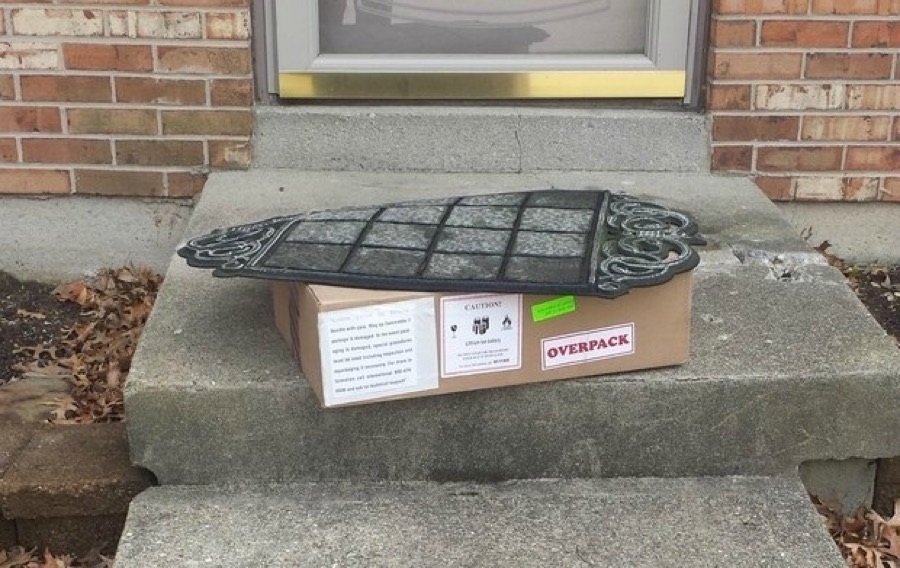
Package Delivery Fail: The Ultimate Photo Gallery

by Xeni Jardin

6derp

That feel when FedEx, UPS, DHL, or your local postal service tries to "hide" your package delivery in the lamest, most half-assed way imaginable. Or leaves one of those “signature required” things that mean you have to go drive to the shipping center and pick it up yourself even when you were there the whole time aughhhh. Thanks. Thanks a lot, delivery guy (or gal or x).

(more…)

25 Jul 23:50

How vacation photos have changed over the last 130 years

by Mark Frauenfelder
selfie

How have travel photos changed over time? Hoppa looks at photos taken from the time people used the Kodak No.1 Box Camera in the 1880s to take staged group pictures up until the time of today's Instagram selfie shots of feet pointing at the beach.

25 Jul 23:48

Google's Phone app now shows a warning about spam callers and makes it easy to block and report them [APK Download]

by Cody Toombs

spam_header

There are about a half-dozen countries that have enacted some form of official "do not call" registry and many others that have signed in laws to prevent various types of spammy behavior from running rampant over the telephone system. Unfortunately, little to nothing is done to enforce these laws and the penalties usually aren't steep enough to discourage bad behavior. Google is taking matters into its own hands and giving users a way to fight back.

Read More

Google's Phone app now shows a warning about spam callers and makes it easy to block and report them [APK Download] was written by the awesome team at Android Police.

25 Jul 23:48

Veeso wants to share your smiles and eye-rolls in VR

by Lucas Matney
d70ad7cf85a73ec57f690f497937f0a2_original First-time VR experiences seem to bring about a pretty wide variety of emotional reactions from the people who try it, but right now there aren’t too many ways to actually convey how you’re feeling inside virtual reality. Veeso is aiming to become one of the first VR headsets to capture how you’re feeling through their sensor technology. The company just launched a… Read More
25 Jul 23:47

24 tech experts weigh in on what exactly a ‘decentralized web’ means

by Devin Coldewey
featured-img-connections-blue You may have seen some chatter here and there about the “decentralized web,” but there isn’t a really clear definition of what the term means — and really, considering its nature, it would be surprising if there were. There are, therefore, a variety of opinions, as Syracuse University’s School of Information found out when they pinged two dozen tech experts and… Read More
25 Jul 23:46

Amazon partners with U.K. government to test its drones

by Frederic Lardinois
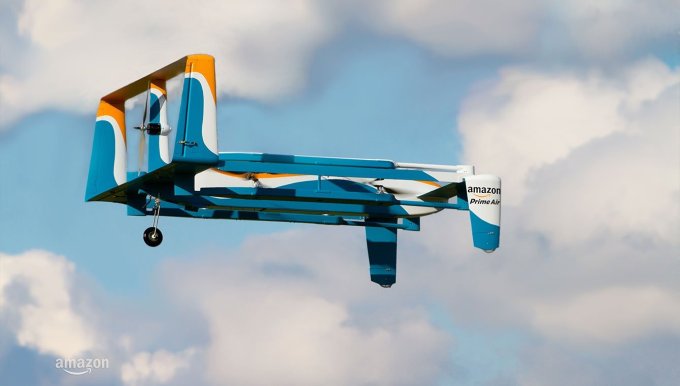
image-4._CR0,8,1340,762_ Amazon today announced that it has partnered with the U.K. government to test some of the technologies that may one day enable its Prime Air drone delivery service. In a partnership with the U.K. Civil Aviation Authority (CAA), Amazon now has the permission to explore beyond-line-of-sight operations in rural and suburban areas (something the U.S.’s Federal Aviation Administration (FAA)… Read More
25 Jul 19:28

French startup Stuart partners with Just Eat to let restaurants outsource delivery

by Steve O'Hear
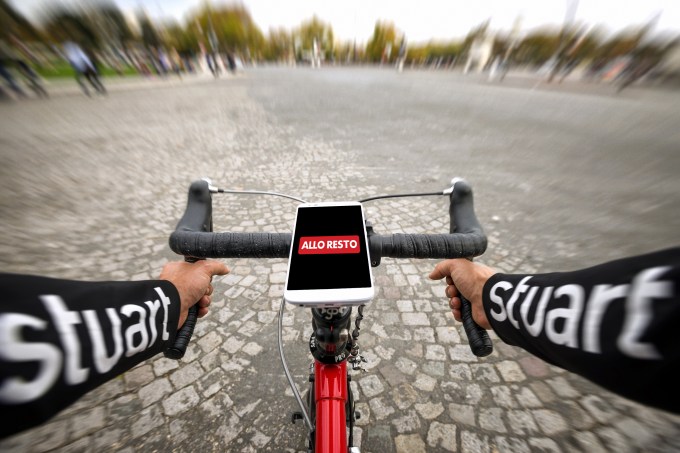
2c - Stuart_ALLO RESTO It’s Groundhog Day in the world of European restaurant delivery. Despite Delivery Hero-owned Valk Fleet’s spectacular failure, another startup is trying its hand at letting quick service restaurants or take-outs outsource delivery. Stuart, the heavily-funded “last-mile” delivery startup backed by Le Groupe La Poste, is partnering with take-out marketplace Just Eat in… Read More
25 Jul 19:18

Runcible is the anti-smartphone for a connected life

by Drew Kozub

Runcible is a new category of personal electronic with the powers of a smartphone condensed into a palm-sized device bringing elegant simplicity to a connected lifestyle.

It's not a phone. It's phone-like.

It has the power of the phone, the elegance of a treasured pocketwatch, and lets you keep one foot grounded in the real world, even while keeping you accessible to the connected world. Runcible is something different.

Something new

A new category of mobile device is emerging, one that keeps you connected, but in a new sense of the word. Sure, any smartphone keeps you connected to your friends, your cloud, your music, books, and information, but how many keep you connected to the moment you're in? Runcible is designed to let you stay present in your day-to-day activities without the distractions that come with typical smartphones. It's a radical idea, but is it what you've been waiting for?

Runcibile

$399.99+

Runcible is a new category of personal electronic with the powers of a smartphone condensed into a palm-sized device bringing elegant simplicity to a connected lifestyle.

Visit website

Read More »

25 Jul 19:17

Google adds Emergency Location Service to Android, rolling out first in the UK and Estonia

by Ryan Whitwam

Logo Soup Final2

You may be wary of making your location available to apps and service on Android, but that uneasiness goes away in an emergency situation. If you call emergency services, you want them to know exactly where you are, and now Android has the tools to make that happen. Well, if you live in the UK or Estonia. Those are the first two countries with support for the new Emergency Location Service.

When you call in an emergency with this service active, your location will automatically be transmitted directly to first responders (without passing through Google).

Read More

Google adds Emergency Location Service to Android, rolling out first in the UK and Estonia was written by the awesome team at Android Police.

25 Jul 16:19

Google Maps is gaining a Wifi-only mode

by Matt Burns
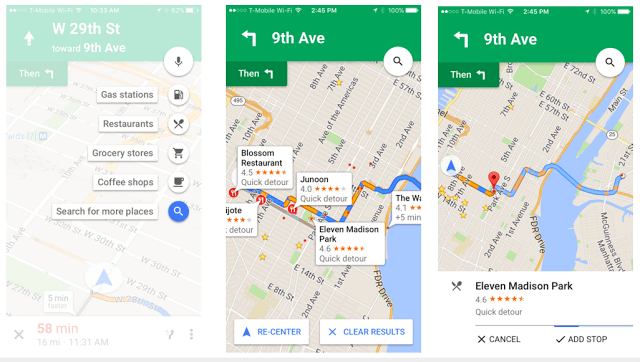
google-maps-ios Cellular data can be expensive and wifi is often free. Thankfully it seems Google Maps will soon work on just Wifi. Google has yet to announce this option. Users are reporting the additional mode is found in the settings of Google Maps and replaces the “Offline areas” option. Once activated, Google Maps will load the majority of the data through Wifi signals, though, as a… Read More
25 Jul 16:17

Windows 10 Anniversary Update: the 10 best new features

by Tom Warren

In just a few short days, Microsoft will be celebrating Windows 10’s first birthday. It has been a busy year that has seen a number of Windows 10 updates with new features and improvements, but the biggest one is arriving on August 2nd. Microsoft’s free Anniversary Update to Windows 10 includes some highly requested features, but overall it’s full of minor additions that really make the OS feel a lot more polished. I’ve been testing Windows 10’s Anniversary Update for months now, and I’ve witnessed it progress to a point where it’s ready for the masses. Here are the 10 best new features coming to Windows.

Continue reading…

24 Jul 21:45

Yahoo’s board reportedly agrees to $4.8 billion Verizon bid

by Jonathan Shieber
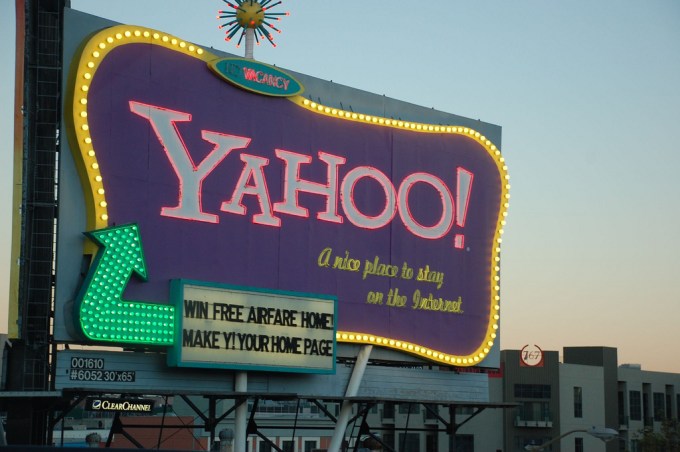
yahoo billboard According to reports that are starting to trickle in, Yahoo’s board has accepted the terms of the Verizon offer we reported last week. The core assets of the company that started life in Jerry Yang and David Filo’s 1994 Stanford dorm room as “Jerry and David’s Guide to the World Wide Web” — and at one point was one of the highest valued properties on… Read More
24 Jul 19:43

Swipe Across the Space Bar In Google Keyboard to Move the Cursor

by Eric Ravenscraft
Swipe Across the Space Bar In Google Keyboard to Move the Cursor

Android: Google’s keyboard packs a ton of simple gestures, but you could miss them if you don’t know they’re there. For example, if you want to move your cursor, swipe left and right across the space bar.

As pointed out by Reddit user wtmh, Google’s keyboard allows you to move the cursor in a text field with precision by swiping across the space bar. As someone who routinely deletes whole words to fix minor errors, this is a god send. There are also other slightly hidden shortcuts, like swiping left from the delete key to delete whole words. Google should really make a tutorial or something for these gestures.

YSK: If you’re a Google Keyboard user, swiping left or right across the space bar moves the cursor. | Reddit

24 Jul 19:42

Here's the first teaser for Sherlock season four

by Jacob Kastrenakes

Sherlock's next season is supposed to be just about done filming, which means that now — the day of Sherlock's Comic-Con panel — is the perfect moment for a first look. The BBC put out a dark and tense initial teaser today that shows Benedict Cumberbatch back in action as Sherlock Holmes and plays up the mystery around Moriarty's potential survival. It's not much, but it's the first time we've seen Sherlock back in the world of Sherlock in over two years, since his last appearance largely took place in Victorian London. The new season is supposed to come out sometime next year.

Continue reading…

24 Jul 19:41

Prisma is now out on Android

by Vlad Savov

Prisma, the sensationally popular iOS photo manipulation app that's been second only to Pokémon Go in terms of summer hype, has now arrived on Android. The Google Play Store has been plagued by sketchy knockoffs of this excellent new app, so it's a welcome relief to have the authentic app now up and running. Prisma's makers say they've ported over all the iOS functionality, so there shouldn't be any difference in user experience or capabilities.

With more than 400 million pictures "prismed" and over 10.6 million installs on iOS, Prisma is arriving on Android having barely been able to sustain its popularity among iPhone users. Many people have complained about the app's unresponsive moments, which were caused by server overload due to...

Continue reading…

24 Jul 16:31

Congress: TSA is worst place to work in USG, nearly half of employees cited for misconduct; it's getting worse

by Cory Doctorow

056c026d-1c66-4d42-9fae-a8e96df290c5-1020x1143

The House Homeland Security Committee Majority Staff Report has just published its investigation on aviation security, and the title really tells you everything you need to know: MISCONDUCT AT TSA THREATENS THE SECURITY OF THE FLYING PUBLIC. (more…)

24 Jul 00:26

CBS unveils Star Trek Discovery and a first look at its ship

by Jacob Kastrenakes

At long, long last, Star Trek is making its way back to TV, and today we're getting a first look. Alongside this afternoon's Star Trek panel at Comic-Con, CBS put out a teaser showing the new series' subject: a new Starfleet ship called the USS Discovery. The show is also getting a proper name today, Star Trek Discovery.

Continue reading…

24 Jul 00:26

The solar system prepares for war in the first teaser for The Expanse's second season

by Andrew Liptak

The Expanse is one of the best science fiction shows on the Syfy channel since Battlestar Galactica, and we’ve been excited to see more of the show ever since the end of the first season. The cast and crew gathered at San Diego Comic-Con, where they gave us our first glimpse of what’s to come.

The Syfy channel released the first teaser trailer for the upcoming second season, and it looks amazing. We've already gotten a good look at one of the show's newest characters, Gunnery Sergeant Bobbie Draper, but we get to see what everyone else is up to.

At the end of the first season, the crew of the Rocinante barely escaped with their lives from Eros station, which was targeted with the test of a biological weapon. The action is going to get...

Continue reading…

24 Jul 00:26

Watch the first trailer for FX's X-Men series, Legion

by Jacob Kastrenakes

FX has released an eclectic first trailer for Legion, a new X-Men series from Marvel. Though the trailer doesn't make Legion's X-Men connection perfectly clear — and, honestly, I'm not sure what this trailer does make clear, since it's bouncing all over the place in terms of events and imagery — it does start to show its main character's mutant powers. He's just not totally aware he has them yet, leading to some explosive results.

The show follows a character named David Haller, who comic fans know as the mutant Legion. This series seems to be starting off with Legion's origin story, letting Haller discover the world of mutants and then become part of it. The series starts sometime in 2017. Another X-Men TV series is also in the works...

Continue reading…

23 Jul 21:41

Watch the first trailer for Wonder Woman

by Kwame Opam

Warner Bros. debuted the first trailer for next year's Wonder Woman movie during its massive Hall H panel here at San Diego Comic-Con. Director Patty Jenkins took the stage to talk about the film, and how important Wonder Woman is as a character and as a superhero. And that much is clear in the trailer, as she's every bit as regal and dangerous as her comic book counterpart.

Wonder Woman, starring Gal Gadot, follows Princess Diana of Themyscira as she joins the fight for global peace during World War I. Jenkins described Gadot as perfect for the role, proclaiming, "Gal Gadot is Wonder Woman." And... well, yeah! Gadot is joined by Chris Pine, who plays Steve Trevor, Diana's lover during the conflict. Wonder Woman hits theaters next...

Continue reading…

23 Jul 21:40

The first Justice League trailer is here, and it actually looks great

by Bryan Bishop

Here at Comic-Con, director Zack Snyder debuted the first trailer for his upcoming film Justice League, and here's the shocker: it actually looks fantastic. The trailer starts with Ben Affleck's Bruce Wayne, hunting down Aquaman, presumably putting together the team of warriors that Warner Bros. hopes will be its answer to The Avengers. From there, nearly all the big names get a moment to shine, including Cyborg, Wonder Woman, and The Flash. (Superman himself seems to be missing, for reasons as-of-yet unknown.)

While Man of Steel and its sequel have been largely criticized by their dour, dismal feel, Justice League seems to be taking a cue from Suicide Squad. The tone is airy and light, with each moment played more for laughs than a...

Continue reading…

23 Jul 10:30

Best Android Launchers

by Andrew Martonik

Want to upgrade your Android experience? Try upgrading your launcher.

The way we arrange, organize, and interact with our apps on Android is called the launcher. Launchers usually consist of a series of home screens, where we can arrange app shortcuts and widgets and an app drawer. Every phone comes with a launcher, but when they drop the ball, there are endless third-party launchers that not only pick it up again but knock it clear out of the park.

Previous incarnations of this article have tried to claim that there is one launcher to rule them all, that there truly is a best launcher out there. I don't really believe that's possible, even though I have a launcher I personally value over all others. You use your phone differently than I do, and I use my phone differently than my co-workers do or my friends or my family. Everyone has their own perfect launcher, but if you haven't found your favorite yet, then here are a few launchers we think will satisfy users of every type.

Best light and easy launchers

Are you someone who doesn't want to mess with a lot of bells and whistles? Do you just want to put your most-used apps front and center, maybe a widget or two, and get one with your Android experience? You want a fast launcher, a light launcher, one that doesn't need a lot of fussing and tweaking, and these are the launchers for you.

Best light launcher: Evie Launcher

Evie Launcher is a relative newcomer to the launcher scene, especially next to storied launchers like Nova Launcher, but Evie is a light little launcher that doesn't quit and uses gestures in a few really good ways. First and foremost, like so many recent launchers, Evie has a swipe up gesture to open the app drawer. Another popular launcher gesture Evie has is the ability to double-tap the screen to put your phone to sleep, either using the phone-locking Instant Lock or Smart Lock-friendly Timer Lock. There's even a gesture shortcut to take you into Google Now, if you miss that dedicated page from Google Now Launcher.

Evie is easy to set up and run with, but you can customize the desktop grid and turn gestures on and off as needed. It's a quick launcher that's also getting quick updates, so look forward to more optimizations and tweaks to help speed up your launcher experience.

Read more: Evie Launcher review

Download Evie Launcher (Free)

Runner-up: Arrow Launcher

You'd think that if Microsoft was going to bring a launcher to Android it'd be a launcher that matches the launcher on Windows Phone… and you'd be wrong. Arrow Launcher doesn't look a thing like Windows Phone, and if you didn't see the login prompts for OneDrive when you try to back up Arrow Launcher, you'd probably never guess it was one of its products.

Arrow Launcher is a browser that's centered around a clean home screen, an orderly utility page for widgets and cards, and a speedy app drawer where you can easily find your apps. Arrow is easy to set up and a breeze to navigate. It's not quite as bare-bones as Evie, but it is a light launcher that's well-worth considering, especially if you have an Outlook account for work or school that it can tie into for email and calendar appointments.

Download Arrow Launcher (Free)

Advertisement

Best customization launchers

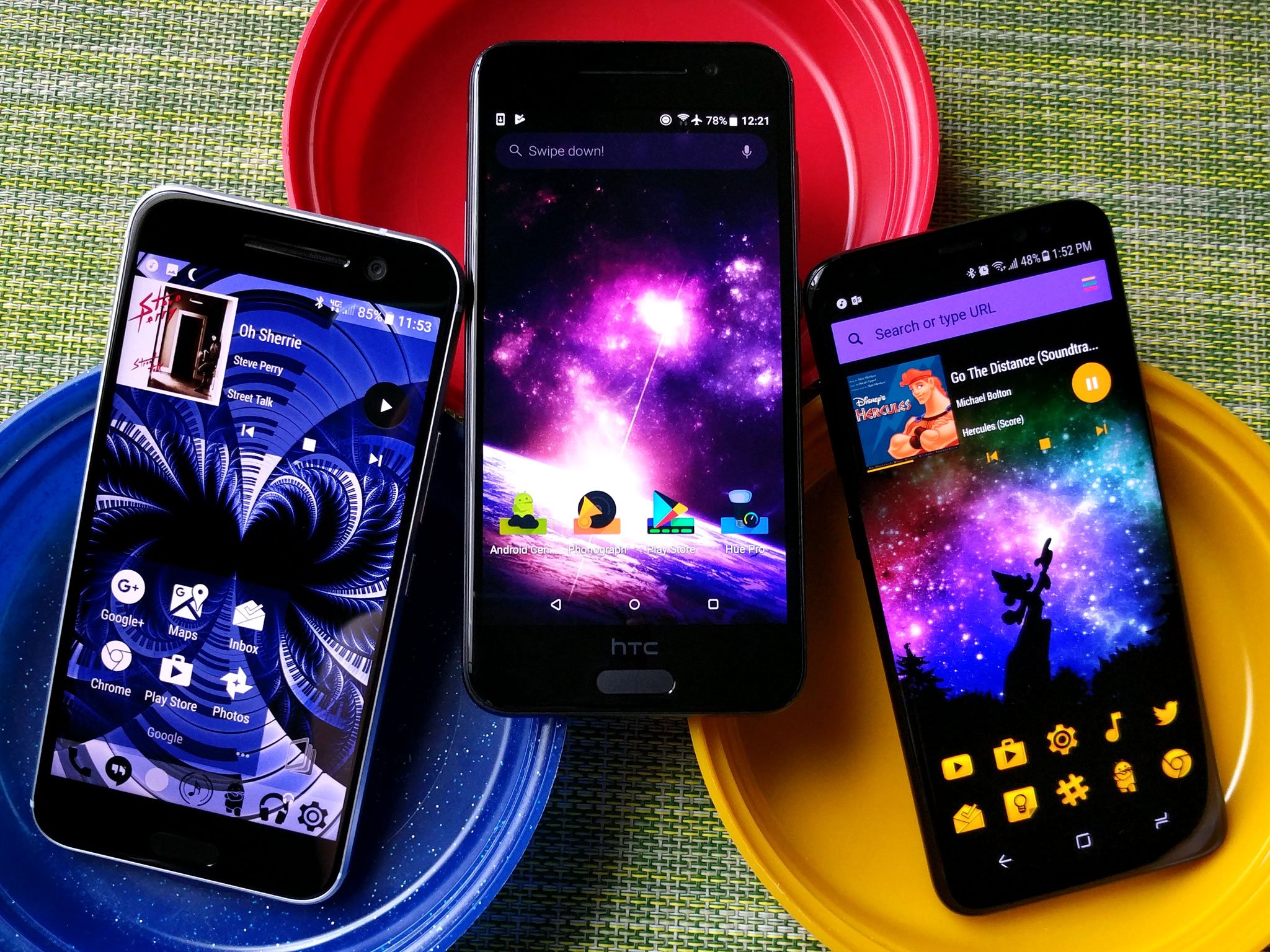
Do you want full control over your home screens? Want to set more than just an app grid and a widget or two? Want to make your home screen look and act the way you want? Then you want a customization-based launcher. Often called theming launchers because theming is one of their more obvious uses, these launchers are for far more than just making your home screen look pretty; they're for making your home screen function more efficiently and more effectively for your life.

By giving you control over gestures, advanced UI controls, and almost every aspect of your launcher experience, these launchers let you customize the way you interact with your phone in ways that truly exemplify the Android experience. These two customization-based launchers dominate much of the third-party launcher market, and there's a very good reason: they're awesome.

Recently, both of our best customization launchers began offering companion apps to add a Google Now pane to your home screen. The implementation is fairly stable and straightforward on both versions, but be warned that the addictive Quickdrawer and Google Now pane are mutually exclusive on Action Launcher for now.

Best customization launcher: Nova Launcher

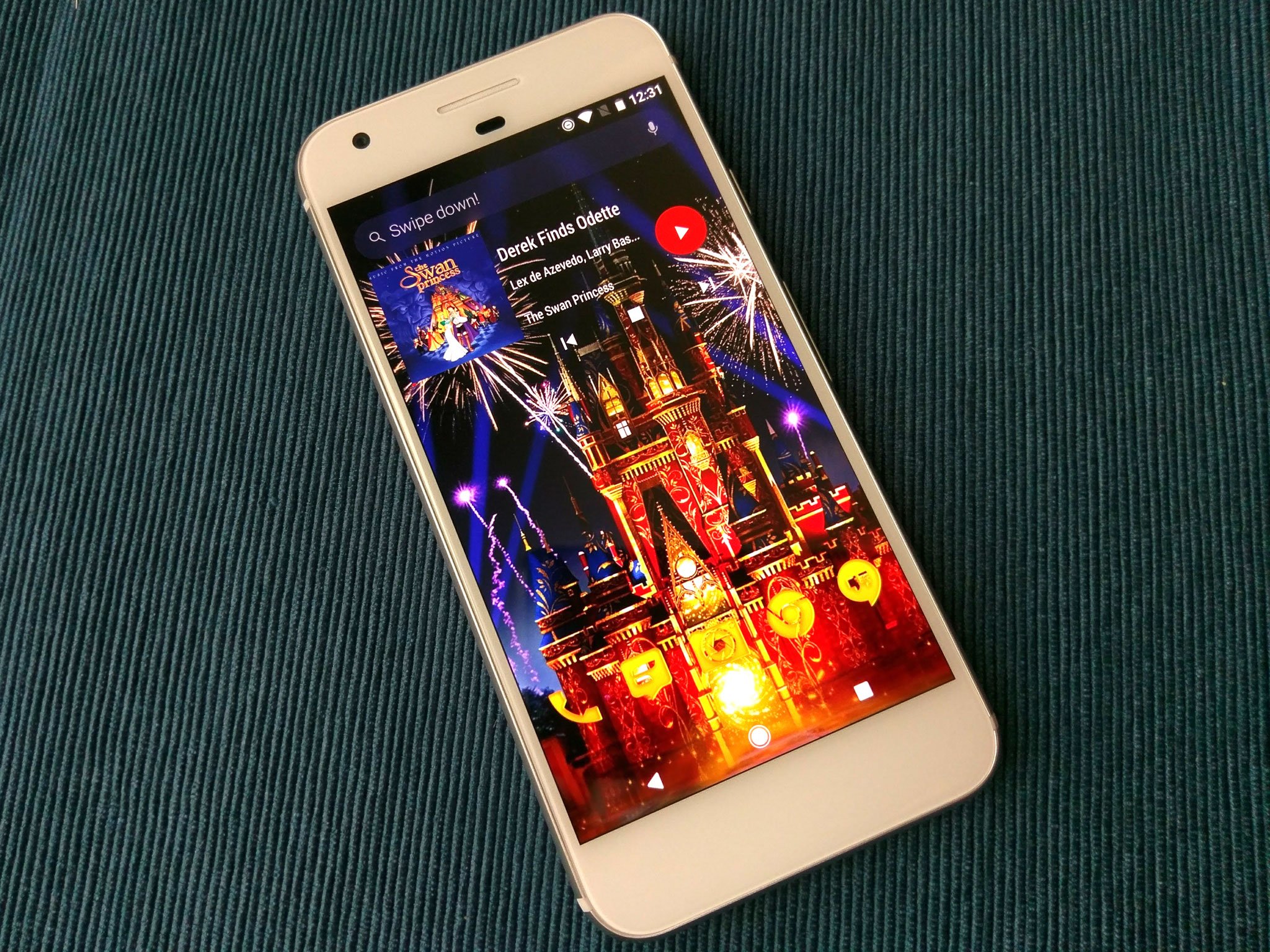
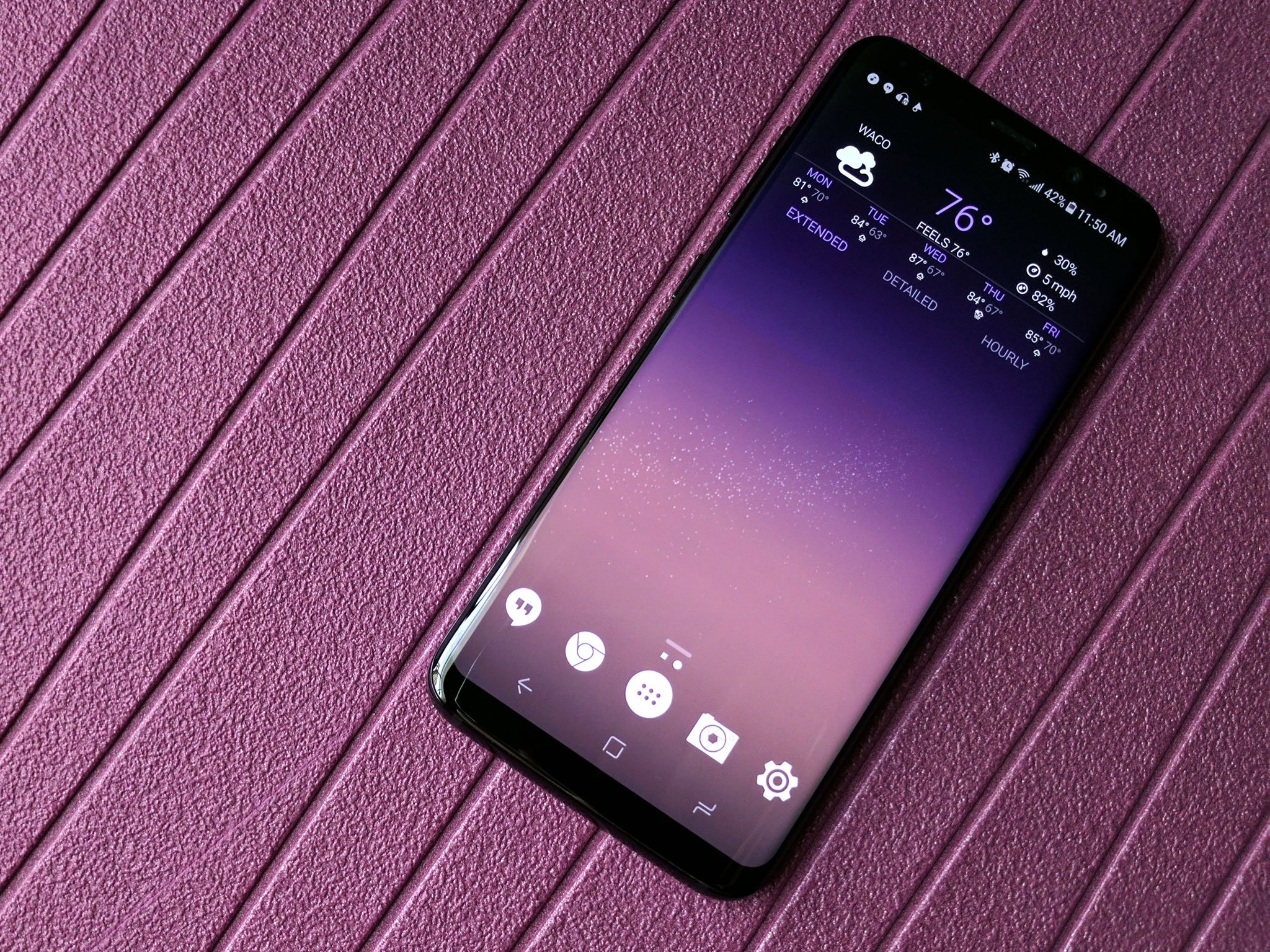
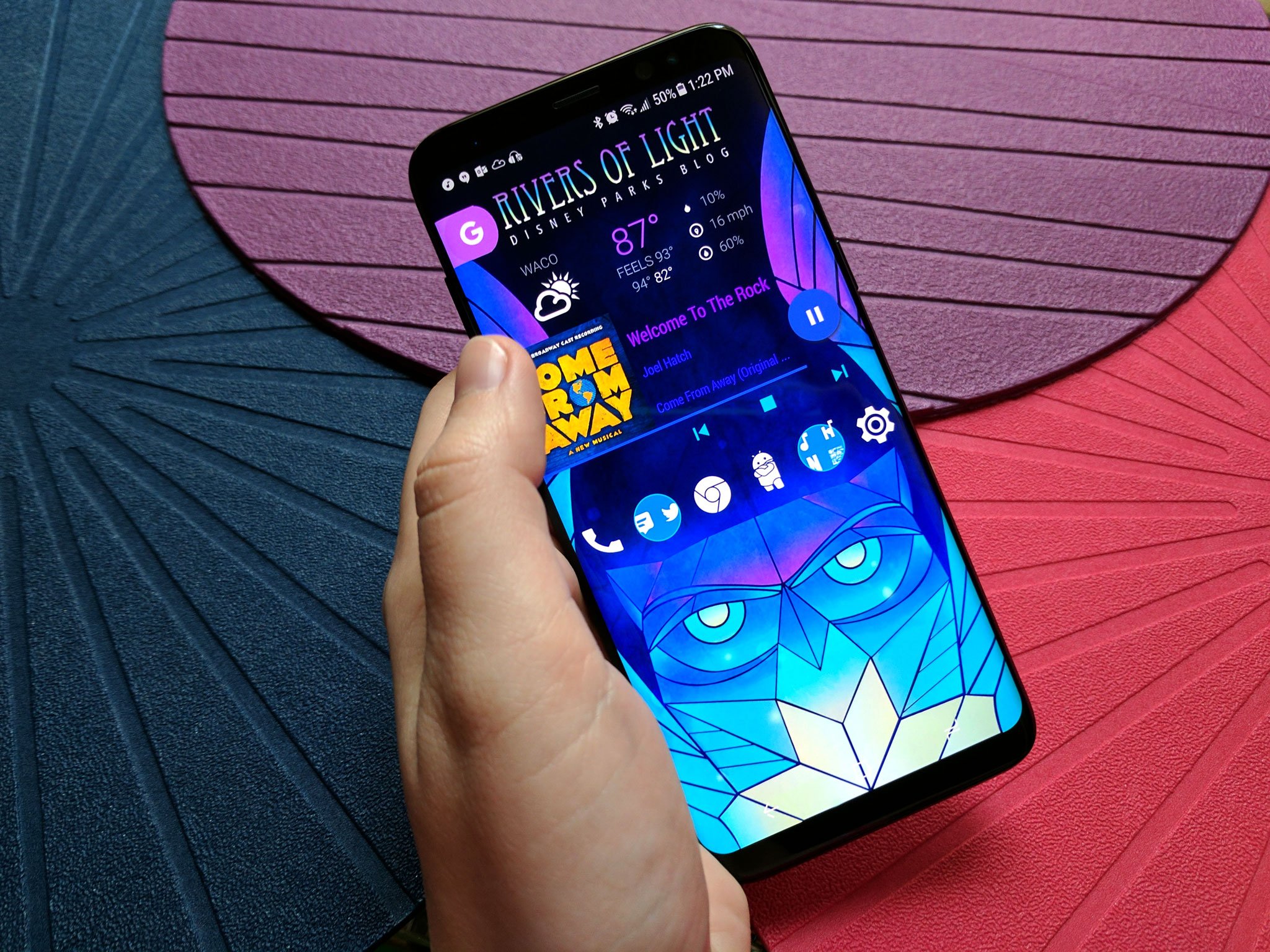
Nova Launcher is over 5 years old, and this storied launcher has been a major player in the Android launcher market longer than most of us have used Android. The reason for this continued dominance is simple: Nova's mix of customization, convenience, and cunning are unparalleled. Nova lets your phone look more Pixel-y than a Pixel and more TouchWiz than a Galaxy S8 and does it with ease and grace. In fact, Nova's biggest strengths are things that are hidden in plain sight, like its pocket ace Subgrid Positioning or its excellent backup system.

When we build themes for our Android Central readers, 9 times out of 10 the launcher we use to build it and to share it with you is Nova Launcher. It's an excellent launcher if you want to build complex themes or if you just want a smartly laid out launcher with excellent gesture controls.

Read more: Nova Launcher review: Still king of the mountain

Download Nova Launcher (Free, $4.99)

Runner-up: Action Launcher

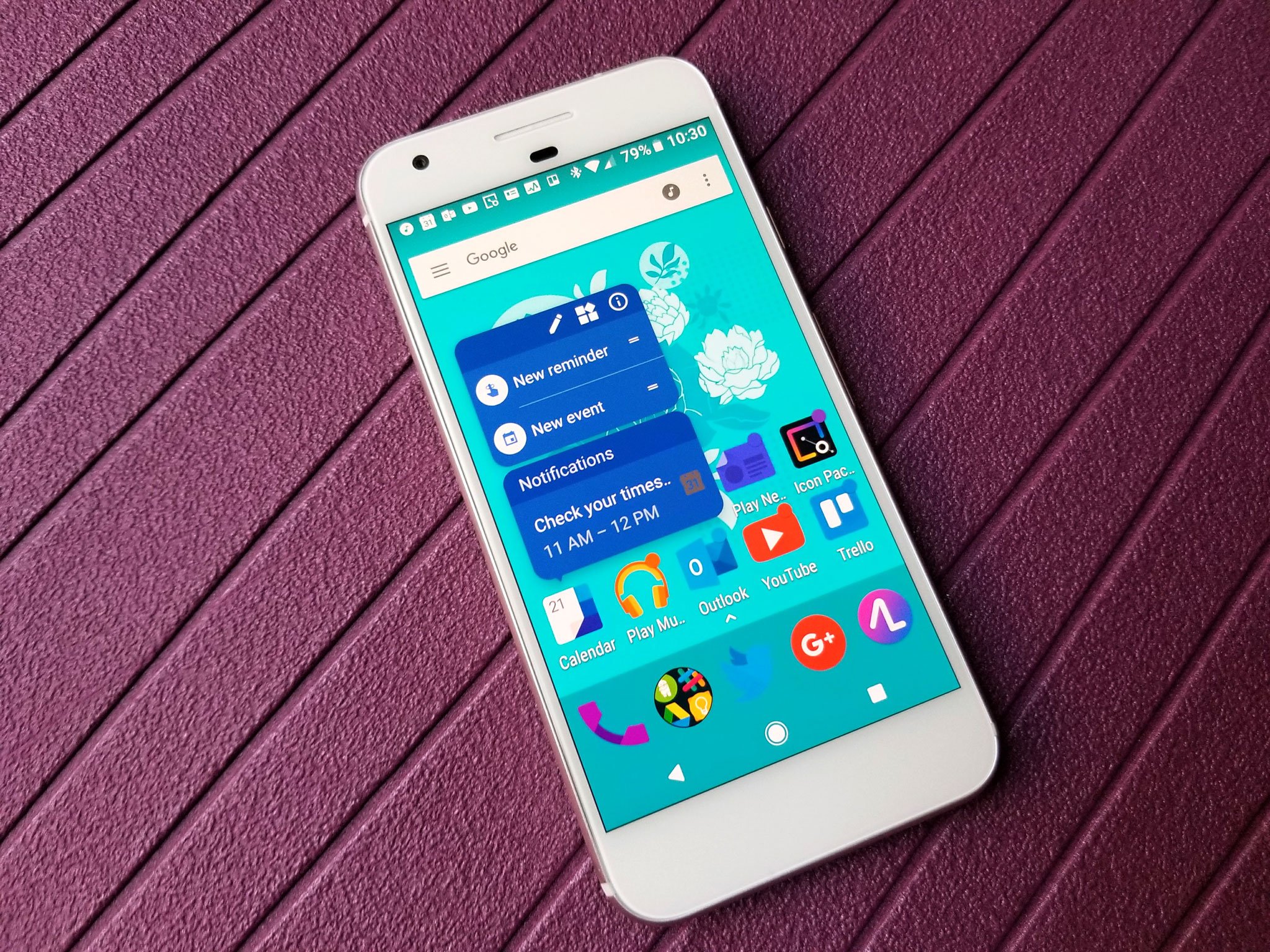
Action Launcher is one of the most popular launchers on the market, and the watchword of both the launcher and its users is QUICK. Quicktheme, Quickdrawer, Quickpage, Quickbar, quick, quick, quick. Action Launcher is determined to be a launcher that gets what you need doing quickly so that you can get back to doing what really matters on your phone: wasting hours on gaming and Netflix. To ensure that Action Launcher can be the quickest and best launcher for users who want to set everything up just so, Action Launcher has taken it upon itself to be one of the most customizable launchers on the market, from its robust gesture controls to its ubiquitous Covers and Shutters to hide folders and widgets under a seemingly plain looking app shortcut. Action Launcher is also quick to support features from the newest version of Android, including Adaptive Icons, Notification Previews, and App Shortcuts.

There's a reason it's the only launcher Phil uses (miss you, Modern Dad!), and that's that Action Launcher is damn good at what it does. While it's not quite as intense as Nova Launcher, it's a launcher that's incredibly... well, quick about getting you set up and on your way.

Download Action Launcher (Free, in-app purchases)

Advertisement

Best smart launchers

Tired of having to tell your launcher where you want everything? Want a launcher that will learn which apps you like and use more and put them at your fingertips? Want a launcher that knows where you are, what you're doing, and wants to help? You're looking for a smarter launcher, and luckily we've got some launchers that are looking to learn from you and bring the most intelligent launcher experience they can to your phone.

Best smart launcher: Yahoo Aviate Launcher

Yahoo bought its way into the launcher game with Yahoo Aviate Launcher years ago, and the launcher's done fairly well since its acquisition. Aviate uses a combination of the Google Now-like Smart Screen and predictive collections to help you find what you want quicker and keep your launcher experience light and quick. Aviate figures out where you are and what time of day it is and serves up relevant collections, so you can better handle those activities. For example, if you plug in your headphones, it offers you quick access to media controls and your favorite music apps.

Aviate excels for having a high amount of polish and minimal maintenance, even though you might lose out on some customizability.

Read more: Aviate Launcher review

Download Aviate (Free)

Runner-up: Smart Launcher 3

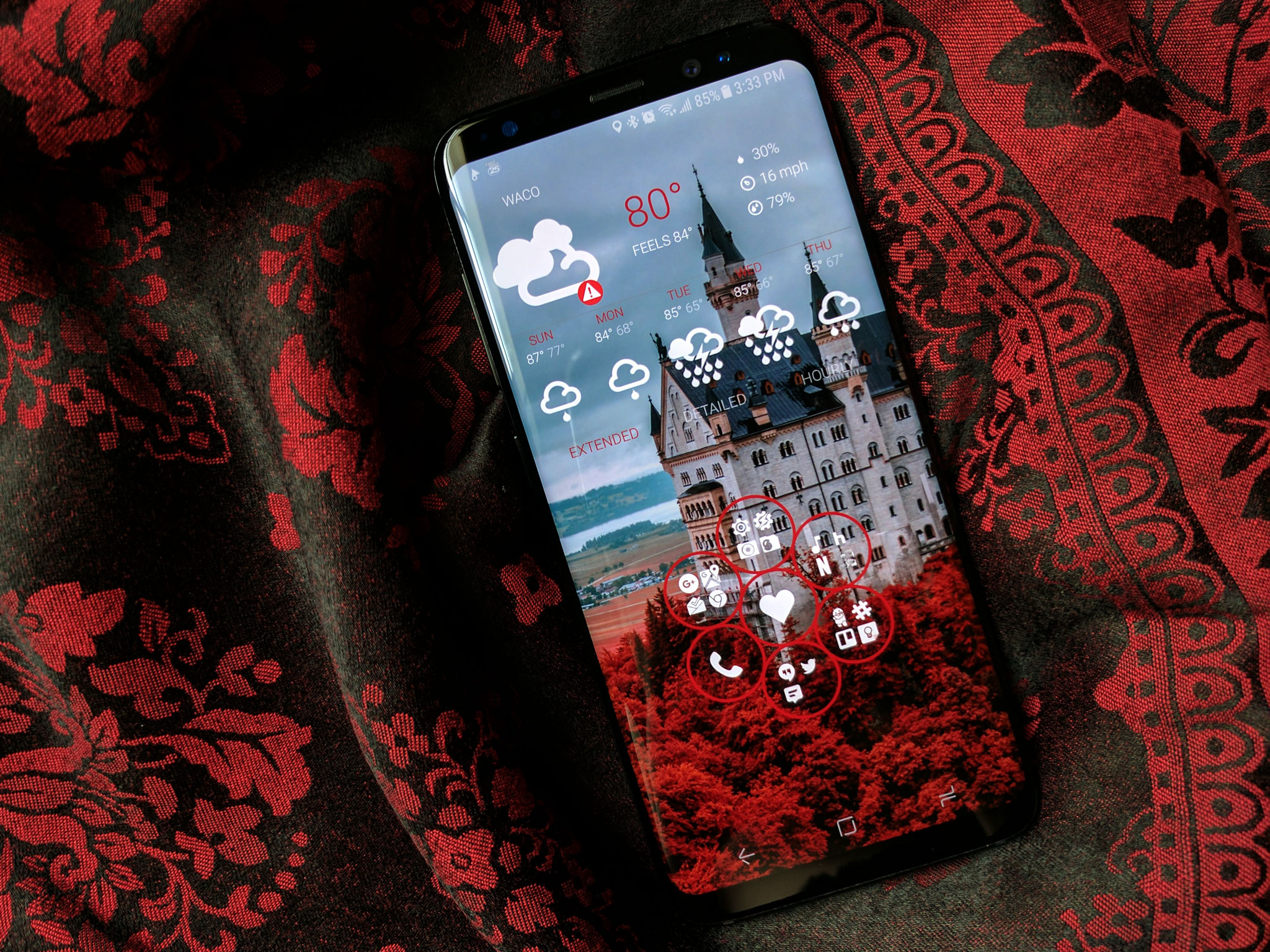
Smart Launcher 3 is a lot more customization-based than Aviate, but it's still a launcher with algorithms and intelligence at its core, sorting your app drawer into five categories and putting a search bar at the top of your launcher screens. Smart Launcher 3 has some interesting theming support, including its iconic "Flower" QuickStart layout for the apps on your home screen and its new Icon Pack Studio, but its implementation of widgets and item placement on its home screens keeps us from calling it a true theming launcher.

Smart Launcher 3's real magic come from the app drawer and the search bar, where optimization and search can help you find the apps and information you need quickly and easily. It's also beginning to toy with launcher features from Android Oreo, starting with notification badges!

Download Smart Launcher 3 (Free, $4.49 - $8.49)

What's your favorite?

Do you have a favorite launcher? What's on your Android phone now? Sound off in the comments below.

Updated September 2017: Best Launchers has been updated to reflect new features among its favorite launchers.

22 Jul 21:52

WikiLeaks posts leaked DNC emails, including donor personal information

by Adi Robertson

The week before Hillary Clinton is expected to become the Democratic presidential candidate, WikiLeaks has published over 19,000 emails it says come from seven top Democratic National Committee figures. Among them are hundreds of messages that appear to hold personal information about donors, all part of what WikiLeaks calls an ongoing series of "Hillary Leaks."

WikiLeaks announced the new database in a tweet, with the hashtags #Hillary2016 and #feelthebern. It includes 19,252 emails with 8,034 attachments, the bulk of the emails apparently from DNC communications director Luis Miranda. The messages run from January of 2015 to May of 2016. While they cover a range of topics, many are confirmation emails covering donations from party...

Continue reading…

22 Jul 19:54

Acer Chromebook R11 review: Solid laptop, mediocre convertible

by Andrew Martonik

Acer Chromebook R11 Full review

As we head toward the future of Android apps being available on Chrome OS, the idea of a small, convertible touchscreen Chromebook makes a little more sense. Before that announcement at Google I/O 2016, a Chromebook that could fold back into a touch-only device didn't really have much appeal. Chrome apps weren't ready for touch, and the OS as a whole still preferred a mouse and keyboard.

The Acer Chromebook R11 is one of these convertible Chromebooks that launched a bit ahead of its time, being ready for the touchscreen convertible future before Android app support came to the OS. And even at this point, though we know Android apps are coming, they won't be here for everyone for several months. There's little reason to buy a Chromebook for what it could do in the future — what it can do right now is far more important.

Acer knows the Chromebook world, and has the sales numbers from the past few years to prove it. But does the Chromebook R11 continue the company's history of making great Chromebooks with this convertible-style laptop? Our full review will tell you just that.

About this review

I (Andrew Martonik) am writing this review after over a week using the Acer Chromebook R11, configured with 4GB of RAM and 16GB of storage, which was provided to Android Central for review by Acer. The entirety of the review was written with impressions of the laptop running on the stable channel of Chrome OS, except where noted.

Basic, but built well

Acer Chromebook R11 Hardware and display

The Chromebook R11, just like the non-convertible Chromebook 11 before it, builds on a standard design that Acer has been using since the original C720 Chromebook. It's a mashup of different plastics of varying thicknesses and textures, accented by an etched metal lid that brings some grip and style to what is otherwise a pretty bland laptop. However the smooth plastic on the inside clashes with the textured plastic around the screen and sides, while exposed screw holes along the bottom and there are visible seams all around that remind you of an older style of laptop. It pales in comparison to the sleek all-metal look and feel of the ASUS Chromebook Flip, its main competitor.

With all of that being said I still don't mind the look, even in the white color I have here (a black choice seems to be sporadically available) — I just wish there was a bit more of a cohesive design here that didn't look like it was put together by a committee of people who were never put in the same room.

In typical Acer fashion, the Chromebook R11 is still built to take a beating, even though the chintzy plastic doesn't immediately give you great feelings about how robust it is. The chassis doesn't unnecessarily flex in your hands, the keyboard offers good travel without bounce in the frame and the display hinge is tight. You shouldn't go throwing this around the room, but getting bumped around in your backpack or tossed on the couch isn't going to cause any issues.

And that's a good thing, because the Chromebook R11 is quite compact — and while it's not the thinnest laptop ever it weighs in at just 2.76 pounds, light enough to carry around every day without issue.

Though the resolution of the Chromebook R11's 11.6-inch display is a somewhat disappointing 1366x768, it is absolutely great in terms of clarity, brightness and colors. Next to the display on the ASUS Chromebook Flip (which is also smaller, it should be said), this is quite possibly the nicest Chromebook display I've ever seen (Pixel aside, of course). And that's really saying something considering it's notably a step down from the Dell Chromebook 13.

Ed. note: An original version of this review indicated that the ASUS Chromebook Flip had a 1080p display. This error has been corrected.

This is also a touchscreen, of course, which is plenty responsive and supports multi-touch manipulation. And even though there isn't much of an application for touch on Chrome OS as it stands today, the future will bring Android apps that you may be far more inclined to use directly with the touchscreen. Those who have no desire to use the touchscreen will have to either understand they're paying extra for a feature they won't use or look elsewhere. But considering the affordable price of the Chromebook R11 and the great quality of the panel itself (touch aside), you shouldn't dismiss it just because you aren't going to be tapping and swiping on it every day.

What's inside

Acer Chromebook R11 Specs

You get a very standard set of internals and ports on the Acer Chromebook R11, with a mid-range fanless Celeron processor supported by 2 or 4GB of RAM, and 16 or 32GB of storage. In terms of ports, it's all standard Chromebook: a couple of USB ports, HDMI out and an SD card slot. Nothing too fancy here.

Category Features
Display 11.6-inch 1366x768 IPS
Processor Intel Celeron N3150
quad-core 1.6GHz (turbo 2.08GHz)
Memory 2/4GB DDR3L
Storage 16/32GB
Connectivity 802.11ac Wi-Fi, Bluetooth 4.0
Ports USB 3.0, USB 2.0, HDMI 1.4
microSD card, headphone/mic
Battery 3-cell Lithium-ion, 3220 mAh
9.5 hours estimated battery life
Charger 45W/19V charger
proprietary plug
Camera HD web cam (1280x720)
Sound Stereo speakers
microphone
Dimensions 294.6 x 203.2 x 19.2 mm
Weight 2.76 lb

One good, one bad

Acer Chromebook R11 Keyboard and trackpad

The keyboard situation on the Acer Chromebook R11 is identical to Acer's previous Chromebooks, which is to say it's quite good for the price but isn't going to blow you away. The keys themselves are cheap and have a little too much texture for my personal preference, but they have good travel, proper spring and almost no side-to-side movement. I had no issue at all typing on the Chromebook R11 for everything from quick tweets up to long emails, and including this entire review. There's no backlighting here, which shouldn't come as a surprise at this price range.

A really solid keyboard, paired with a bad trackpad.

The trackpad situation isn't quite as rosy, unfortunately. Somehow, I feel like Acer has regressed from the trackpad it offered some two years ago on the C720 Chromebook. The trackpad surface is the same glossy plastic as the rest of the inside of the laptop, which just doesn't offer me the right amount of drag — my finger sticks far too much — to be able to smoothly track around the interface and select precise elements with one finger. This makes precise actions like selecting text and clicking small interface elements quite frustrating. Large movements like getting the cursor across the screen or scrolling with two fingers are no problem at all, which shows that the issue isn't necessarily the trackpad firmware or the performance of the processor ... it really comes down to the surface of the trackpad itself.

Perhaps I'm spoiled by the glass trackpads on the likes of the Dell Chromebook 13, but even inexpensive models like the ASUS Chromebook Flip do far better than this.

Actually using it

Acer Chromebook R11 Daily use and battery life

Beyond the looks and feel, how does it actually work in day-to-day use? That's what is really important.

Performance

Fanless, lower-powered Chromebooks haven't really done much to impress me as of yet, with only the Rockchip-powered ASUS Chromebook Flip offering enough to really get me to recommend it without hesitation. The Intel Celeron N3150 in the Chromebook R11 slots its performance a step below the Chromebook Flip, for sure, but easily outperforms the last generation of fanless Celeron models running an N2850 processor.

It can handle what an average user needs to do.

So what does that mean in terms of regular use? Using a model with 4GB of RAM — which is the only configuration I'd ever recommend — the Chromebook R11 is capable for a basic set of tasks, but can bog down if you give it a bit too much to do. I regularly load up my Chromebooks with about 10 tabs in the browser and a couple more apps — often Tweetdeck and Slack, at least — and in this situation the Chromebook R11 did show signs of slowing down. It took quite a bit to get actual window switching or text input to become noticeably slow; the only place where slowdowns were really noticeable is in initial page load times, and when reloading pages in the background.

But in dealing with individual tasks, or hopping between just a handful of open tabs, the Chromebook R11 took care of what I needed it to do just fine. Importantly it also streamed video well, and could handle Google Cast display mirroring, too.

Battery life and charging

Acer quotes nine and a half hours of battery life out of the Chromebook R11, but as is often the case my heavier use drained the battery quicker than that. The 3220 mAh battery averaged out to giving me about eight hours of use, which as I note above usually involves several tabs open in the browser, plus one or two additional apps running at any given time.

I often kept the screen quite bright, at about 75% brightness — a little high perhaps, but not unreasonable. For an 11-inch Chromebook, getting around eight hours of battery life is pretty good but not stellar, and considering the performance shortcomings of using a fanless design I do expect a little more of a positive trade-off in battery life. The lighter, more powerful ASUS Chromebook Flip lasted longer for me.

You get a very standard Acer charger, color-matched white to the laptop, that's a bit more compact than what you got with Acer Chromebooks of yesteryear and is almost identical to the one that comes with the larger Acer Chromebook 14. It's ugly, and still has the standard two-cable-and-brick design (I'd prefer something more compact for a small laptop like this), but it gets the job done.

Convertible tablet use

I got a great taste for using Chrome OS in a tablet environment when I reviewed the ASUS Chromebook Flip, and my findings of using it on the Chromebook R11 are much the same — with a few changes. The Chromebook R11, just like the Flip, can fold back its screen into a few different modes, whether that's a "tent" or "display" mode for all-touch use while propped up, or folded all the way back into a tablet-like form factor (which, remember, weighs 2.76-pounds). When you enter any of these modes (automatically when the screen pivots to a certain point), Chrome OS switches into a full-screen experience with every window maximized, where you can quickly swap between them with the use of a task-switching button in the status area.

The tablet-focused interface works fine enough, and the touchscreen is very responsive, but the issue is that Chrome apps and web pages just aren't designed to be touched. When you navigate to a webpage on a Chromebook, the web page looks like it belongs on a laptop, and it expects a mouse pointer — and often a keyboard — to navigate properly. Sure you can swipe and scroll through pages, tap large interface elements and read or watch videos just fine, but as soon as you need to tap small buttons, highlight text or type, you have to flip the keyboard back around and do it the "normal" way. Having the choice is great, and I found myself using it for some casual content consumption, but for the most part I left the Chromebook R11 in its standard laptop configuration.

What it really comes down to is this: if you want a tablet, right now, you should just buy an Android tablet — yes, maybe even one that offers a keyboard accessory. Perhaps in the future we'll see new Chromebook form factors that make a bit more sense — such as those with detachable keyboards — as convertible devices, but right now using a 2.76-pound tablet is a poor experience, even if the software was perfectly made for touch.

The future: Android apps

One of the main reasons an enthusiast may be considering a Chromebook R11 is that it's one of the first Chromebooks available to be compatible with the Google Play Store and Android apps. At the time of writing that list is limited to just the ASUS Chromebook Flip, Google Chromebook Pixel (2015) and the Chromebook R11, and only in the Developer Channel, which nobody should really be using on a daily basis.

I've written specifically about the experience of using Android apps on the Chromebook R11, and the general feeling right now is that this isn't something to get too excited about yet. Being in the Dev Channel alone introduces a performance decrease and lots of instability, and issues with Android apps being either incompatible or not ready for use on a laptop are very clear. Even once Android apps arrive in the Chrome OS Stable Channel — which should happen at some point near the end of 2016 — the issues with the apps themselves will largely still remain.

There are some situations in which having Android apps on your Chromebook is useful, but it isn't a game-changing experience just yet, and for that reason there's no need to buy the Chromebook R11 specifically to run Android apps. My estimation is that by the time the compatibility and design issues with Android apps on Chrome OS are addressed, there will be far better models of Chromebooks to choose from that are also better set up to use them. The Chromebook R11 just isn't that great when being used as a pseudo-tablet, and having Android apps installed doesn't change that.

Good for the basics

Acer Chromebook R11 Bottom line

Being a convertible laptop that offers a touchscreen and the promise of Android apps in the future seems tempting. As such, expectations may be unreasonably high considering what the Chromebook R11 can actually do. It isn't going to blow you away in terms of design, the trackpad definitely isn't leading the industry, and the convertible functions are more of a novelty than a truly useful feature. Yup, this is a pretty mediocre convertible and doesn't really work any better as a "tablet" than the handful of other convertible Chromebooks out there. And even when Android apps arrive for everyone, this may not be the model to get if you want to try them out.

Keeping that all in mind, if we lower the bar back down to what we'd normally expect from a $275 Chromebook, this is actually a decent offering for the right person. The Acer Chromebook R11 is a compact laptop with a really good screen, solid build, almost full-day battery life and performance that's good enough for the average user. Sure it isn't doing anything particularly special and isn't one to clamor over, but it's a really good basic Chromebook — don't let the extra stuff get in the way of your decision, positively or negatively.

Where to buy the Acer Chromebook R11

You can find the Acer Chromebook R11 at pretty much any major electronics retailer, though things narrow down a bit if you want to buy a model with 4GB of RAM (believe me, you do). Best Buy at the time of writing offers it, but as models come and go often from other retailers, be sure to shop around a bit for the best price on the model you need.

See at BestBuy See at Amazon
22 Jul 19:52

Serenity Ship Oversized Plush Slippers to be released in November.

http://www.entertainmentearth.com/prodinfo.asp?number=TYV23012

No, really. They are an Entertainment Earth exclusive and will set you back $44.99.

22 Jul 14:44

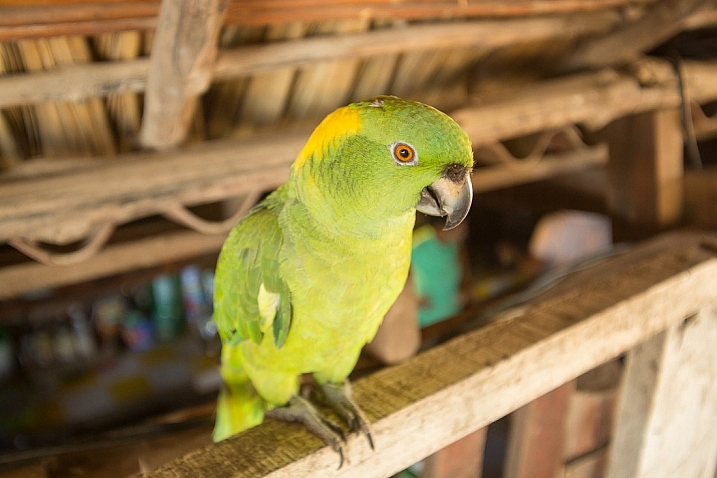
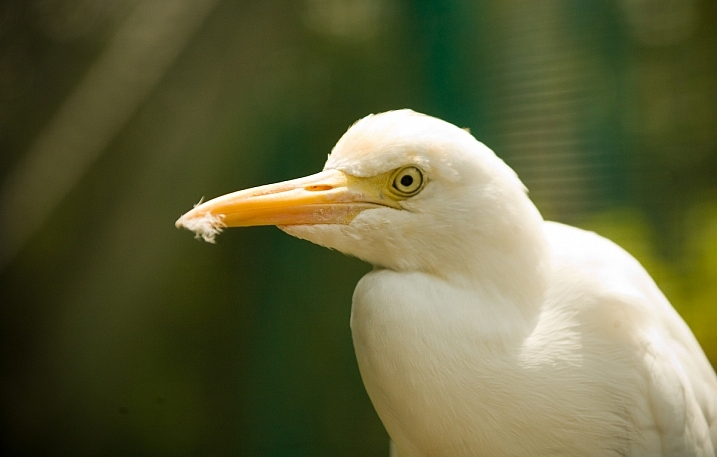
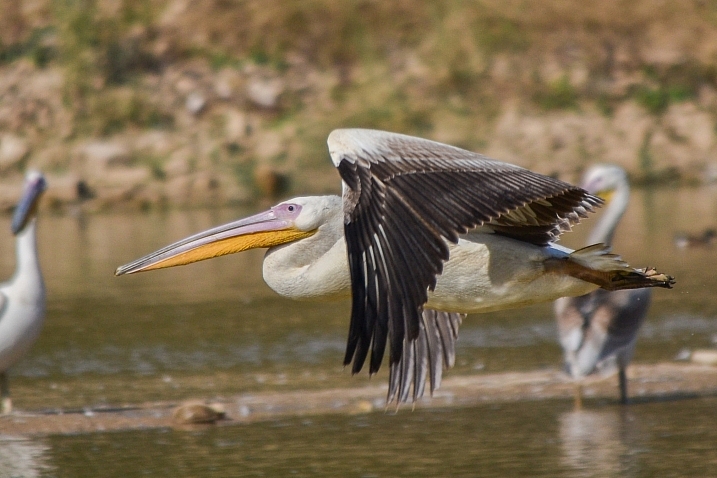
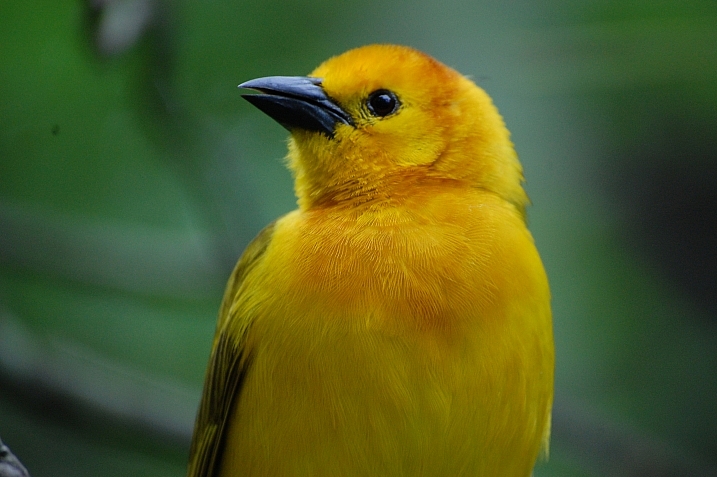
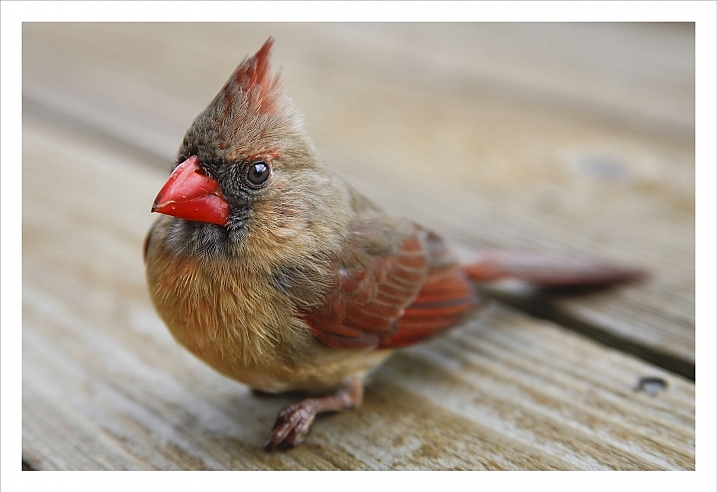
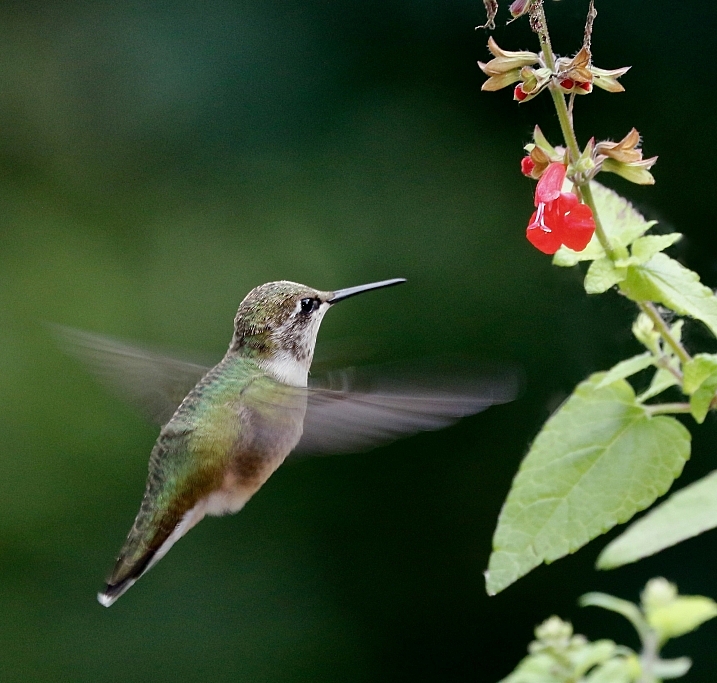
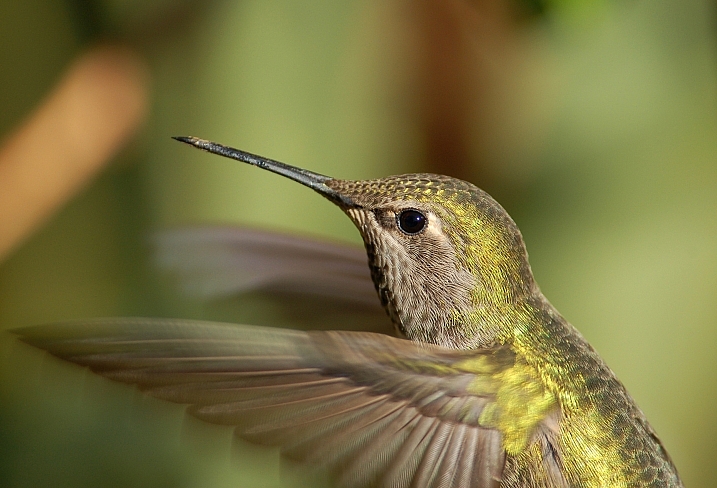
24 Fantastic Photos of our Fine Feathered Friends – Birds

by Darlene Hildebrandt

As we just wrapped up a week of nature photography related articles I wanted to round it out with a few images of our feathered friends, the birds.

Birds are incredibly hard to photograph when in motion, luckily some stick to the ground or are slower than others. Let’s see some fantastic examples of bird photography (I’ll even throw in a few of my images) – enjoy!

Irene Mei

By Irene Mei

Darlene Hildebrandt

By Darlene Hildebrandt

Darlene Hildebrandt

By Darlene Hildebrandt

Deven Dadbhawala

By Deven Dadbhawala

Amro

By Amro

Glasseyes View

By glasseyes view

Carolyn Lehrke

By Carolyn Lehrke

Sadie Hart

By Sadie Hart

Susanne Nilsson

By Susanne Nilsson

Ken Mattison

By Ken Mattison

Vikramdeep Sidhu

By Vikramdeep Sidhu

Alessandro Caproni

By Alessandro Caproni

Bee Thalin

By Bee Thalin

Rosanne Haaland

By Rosanne Haaland

Zach Stern

By Zach Stern

Christopher Michel

By Christopher Michel

Ian McMorran

By Ian McMorran

Teddy Llovet

By Teddy Llovet

Irene Mei

By Irene Mei

Smudge 9000

By Smudge 9000

Jon Dunne

By Jon Dunne

Matt Knoth

By matt knoth

RayMorris1

By RayMorris1

Daniel Schiersner

By Daniel Schiersner

The post 24 Fantastic Photos of our Fine Feathered Friends – Birds by Darlene Hildebrandt appeared first on Digital Photography School.

22 Jul 14:43

Austin cops investigated for violence, racist remarks against black teacher

by Mark Frauenfelder

richter

Last year, Austin police office Bryan Richter approached a woman in a parking lot and told her to get back into her car. He told the woman, a black 26-year-old school teacher that he'd seen her speeding a few minutes earlier. The woman hesitated and questioned him but got in the car. But she kept her feet out of the car. Officer Richter pulled her from the car and violently slammed her to the ground twice. He handcuffed her and arrested her.

As she was sitting in the back of a patrol car on the way to jail, Richter's partner explained to the woman that it was necessary to throw her to the ground and handcuff her because black people have "violent tendencies."

The officers' superiors reviewed the video and gave Officer Richter the lowest level of discipline: counseling and training. Since that time, the video was viewed by higher ranking members of the force and both officers have been pulled from the streets pending a full investigation. Charges against the woman were dropped.

From KVUE:

While King was being transported to jail on a charge of resisting arrest, she spoke with Officer Patrick Spradlin about relations between officers and the black community. Police video caught some of Spradlin’s explanations about why some people fear African-Americans.

“I can give you a really good idea why it might be that way. Violent tendencies. And I want you to think about that,” Spradlin said on video.

Charges against King were dropped after prosecutors saw the video of her being slammed to the ground. Travis County District Attorney Rosemary Lehmberg said her office viewed the dash camera video two weeks ago and has asked APD’s Special Investigations Unit to assist them. Lehmberg said the case will likely go before a grand jury.

22 Jul 14:42

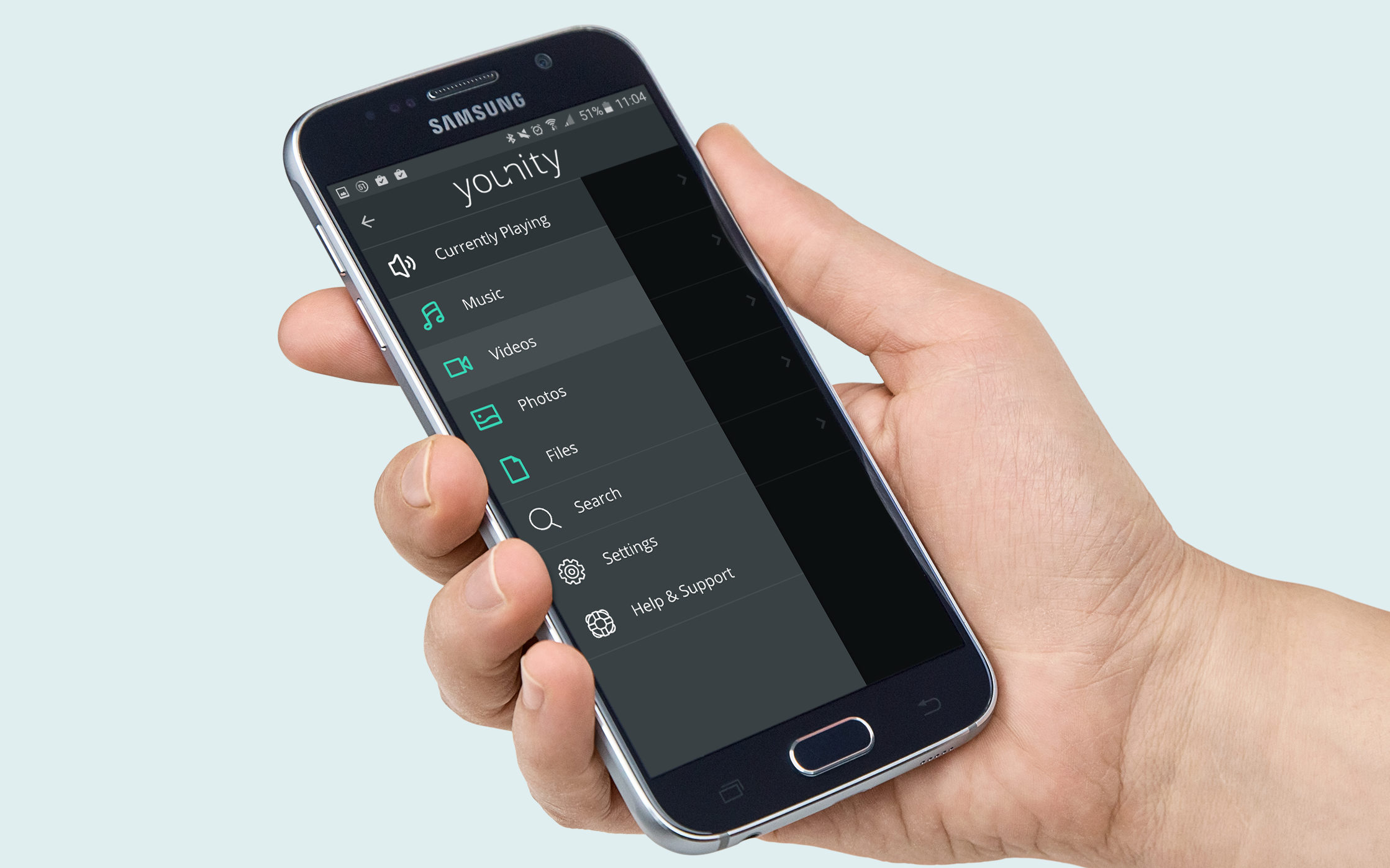
Access your Mac or PC's media library from anywhere with younity for Android [Sponsored Post]

by A Word From Our Sponsor

lifestyle-ui-main-menu

Accessing your media library from multiple devices can be unnecessarily complicated. Want to share a photo from your computer to your friends via WhatsApp for Android? Normally, you’ll be spending several minutes moving things around. Want to use your Android device as a remote for streaming media on your PC to your TV? You might not even know where to start. younity, available for Android, iOS, Mac, and Windows, makes these tasks and many others simple.

Read More

Access your Mac or PC's media library from anywhere with younity for Android [Sponsored Post] was written by the awesome team at Android Police.

22 Jul 13:21

Watch the first teaser trailer for Marvel's The Defenders

by Kwame Opam

Marvel outdid itself for its Netflix panel at San Diego Comic-Con this year. In addition to debuting new footage for Luke Cage, the studio showed a teaser for next year's The Defenders. The event series promises to be an Avengers-esque crossover featuring Daredevil, Jessica Jones, Luke Cage, and Iron Fist, all facing a mystical evil that threatens to swallow New York City whole.

While the teaser itself doesn't show much in the way of footage (the spot is largely ominous voiceover followed by Nirvana's "Come As You Are"), we do know that it will likely relate to the Chaste, the holy order Daredevil's mentor Stick leads in its mission to keep the world safe from darkness. We're sure to learn more in the months ahead. The Defenders debuts...

Continue reading…

22 Jul 13:20

Marvel confirms Daredevil is coming back to Netflix for a third season

by Rich McCormick

Daredevil will return to Netflix for a third season, Marvel confirmed today during San Diego's Comic-Con. The comic company marked its announcement with a tweet and a short video clip showing Hell's Kitchen subway station. It didn't reveal any details about the upcoming series, but expect some changes to the cast, as Frank "The Punisher" Castle, introduced in season two, shuffles off to star in his own show.

Marvel also didn't confirm when Matt Murdoch, Foggy, and friends will actually be back on the streaming service, but a third season will join a slate of upcoming Marvel shows, including Luke Cage, Iron Fist, and a second series of Jessica Jones. That's in addition to Defenders, the crossover miniseries that will unite Marvel's...

Continue reading…